Masterpage:Right-No-Heading
EN 45
Filename [XVC2829US_08DVD.fm]
Page 45 8 December 2004 10:37 am
Angle Selection
You can enjoy a variety of scene angles if the DVD VIDEO disc
contains “multi-angle” parts, where multiple cameras were used
to shoot the same scene from different angles.
● During playback
1 Access the menu.
Press ANGLE.
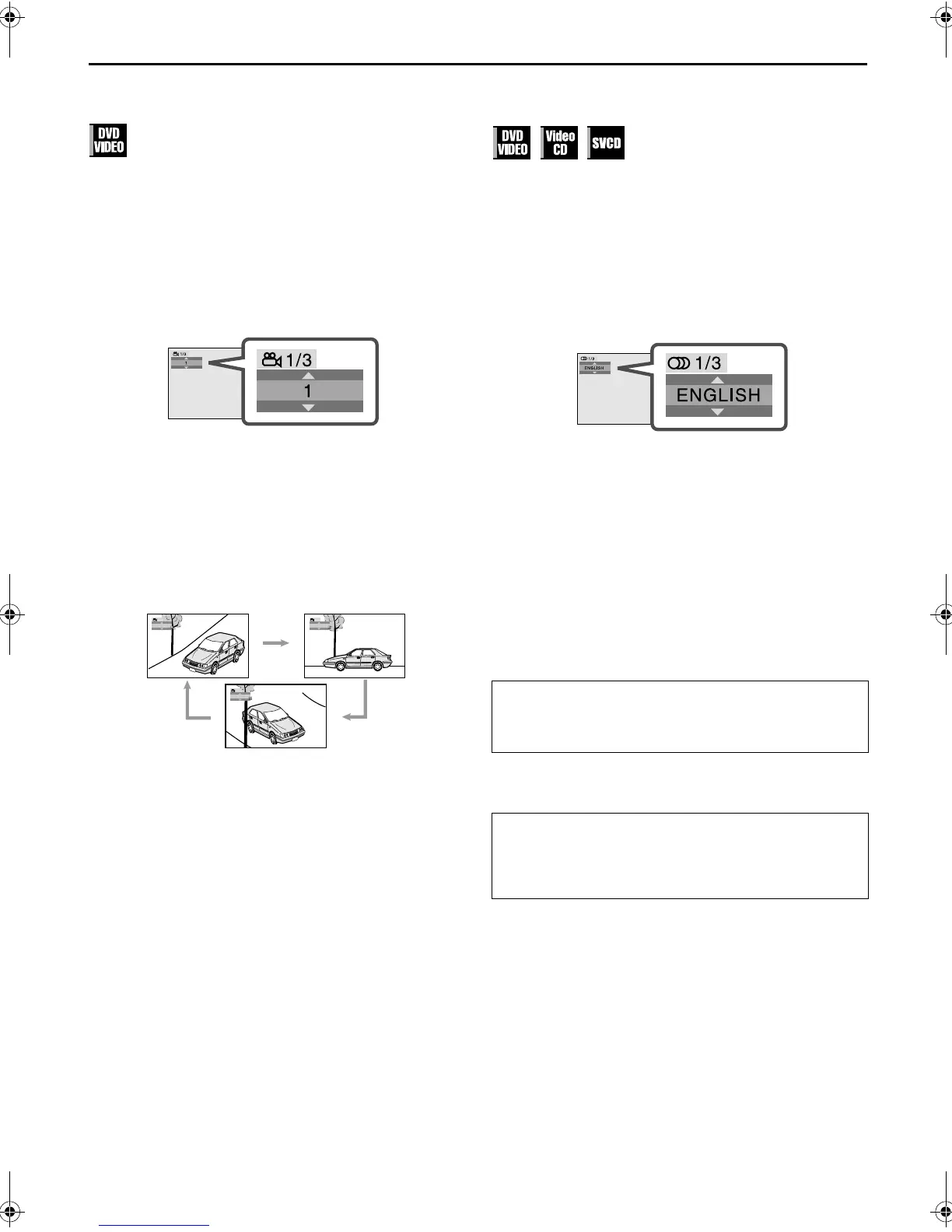
● The following pop-up window appears on the TV screen.
Example: The first view angle is selected out of 3 view angles
recorded.
2 Select the view angle.
Press rt or ANGLE repeatedly to select the desired
view angle.
● Each time you press the button, the angle of the scene
changes.
● The pop-up window disappears if no operation is done for
about 5 seconds.
Example:
1/3]2/3]3/3](Back to the beginning)
Audio Language and Sound Selection
The audio selection setting allows you to change the audio
language of a movie, or to listen to karaoke with or without the
vocal.
● During playback
1 Access the menu.
Press A.MONITOR.
● The following pop-up window appears on the TV screen.
Example: “ENGLISH” is selected out of 3 audio languages
recorded during DVD VIDEO playback.
2 Select the audio setting.
Press rt or A.MONITOR repeatedly to select the
desired audio language.
● Each time you press the button, the audio selection changes.
● The pop-up window disappears if no operation is done for
about 5 seconds.
DVD VIDEO (example)
1/3 ENGLISH]2/3 FRENCH]3/3 SPANISH](Back to the
beginning)
Video CD
ST]L]R](Back to the beginning)
SVCD
ST 1]ST 2]L 1]R 1]L 2]R 2](Back to the beginning)
NOTE:
For DVD VIDEO discs, some audio languages are abbreviated in
the pop-up window. See “Language Code List” (
墌 pg. 21).
1
1/3
2
1/3
3
1/3
ST:
To listen to normal stereo playback.
L:
To listen to L (left) audio channel only.
R:
To listen to R (right) audio channel only.
ST 1/ST 2:
To listen to normal stereo playback of ST 1 or
ST 2 channel.
L 1/L 2:
To listen to the L (left) 1 or 2 audio channel.
R 1/R 2:
To listen to the R (right) 1 or 2 audio channel.
XVC2829US_01.book Page 45 Wednesday, December 8, 2004 10:48 AM



 To Next Page