15ENGLISH
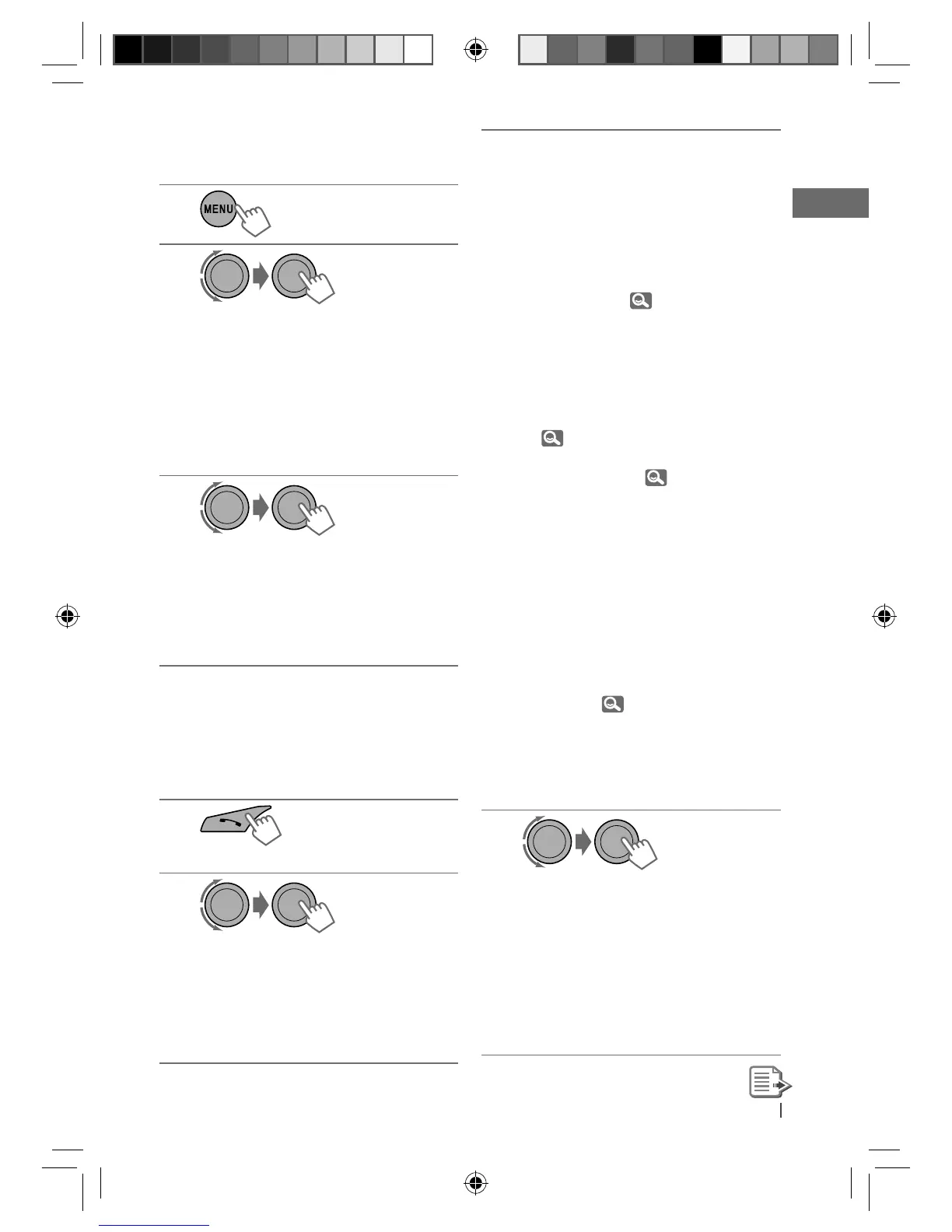
Connecting/disconnecting a
registered device
1
2
] <BLUETOOTH> ] <CONNECT PH/
CONNECT AU> or <DISCONNT PH/
DISCONNT AU>.
• For connecting a device, go to step 3.
• For disconnecting a device,
“DISCONNECT” and “[Device Name]”
appear alternately on the display
when the device is disconnected.
3
]
Select a device you want to connect.
• “CONNECTING” and “[Device Name]”
appear alternately, then “CONNECTED”
and “[Device Name]” appear
alternately on the display when the
device is connected.
Using a Bluetooth mobile
phone
Making a call
1
] Enter “Call Menu” screen.
2
] Select the method to make a call.
• DIALED *
1
: Shows the list of the phone
numbers you have dialed. Go to the
following step.
• RECEIVED *
1
: Shows the list of the
received calls. Go to the following step.
[Hold]
• MISSED CALL *
1
: Shows the list of the
missed calls. Go to the following step.
• PHONEBOOK *
2
: Shows the name/
phone number of the phonebook
registered in the unit or from the
connected phone *
3
. Go to the
following step.
– To copy the phonebook memory, <P.
BOOK WAIT>,
19.
– If the phonebook contains many
numbers, you can fast search (±10,
±100, ±1000 numbers) through the
phonebook by turning the control
dial quickly.
– To search through the phonebook,
16.
• DIAL NUMBER: Shows the “Dial
Number” screen. (
16)
• VOICE DIAL (only accessible when
the connected mobile phone has the
voice recognition system): Speak the
name (registered words) you want to
call when “SAY NAME” appears *
4,
*
5
.
*
1
“NO HISTORY” appears if there is no
history stored.
*
2
“NO DATA” or “SEND P. BOOK”
j
“MANUALLY” appears depending on
the <P. BOOK SEL> settings.
*
3
Depends on the <P. BOOK SEL>
settings, 19.
*
4
Operations may be different according
to the connected device.
*
5
“NOT SUPPORT” appears if the
connected phone does not support
this feature.
3
]
Select the name/phone number you
want to call.
• When the sound is stopped or
interrupted during the use of a
Bluetooth device, turn off, then turn
on the unit.
– If the sound is not yet restored,
connect the device again using
<CONNECT PH>.
EN12-21_KD-R711_003A_5.indd 15EN12-21_KD-R711_003A_5.indd 15 12/17/09 5:24:05 PM12/17/09 5:24:05 PM



 To Next Page
 Loading...