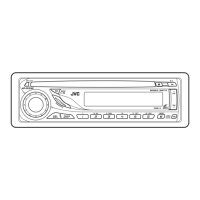
(No.49837)1-25
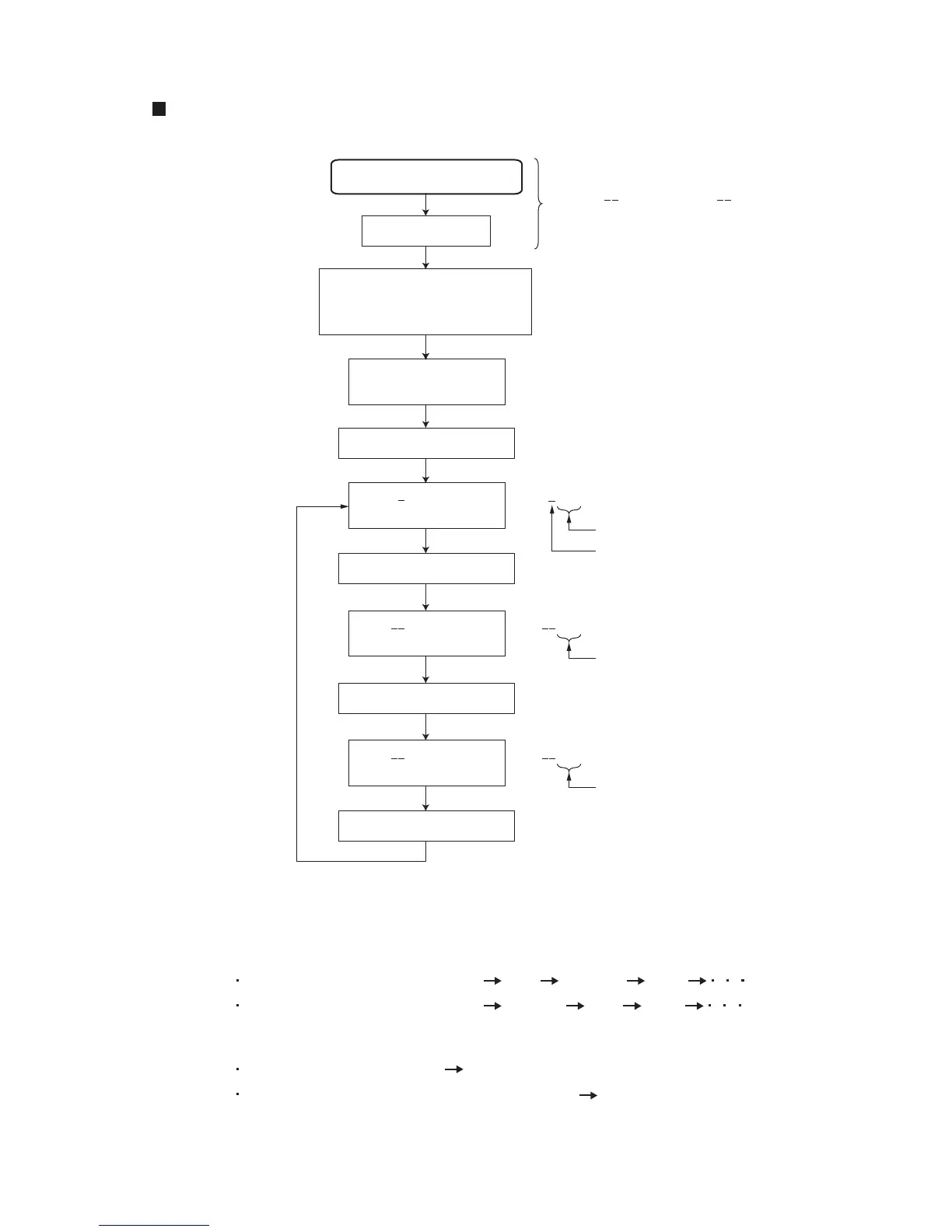
3.2 Service mode
Operation method
Insert the test disc
Press the [CD], [SEL]
and [POWER] keys
simultaneously for 2 seconds.
MAIN 400
Press the [SEL] key
"VERSION" is
indicated on the LCD.
"MAIN 400" is
indicated on the LCD.
Main micon software version
Space
SUB 225
"SUB 225" is
indicated on the LCD.
Sub micon software version
Press the [F.SKIP] key
VCD 144
"SUB 144" is
indicated on the LCD.
VCD/CD control IC software version
Press the [F.SKIP] key
Press the [F.SKIP] key
Sequence of LCD diaplay
Press the [B.SKIP] . . . . . . . . MAIN VCD/CD SUB MAIN
Press the [F.SKIP] . . . . . . . . MAIN SUB VCD/CD MAIN
Cancellation of service mode
No operation for ten seconds Return to normal display
Press the key except for [F.SKIP] or [B.SKIP] key Return to normal display
"TOC read" starts
(Note)
If "SUB 000" and "VCD 000"
are indicated on the LCD,
these operations are required.


 To Next Page
 Loading...