ENGLISH
5OPERATIONS
Before using the remote controller:
• Aim the remote controller directly at the remote
sensor on the unit.
• DO NOT expose the remote sensor to bright light
(direct sunlight or artificial lighting).
Installing the lithium coin battery (CR2025)
Caution:
• Danger of explosion if battery is incorrectly replaced.
Replace only with the same or equivalent type.
• Battery shall not be exposed to excessive heat such as
sunshine, fire, or the like.
If the effectiveness of the remote controller
decreases, replace the battery.
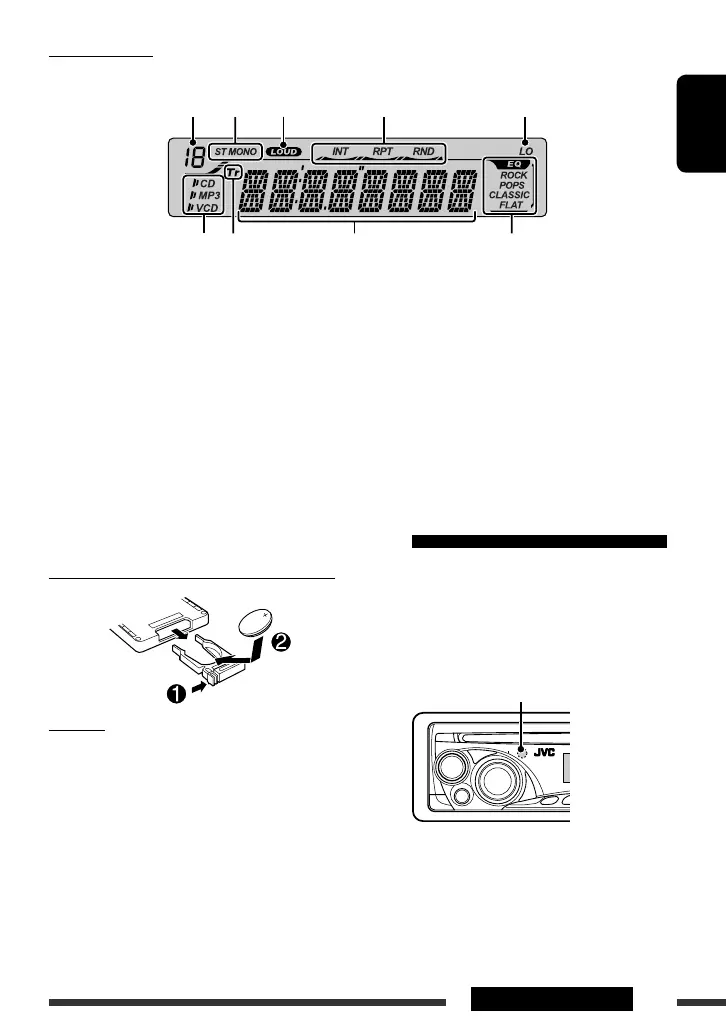
Display window
1 Preset number / track (F), folder (d) indication
2 Tuner reception indicators—ST (stereo), MONO
(monaural)
3 LOUD (loudness) indicator
4 Playback mode indicators—INT (intro),
RPT (repeat), RND (random)
5 LO (local) indicator
6 Disc type—CD, MP3, VCD
7 Tr (track) indicator
8 Main display
9 EQ (equalizer) indicator and sound mode
indicators—ROCK, POPS, CLASSIC, FLAT
Using the remote controller (RM-RK121)
Continued on the next page
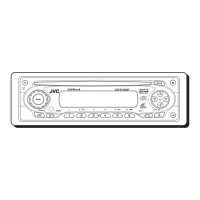
Remote sensor
12 3 4 5
67 98
EN_KD-SV3706[US].indb 5EN_KD-SV3706[US].indb 5 08.12.11 3:09:59 PM08.12.11 3:09:59 PM



 To Next Page