15
TEXT
C:/
DCIM File name : DCIM
JVC demo File type : Folder
New Folder (2)
FILE
C:/
DCIM File name : DCIM
JVC demo File type : Folder
New Folder (2)
Delete >
FILE
C:/VIDEO_TS/
I love you.wma
Watching from external source (continued)
VEDIO
C:/VIDEO_TS/
Abc File name : Abc
Xyz File size : 229MB
Pop File type : Div
[MUSIC] (continued)
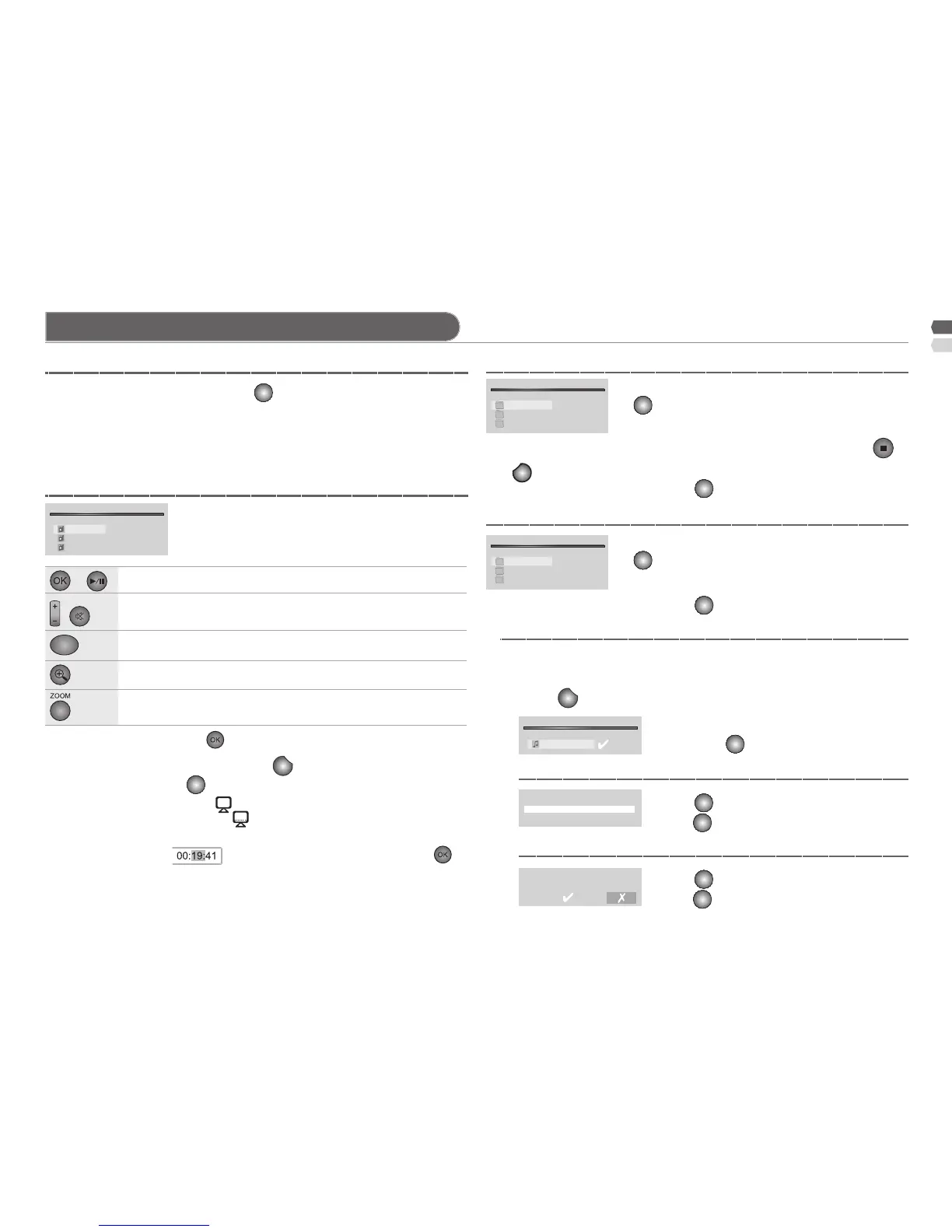
[MOVIE] To display the movies.
[TEXT] To open the text le.
[FILE] To copy and delete le.
[Copy / Delete] Copy or Delete le.
[Copy] Select folder to copy the le stored.
[Delete] Select [√] to delete. (Select [X] to cancel delete)
To show the les in a folder, press •
on the folder.
The song that is selected will run automatically. The detail of that song •
will be shown inside the frame on the right. After nish the song, the next
will be played accordingly.
To exit from the text which being run and back to the text list by press •
or
BACK
.
To show the les in a folder, press •
on the folder.
To show the les in a folder, press •
on the folder.
/ To select a movie.
To show the le list, press • the folder.
To display the operation bar by press •
, select the operation by
press / then press
.
Display subtitle by select - in the operation bar. When subtitle
displayed, the icon will show . (if your le has subtitle)
When watch the movie, you can select time at the operation by press - to
choose position as , press / for setting time then press .
The movie that is selected will be displayed the detail inside the frame •
on the right.
/ To select le.
To open le.
Select [Copy] or [Delete] as you want.
Then press
to start process, when nished
press
to start process, when nished
press
again, the le is disappeared.
/ To select le.
or To enter in the le.
To exit and back to previous status.
1 Select le by press , then a mark [√] will be shown.
To make another le, repeat step 1.
2 Press
, then indication for [Copy] and [Delete] to be shown.
Copy >
C: JOHN / NEW / DP
or
Play / Pause the movie.
VOL
/
Volume adjust / Mute
S
Select audio language.
(If le has many audio language)
Enlarge to double, 4, 8, and 16 times.
Change the aspect ratio.



 To Next Page