17
Technical information
Connect "DVI" devices 5.1Ch Out speaker table
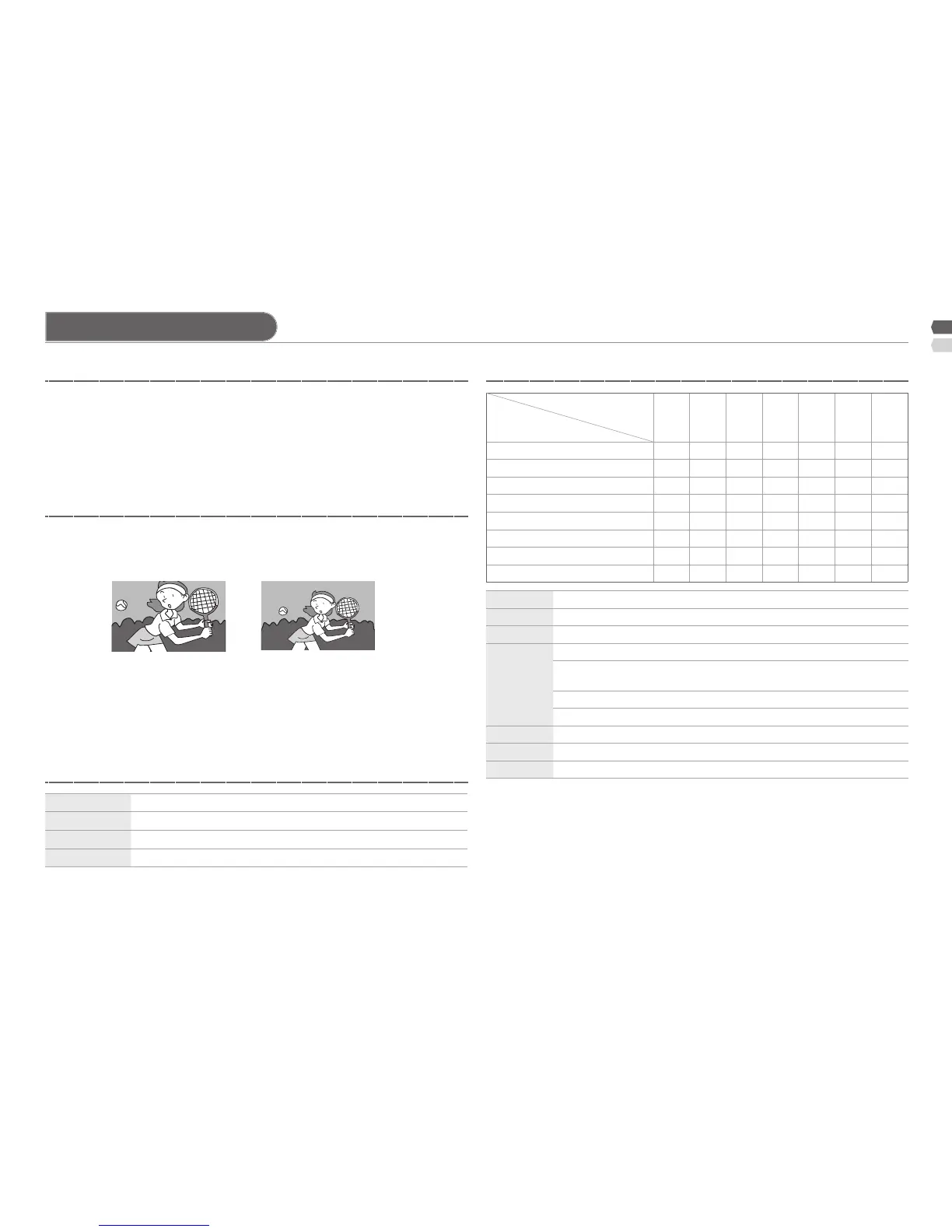
What is "Full Native" ?
FormatleinUSBthatthisTVcansupport
Full Full Native
Connect a "DVI" device to "HDMI" using "DVI-HDMI" conversion cable.
Connect analogue sound output of the DVI device to PC/HDMI-1
(ANALOG AUDIO) terminals in HDMI-1.
Set "Audio" in "HDMI Setting" to "Analogue" or "Auto".•
HDMI-2 and HDMI-3 input does not support analogue sound.•
HDMI-2 and HDMI-3 input does not support DVI devices.•
Position
Speaker
Setting
L R C TV RS LS SUB
Off *0 *0 X *1 X X X
0.1Ch *0 *0 X *1 X X O
2.1Ch O O X X X X O
3.1Ch O O O X X X O
3.1ChTV O O O *2 X X O
4.1Ch O O X X O O O
5.1Ch O O O X O O O
5.1ChTV O O O *2 O O O
With the full HD LCD display and "Full Native", you can enjoy full native •
HD resolution of 1920 x 1080. It exposes aws in the video that were
hidden when viewing on "Full".
PHOTO
JPEG, PNG, BMP, GIF
MUSIC
MP3, WMA, WAV
MOVIE
MPEG1, MPEG2, MPE4, RMVB
TEXT
Text
L
Left Speaker
R
Right Speaker
C
Center Speaker
TV
TV Speaker
*0
L or R sound like the usual TV Speaker. But you can not change the
volume on the menu 5.1Ch Out (P.11).
*1
It functions as LR speaker.
*2
It functions as Center speaker.
RS
Right Surround Speaker
LS
Left Surround Speaker
SUB
Subwoofer Level
MOVIE le, supported up to 720 x 576 x 24 or 800 x 600 x 30 •
compressed video resolution (SD mode)
To optimize your sound performance including 5.1Ch technology, •
refer your 5.1Ch speakers system instruction manual for setting and
adjustment.
The illustrations are emphasised to make clear differences between •
"Full" and "Full Native".
Dark bar or noise may appear at the edges of the screen when viewing •
in "Full native" for some videos. This is resulted from the signal itself, not
due to TV malfunction.



 To Next Page