EasyManua.ls Logo

JVC RA-D58B - Connecting To The Internet; Setup Wizard and Date;Time

JVC RA-D58B
44 pages
Print Icon
To Next Page IconTo Next Page
To Previous Page IconTo Previous Page
Loading...
conneS,!!19,!gf'hg.!Rl9ll.ret,ForTheFilqtf
!--g.,..-.,
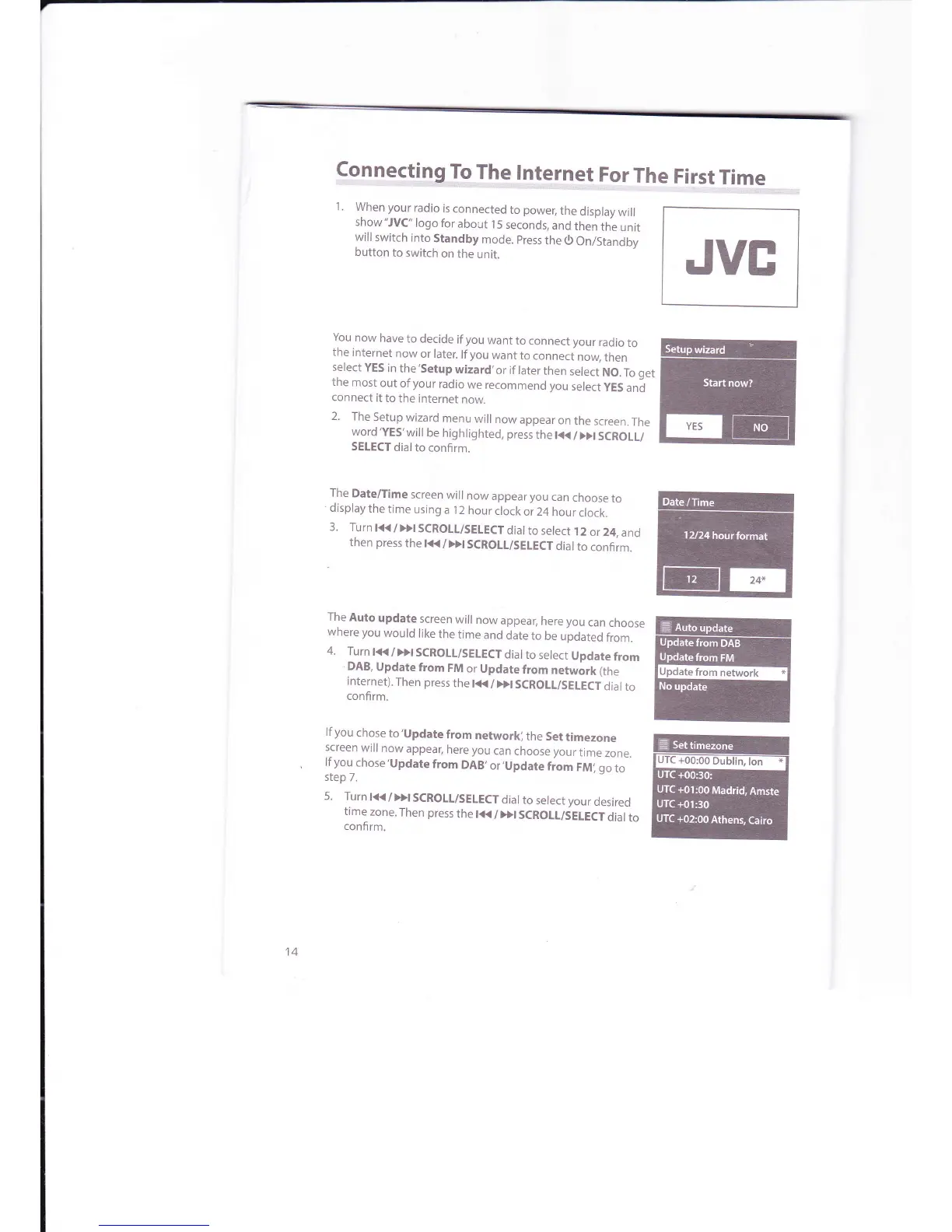
1.
When
your
radio
is
connected
to
power,
the
display
will
show
"JVC"
logo
for
about
l
5 seconds,
and
then
the
unit
will
switch
into
Standby
mode.
press
the
0
On/Standby
button
to switch
on
the
unit.
You
now
have
to decide
if
you
want
to
connect your
radio
to
the
internet
now
or later.
lfyou
want
to
connect
nory
then
select
YES
in
the'Setup
wizard,or
if later
then
select
NO.
To
get
the
most
out
of
your
radio
we recommend
you
select
yES
and
connect
it
to
the internet
now.
2.
The
Setup
wizard
menu
will
now
appear
on
the
screen.
The
word'YES'
wlll
be
highlighted,
press
the t(
/
Dt
SCROLL/
SELECT
dialto
confirm.
The
Date/Time
screen
will
now
appear you
can
choose
to
display
the
time
using
a
l2
hour
clock
or 24
hour
clock.
3.
Turn
l<</>}ISCROLL/SELECTdial
to select
12
or
24,
and
then
press
the l<K
/
Dt
SCROTL/SEIECT
dial
to
confirm.
The
Auto
update
screen
will
now
appear,
here you
can
choose
where
you
would
like
the
time
and
date
to
be
updated
from.
4.
Turn
t<<
/
>>t
SCROLL/SELECT
dial
to
select
Update
from
DAB,
Update
from
FM
or Update
from
network
(the
internet).
Then press
the
lt{
/Dt
SCROLL/SELECTdial
to
confirm.
lf
you
chose
to'Update
from
networkl
the
Set
timezone
screen
will
now
appear,
here you
can
choose your
time
zone.
lf
you
chose'Update
from
DAB,
or,Update
fiom
FMi go
to
step
7.
5.
Turn
t(/DISCROIL/SEIECT
dial
to select your
desired
time
zone.
Then press
the
t<<
/
>>t
SCROLL/SELECT
dial
to
confirm.
JVE

Related product manuals