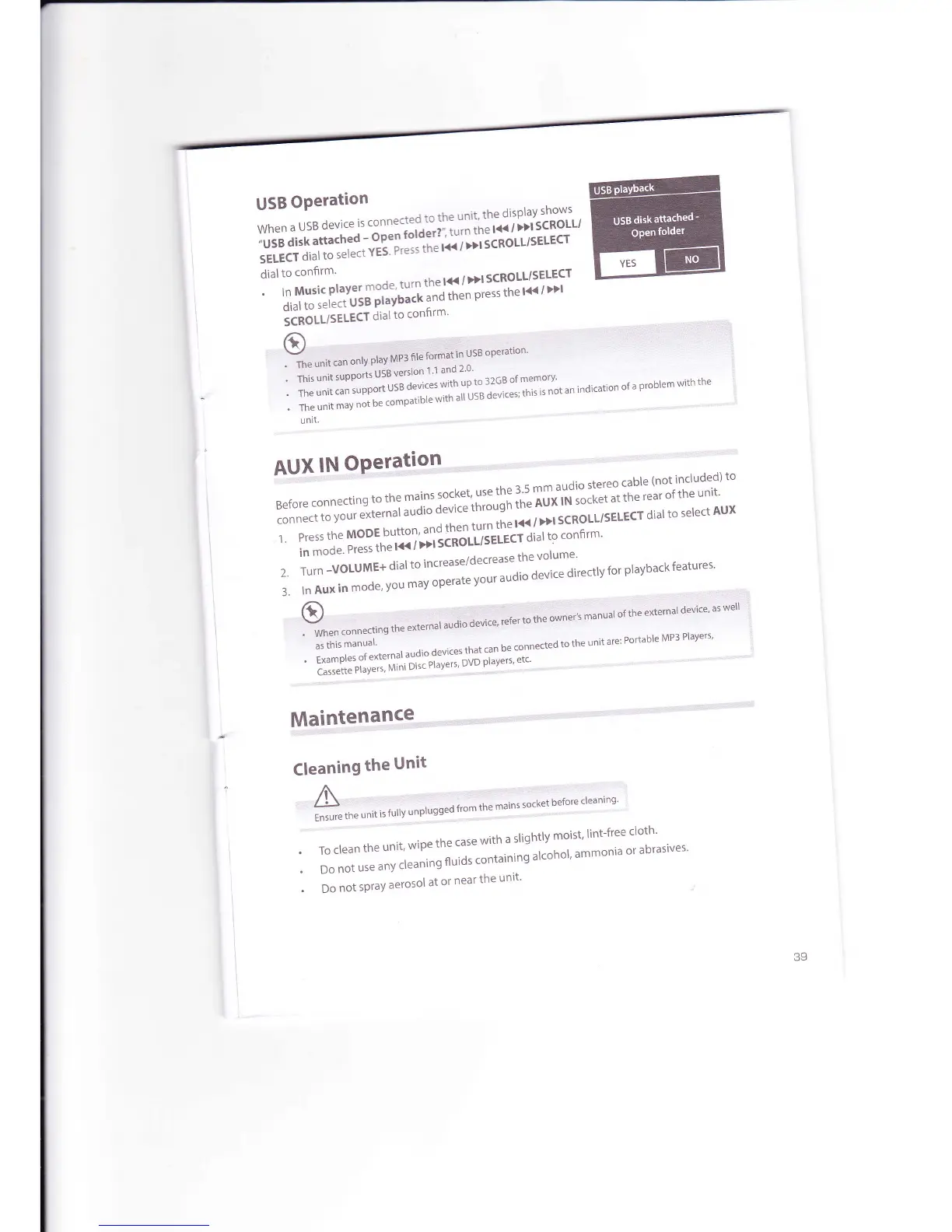
USB
OPeration
wh
e
n
a
u
5
B
d
ev
i
ce
i
s':
"
"
"'i:l,:",il:
::' htl,::';
llXtt'HJ';
[iTJiy;:,i::i'H'-'3ili''.i'*'ySl::#f,
l',:l:'*'
"#$'f,
:ffi
:n:'-t"t!?::'1i
"
*'
*'
t
cRo
LL/
sELEcr
:'''llil:.ii1,;:r11"j::L'I"jilJfi
f
,',i*il:i'j':'
ri.t rn <plect
USB
Playb
lii
otlitttttr
dialto
confirm'
tt)
:
Y"
unit.un
only
play
MP3
file
format
in
USB
operation
#,;;';'il
dl
::l::i:l
illll,o,,o,
o,,".o,u
The
unit
can
supp''
utu
dl11liil,Li'..'
i,iu
0"""*'
*is
is
not
an
The
unit
may
not
be
compatible
v
',:
indication
of
a
Problem
with
the
unit,
AUX
lN
OPeration
Before
connecti"s."1.1:
T,1ff,jliiiil,ilj,lifii^l1**'ii:::1""""::i:':"$""1il':"j;?]to
l"^"""
.
u""r
external
audio
device
tn:::::
-:;;
;cRoLL/sELEcr
dial
to
select
AUX
,1
Press
the
MoDE
button'
ani:['Jru[i1".i'ilui,l
'ono'n]'
in
mode'
Press
the
l<<
'
2.
Turn -VOLUME+
dial
to
increase/decrease
thevolume'
3.lnAuxinmode'vou,"t;;;:;t;;raudiodevicedirectlvforplavbackfeatures'
O
-::::i*t"l
audio
device'
refe'
.o
*"
";;;t;;;un'io
o"n"
"*"'nal
device;as
well'I
'
When
connecting
the
e)
'
L
iilr
'i.;;.1
-
-L
^,
---
ha ronnected
to
the
unit
are:
Portable
MP3
Players'
.
r".''
o'
"'
"'
"-'":::l
:l#ri""J"li',jl$
;il|,",,'"":
*""'
Cassette
Players'
Mini
ulsc
rrdycr
)
e
' -
r'
'
Maintend!!-C.9-.r,,,,,,...,,,.,,.,r,,r,,,,,,r
""
Cleaning
the
Unit
A
!
'r"
"^nl"gged
from
the
mains
socket
before
cleaning'
Ensure
the
unit
is
fullY
unPtu
.
To
clean
the
unit'
wipe
the
case
with
a
slightly
moist'
lint-free
cloth'
.
Do
not
use
any
O"t"'"n
OtO"ontuinlng
alcohol'
ammonia
or
abrasives'
.
oo
not
spray
aerosol
at
or
near
the
unit'
39



 To Next Page