EasyManua.ls Logo

JVC RA-D58B - Internet Radio Operation - Presets; Saving Favourite Stations; Recalling a Preset Station

JVC RA-D58B
44 pages
Print Icon
To Next Page IconTo Next Page
To Previous Page IconTo Previous Page
Loading...
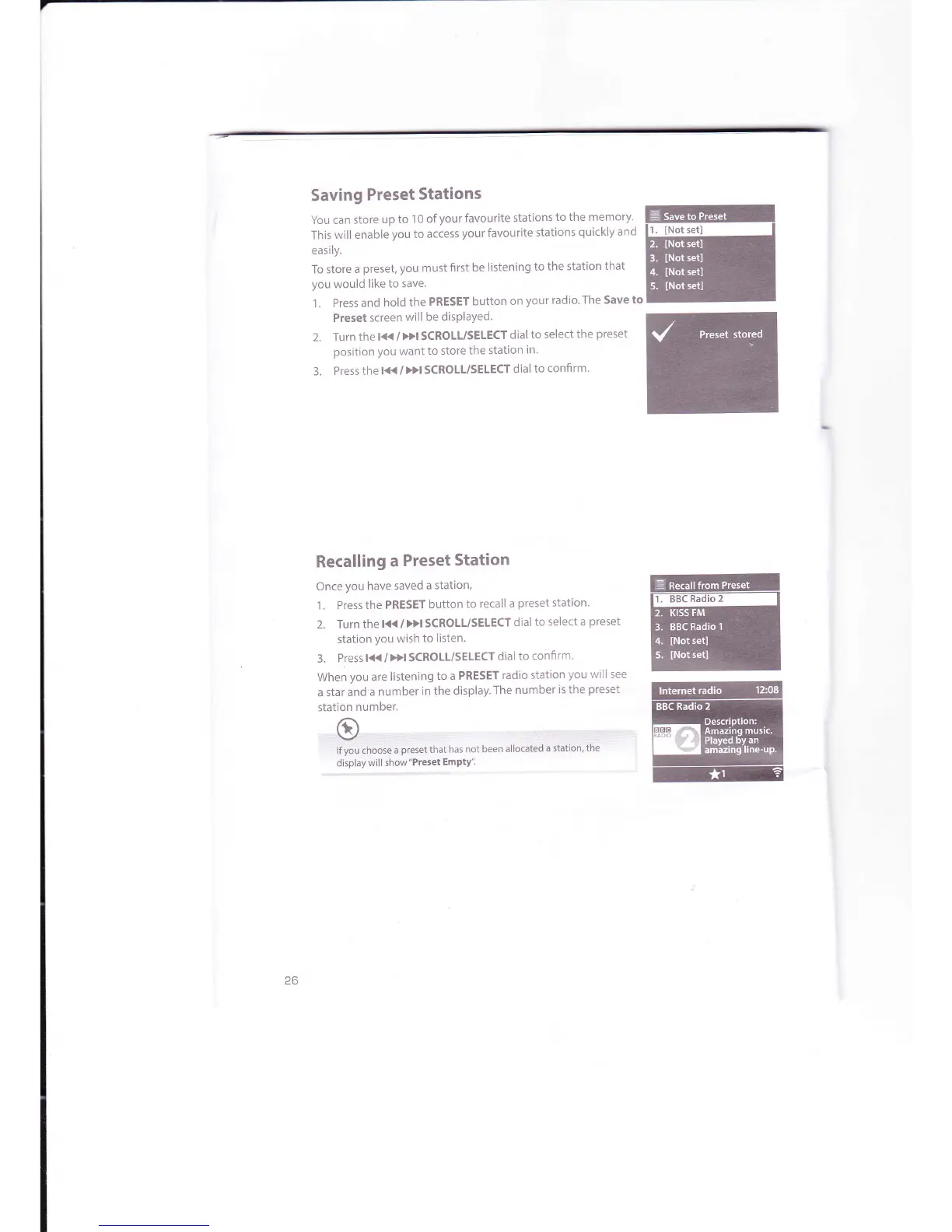
Saving
Preset
Stations
You can
store
up to
1 0
of
your
favourite
stations
to the memory'
This
will enable
you
to
access
your
favourite
stations
quickly
and
easily.
To store
a
preset, you must
first be
listening
to
the station
that
you
would
like
to save.
1.
Press and
hold
the
PRESET
button
on
your
radio'The Save
to
Preset
screen
will
be disPlaYed.
2.
Turn
the
l{<
/
>>l SCROLT/SELECT
dial
to
select
the
preset
position
you
want
to
store
the station
in.
3.
Press thel{{/DISCROIL/SELECTdial
to
confirm'
Recalling
a
Preset
Station
Once
you
have
saved
a station,
1. Press
the
PRESET
button
to recall
a
preset
station.
2. Turn
the
l<<
/
>>l SCROLL/SELECT
dial
to
select a
preset
station
you
wish
to
listen.
3.
Press
l((
/
Dl SCROLT/SELECT
dial
to
confirm.
When
you
are
listening
to a PRESET
radio
station
you
will
see
a star
and
a number
in the
display.
The
number
is the
preset
station
number.
r:il;::lirOi:i::ir:r.rr:'rr:::.:::.,:.
'
rifyou
choose
a
preset
that
has not been
allocated
a statiori,
the
display
will show"Preset
EmPtY".
riltmill
ffi
26

Related product manuals