10
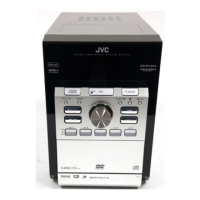
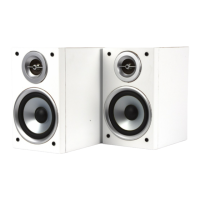
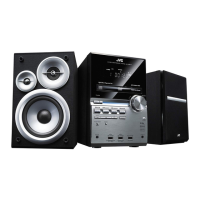
UX-G616
13
15
14
12
11
9
3
1
2
10
8
4
5
6
7
23
22
17
18
21
1
3
6
5
2
15
9
10
13
7
4
8
11
12
14
16
19
20
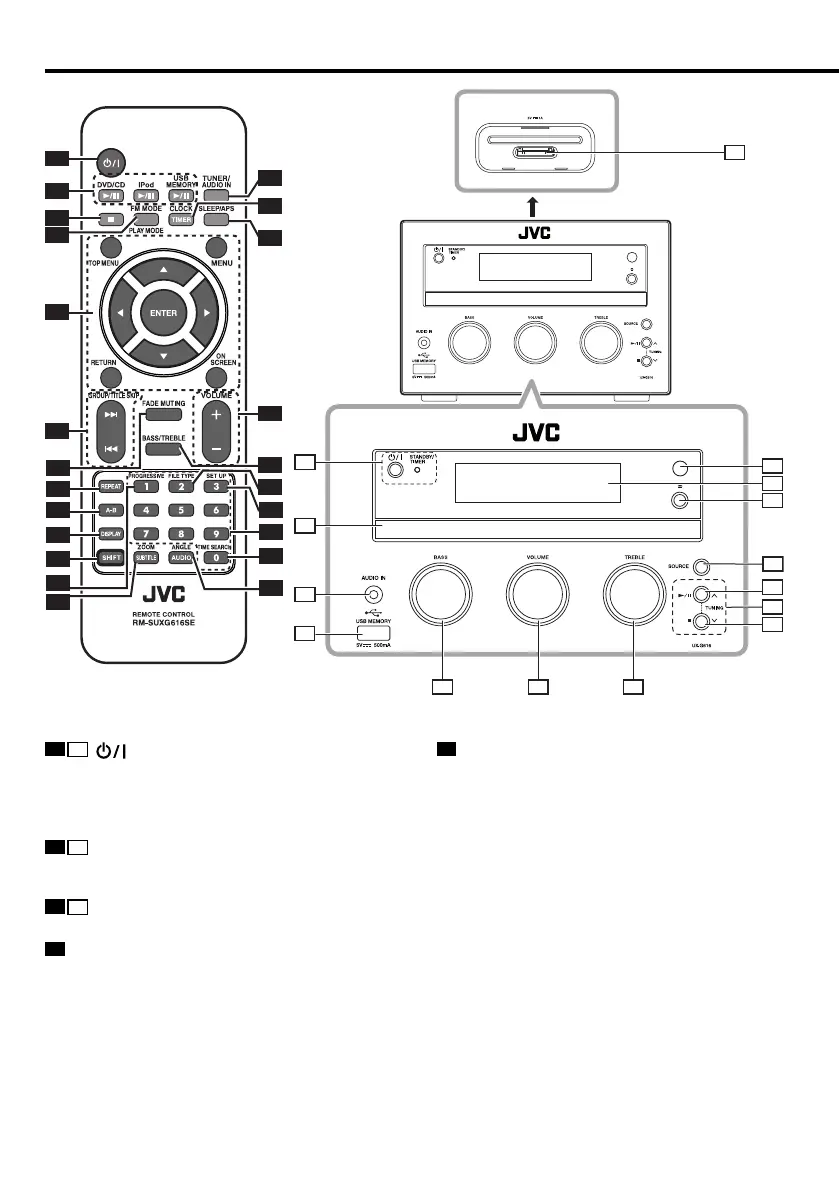
Component names and functions
5
MULTI CONTROL 5/∞/2/3 buttons
To select a setting item.
5/∞ buttons
To tune to higher/lower radio frequency or search
radio stations for TUNER.
ENTER button
To enter the selected item.
RETURN button
To Return on a Video CD with PBC.
ON SCREEN button
To access On-Screen Display.
TOP MENU button
To view the DVD top menu.
MENU button
To view the DVD menu.
1
1
button
To switch the system on or to standby mode.
STANDBY/TIMER indicator
Red lighting: Ordinary standby mode
Orange lighting: Timer standby mode
2
10
3/8 button
To start or interrupt playback for DVD/audio file, video
file, iPod/iPhone, or a selected source.
3
8
7 button
To stop playback for DVD, audio file and video file.
4
FM MODE/PLAY MODE button
To switch between stereo mode and mono mode for
TUNER.
To program tracks/files for CD and audio file.
To play back tracks/files for CD and audio file at
random.
UX-G616[USUBUXUA]4th.indd10UX-G616[USUBUXUA]4th.indd10 11.9.211:57:52PM11.9.211:57:52PM


 To Next Page
 Loading...