6
How to use your lock
6.1
Normal Mode
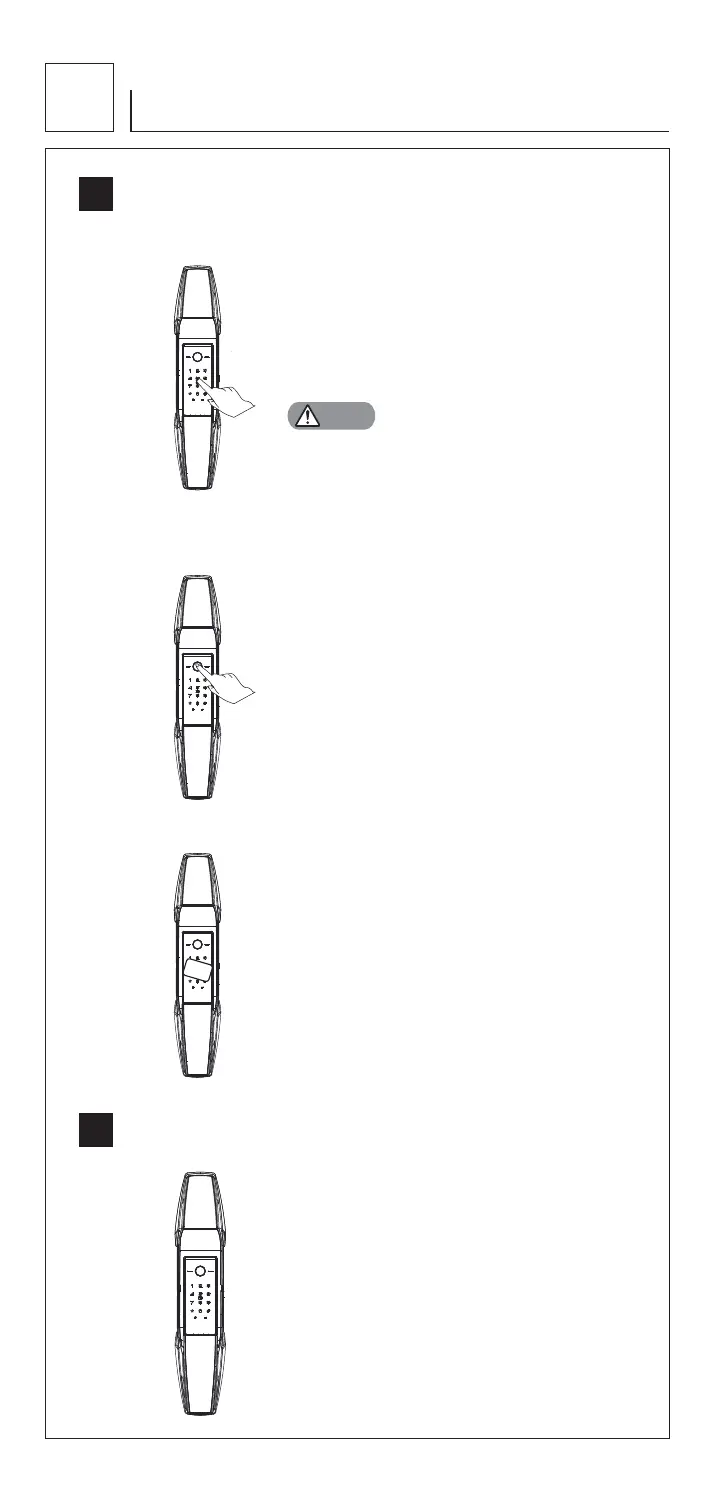
6.1.1 PIN code opening
6.1.2 Fingerprint opening
6.2
Security mode
6.1.3 Card opening
CA
R
D
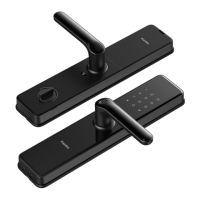
1. Touch pad screen by palm to lighten keypad
2. Enter the enrolled PIN code with end of [#].
Voice prompt “door opened”
3. Push or Pull handle to open the door
1. Place the enrolled finger properly on the
fingerprint sensor area until one beep sound
and voice prompt “door opened”
2. Push or Pull handle to open the door
1. Place the enrolled card properly on the
card icon area until one beep sound
and voice prompt “door opened”
2. Push or Pull handle to open the door
1. PIN Code + Fingerprint
2. PIN Code + Card
3. Fingerprint + Card
The random numbers can be added before and after
the real PIN code, this prev
ents the user PIN code from
being exposed. The maximum length is 32 digits.
In security mode, double verification is required for opening door.
Notes


 To Next Page