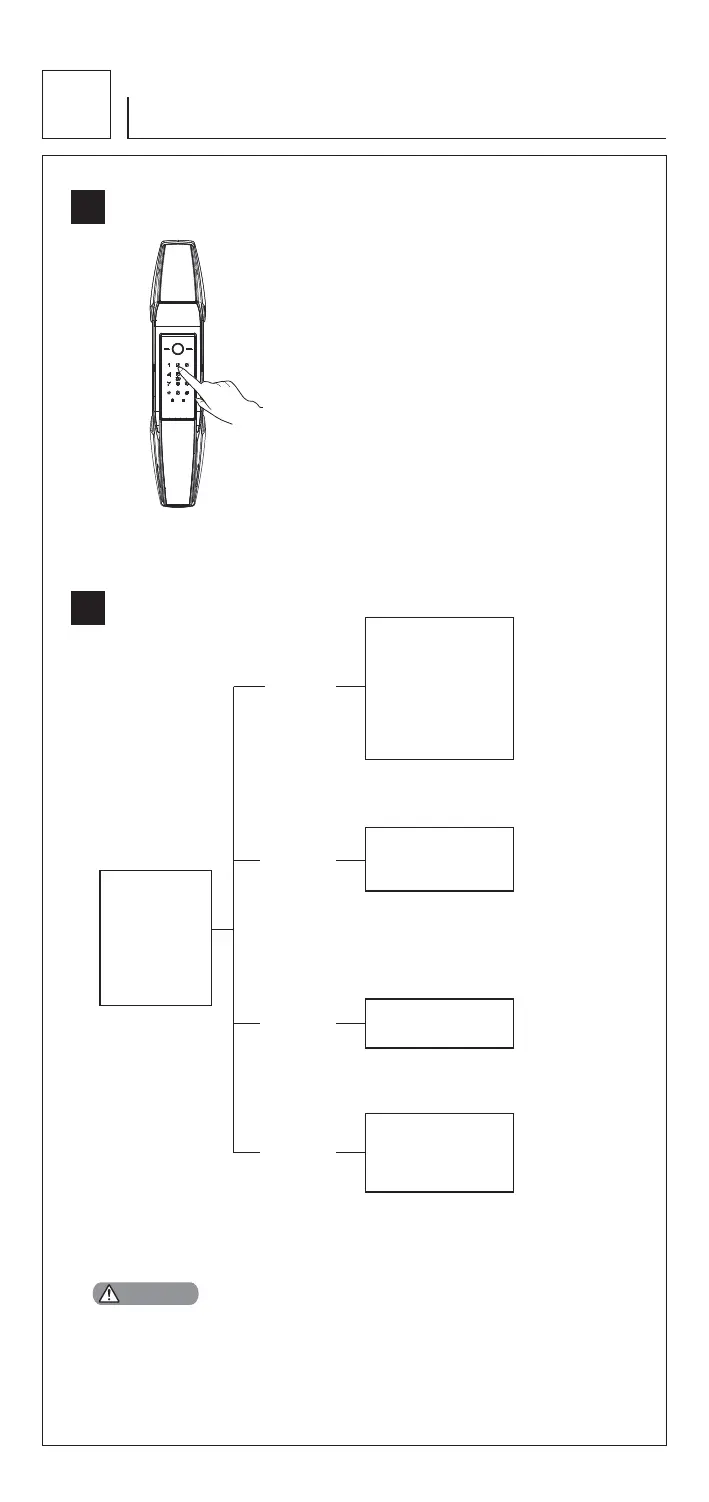
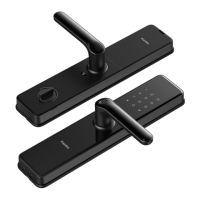
1. Wake up touchscreen keypad with palm.
2. Press [*] twice, input master PIN code,
and press [#] to confirm.
3. Voice guide: Enter the Master Mode.
Note: Change master PIN code is required immediately for menu
operation.
5
How to set up your product
5.2
Menu table
5.1
How to enter master mode
1.User Setting
2.System Setting
3.System Query
4.Function Extension
5.Bluetooth Setting
Press[1]
Press[2]
Press[3]
Press[5]
1 Enroll User PIN Code
2 Enroll Fingerprint
4 Delete User PIN Code
3 Enroll Card
5 Delete Fingerprint
6 Delete Card
7 Opening Mode Setting
9 Change Master PIN Code
3 Volume Setting
4 Language Setting
1 System Query
1 Connect Bluetooth
2 Disconnect Bluetooth
3 Disable Bluetooth
1. You can operate following the voice guide.
2. The length of both master PIN code and user PIN code is 6-12 digits.
3. Enter [400#] will get serials number.
CAUTION


 To Next Page