7
9
Notes
Opening Mode Setting
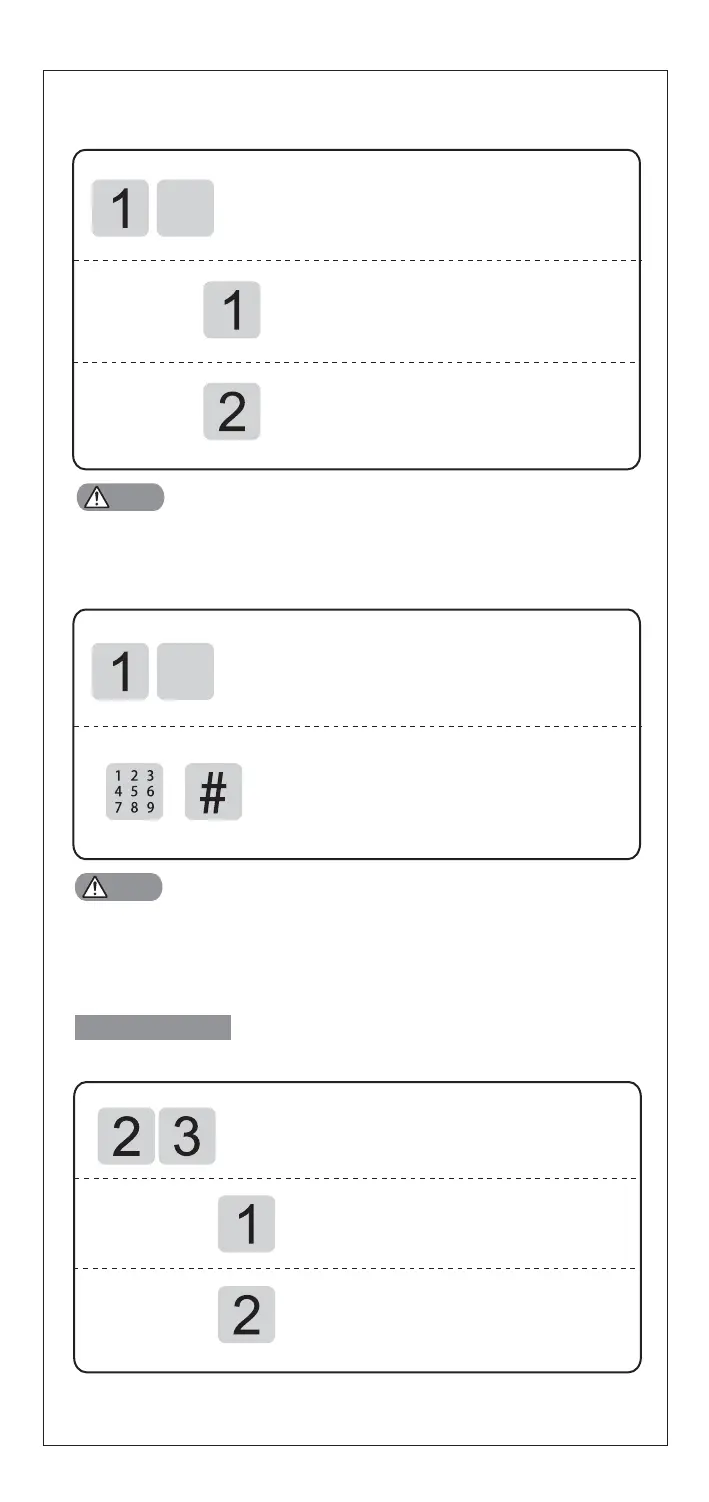
Press [1] for normal mode (single
verification) ,which means opening
by PIN code or fingerprint or card.
Press [2] for security mode (double
verification) ,which means opening
by PIN code+fingerprint or PIN code
+card or fingerprint+card
In security mode, to delete all users is prohibited
Change Master PIN Code
Access into master mode, press [1] for user
setting.Then press [9] to change master PIN code.
Enter new master PIN code (6-12 digits) and
confirm with [#] key.Then repeat above
operations.
Voice prompt of "setting
s succeed"
Notes
Change master PIN code is required immediately after installation.
System Setting
Volume Setting
Access into master mode, press [2] for system
setting. Then press [3] for volume setting.
Press [1] for voice mode.
Press [2] for mute mode, excluding
alarm and menu operation.
Access into master mode, press [1] for user
setting.Then press [7] for opening mode setting.


 To Next Page