WWW.KAARTA.COM 48
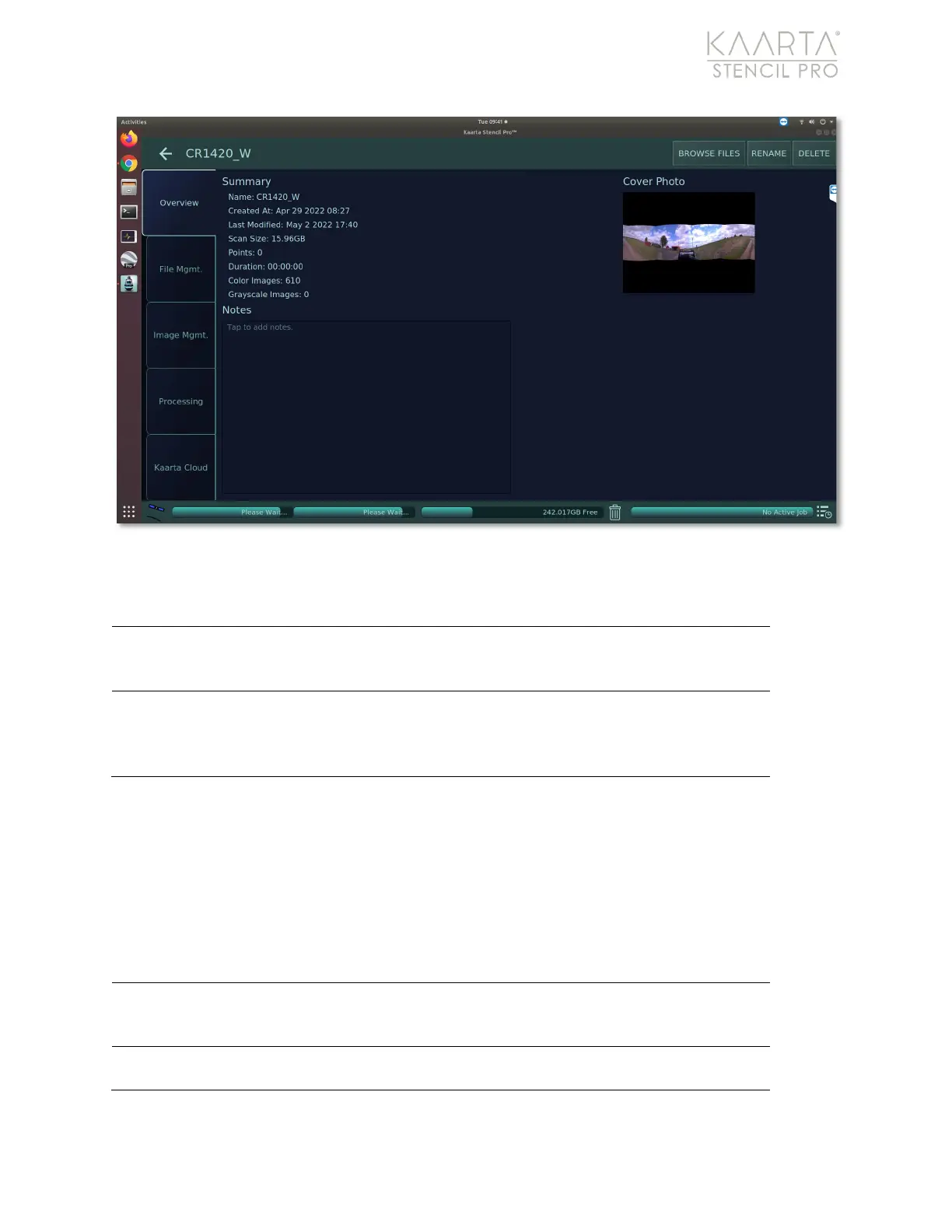
Figure 32: The Overview tab of the Scan Details.
Overview
The Scan Detail screen opens by default to the Overview tab, where you can see any
notes created for the scan, view summarized information for the scan and see the cover
photo (see Figure 32).
Selecting the Rename button allows you to change the Album or
file names using the wireless keyboard, or a graphical keyboard
using the Stencil Pro touchscreen or connected keyboard.
The Delete button either moves the file to the Trash Bin or
permanently deletes the current scan, based upon which setting is
chosen in the Scanning tab of Device Settings. See
Scanning on
page 20 about changing deletion preferences.
Provides a summary of the scan, including file name, creation date,
last modification date, scan size, points collected, duration, and
Displays any notes that have been added to the scan. Tap in the box
to add notes.



 To Next Page