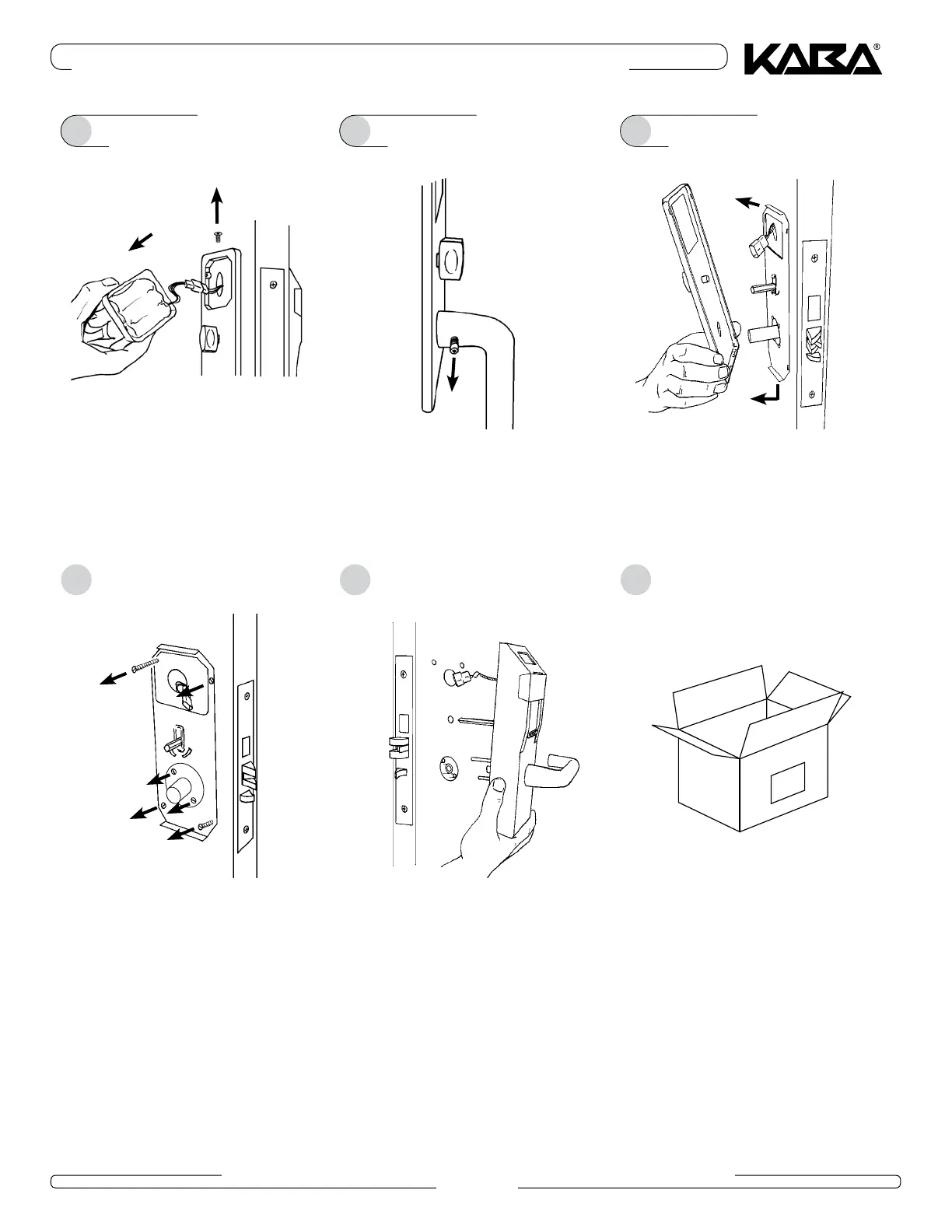
3 • REMOVE SYSTEM 700 COMPONENTS
PK2915-T 07_2014 E-760/770/790 SERIES RETROFIT INSTALLATION GUIDE
Page 5
Remove the battery cover (use a
1
/
16
" Allen key
to remove the retaining screw), and disconnect
the battery cable
1
Remove the inside lever handle and washer. Use
a
3
/
32
" Allen key to loosen the Domware screw.
2
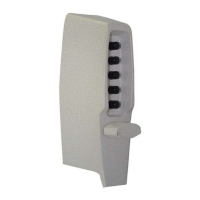
Remove the front housing from the door.
5
If participating in the North American buyback,
pack all removed System 700 components for
return shipment to Kaba Ilco.
6
2
1
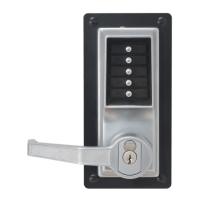
Remove the trim plate. Gently pull the top of the
trim plate away from the door with your fingers or
a small screwdriver, then disengage the bottom of
the trim plate from the support plate.
3
1
2
Remove the self-aligning mechanism (remove 2
screws). Remove the four screws attaching the
support plate to the front housing, and remove the
support plate from the door.
4



 To Next Page