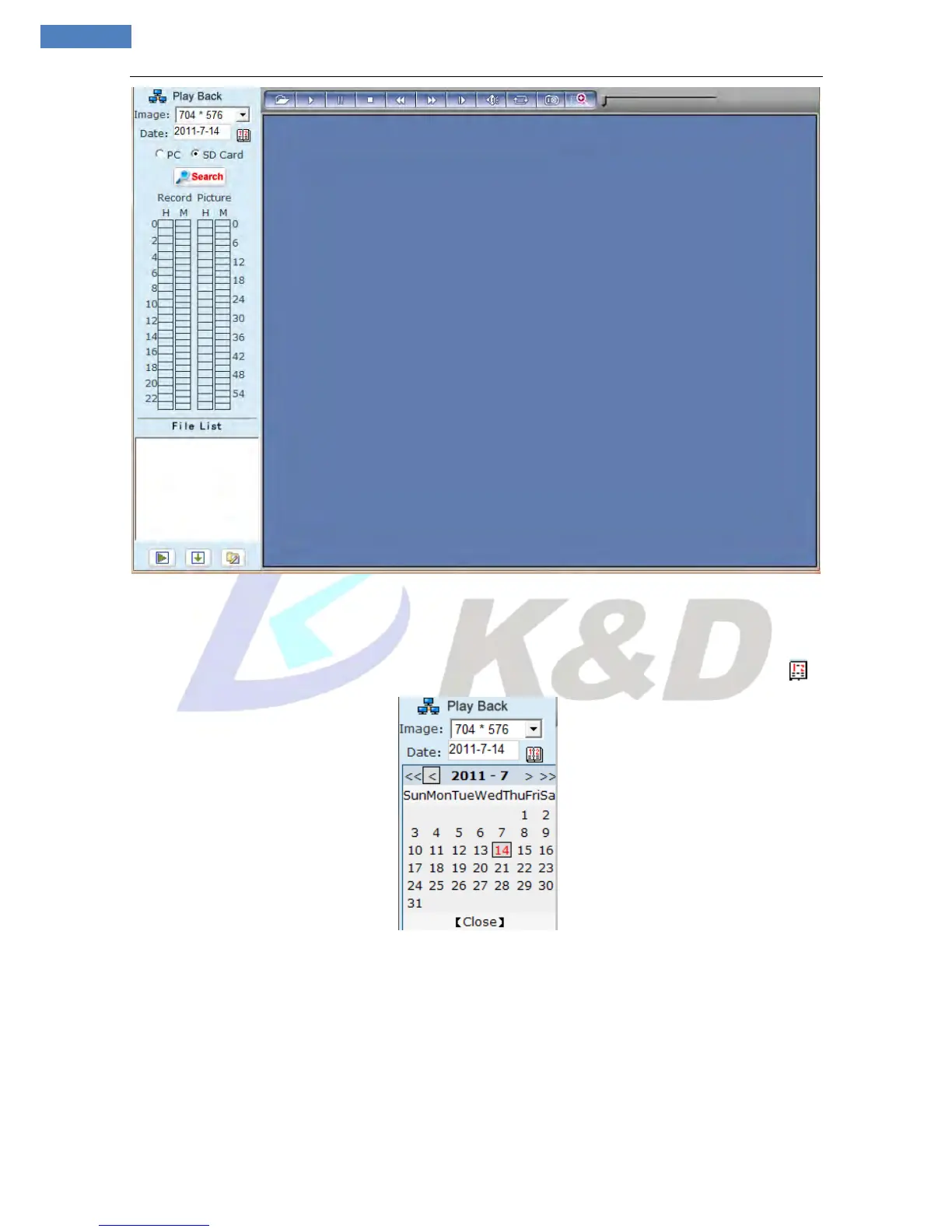
Figure 8
Users can search for recorded image files or snapped pictures in local PC or storage device according to
date.
[Date]: Users can select certain date to perform recorded image file or snapped picture searching, click
button, date selection page will pop up (see Figure 9):
Figure 9
[PC]: Users can select certain date to perform recorded image file or snapped picture (stored in local PC)
searching.
[SD Card]: Users can select certain date to perform recorded image file or snapped picture (stored in
device SD card) searching.
[File List]: Shows the recorded image files or snapped pictures searched in the File List.
The way to search for recorded image files or snapped pictures of a specific period (see Figure 10):



 To Next Page