[Enable Email]: Check this switch to enable public IP mail notification function.
[Update Interval]: Select the interval of public IP mail notifications.
Figure 31
After enable this function, when the device starts or detects public IP change, it will send notification mail
to the mail address set in [mail setting].
After you set these parameters, please click to make them valid.
5.2.3.13 Connecting
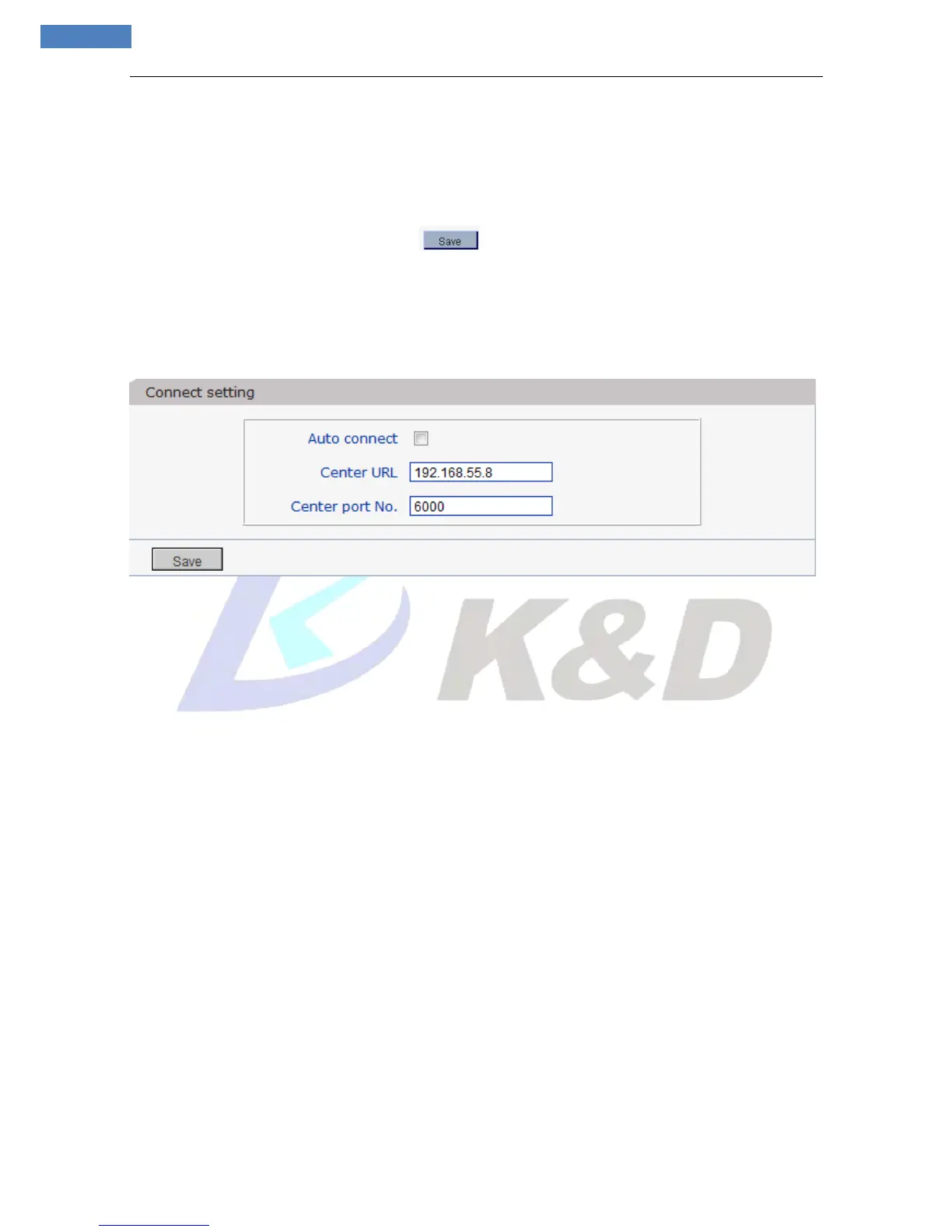
See Figure 32 for the interface of “Connect setting”:
Figure 32
[Auto connect]: Enable or disable active connection of the device to surveillance center.
[Central URL]: The address of surveillance center (e.g. 192.168.55.8).
[Central port No.]: The port of surveillance center (e.g. 6000).
After setting all the network parameters, click [save] to make the parameters valid.
5.2.4 Storage
5.2.4.1 Device Setting



 To Next Page