5.2.1.4 Video Parameter
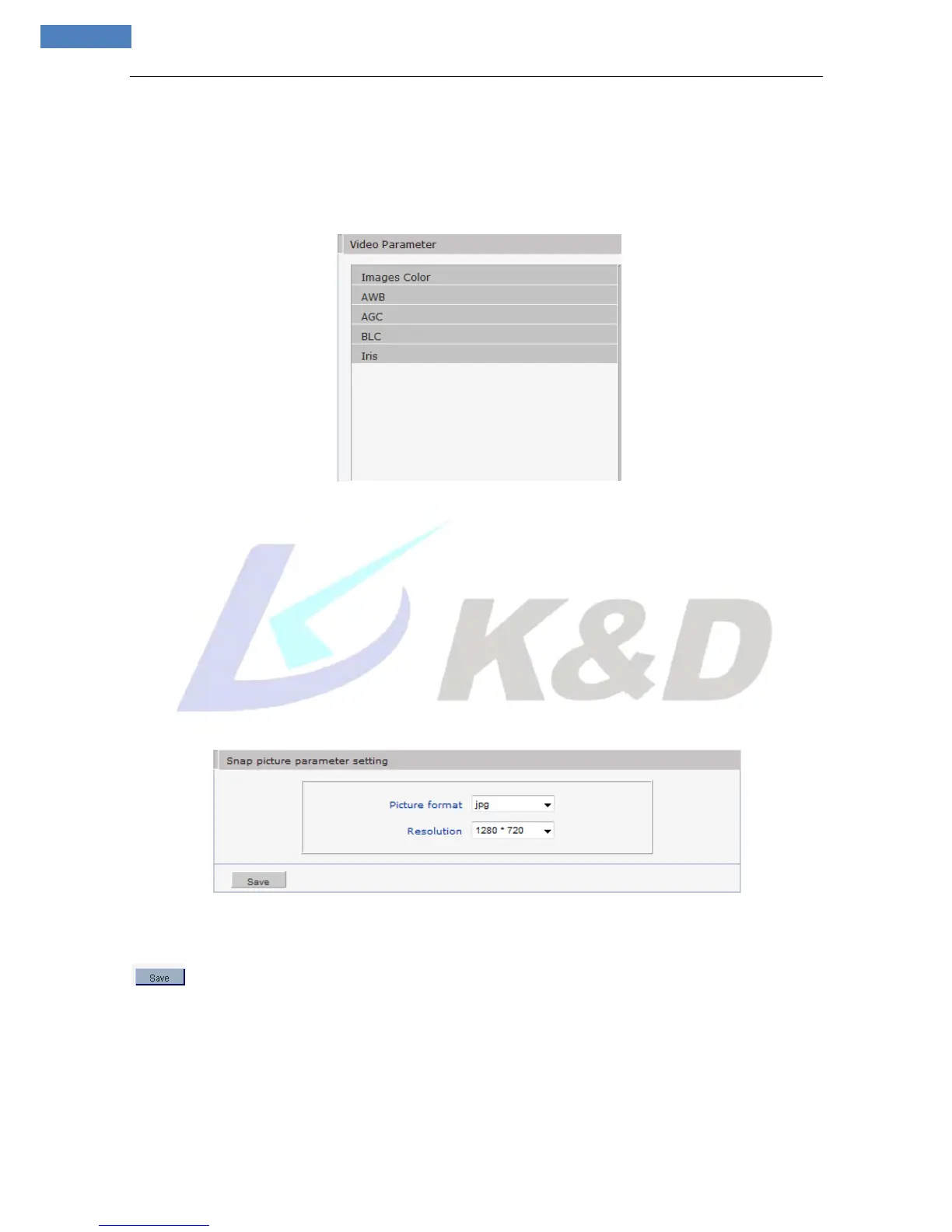
See Figure 18 for the interface of “Video Parameter”:
Figure 18
[Images Color]: Adjust the Brightness, Contrast, and Saturation of video.
[AWB]: You can choose Manual AWB or Auto mode to adjust white balance.
[AGC]: Change the value of AGC can adjust the effect of image in low light-level.
[BLC]: To get better image effect, you can select BLC. If the backlighting of the monitored objects is
strong, it will compensates light automatically for the scope where is necessary.
[Iris]: Adjust the control level of auto-iris to control the luminous flux. Note: Works only on auto-iris lens.
5.2.2.5 Picture Parameter
See Figure 19 for the interface of “Video Parameter”:
Figure 19
[Snap picture parameter setting]: Supports only images of JPG format currently, megapixel camera
definition is the same as set in [video definition], after you set these parameters, please click
button to make them valid.
5.2.3 Network
5.2.3.1 Basic Setting
See Figure 20 for the interface of “Basic setting”:



 To Next Page