1. Connect Fixed Box Camera with Computer and install ActiveX
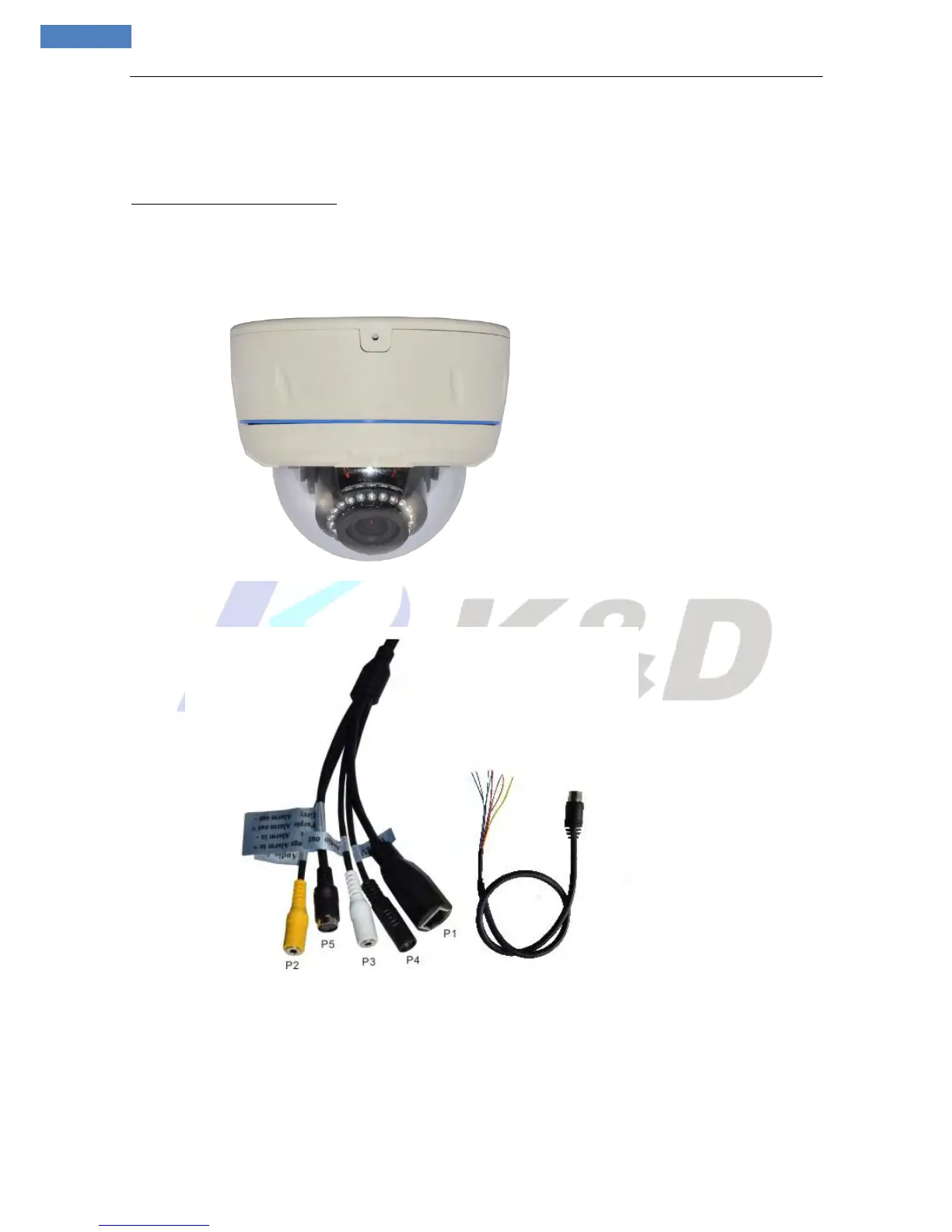
Hardware interface instruction:
Connect a power adapter and connect IP Camera to PC or network switch with Ethernet cable.
Back cable of IP Camera instruction for your reference
P1: 10/100M self-adapting Ethernet port, RJ45 Port and network indicator light.
P2: Audio Input, , liner input.
P3: Audio Output, linear output.
P4: Power interface
P5: Green---Reset +; Yellow---Reset - ; Orange---Alarm in +; Blue---Alarm in -;
Red--- RS-485 +; Brown---RS485 -; Purple---Alarm out +; Grey---Alarm Out -;



 To Next Page