5.2.7 System Setting
5.2.7.1 System Info
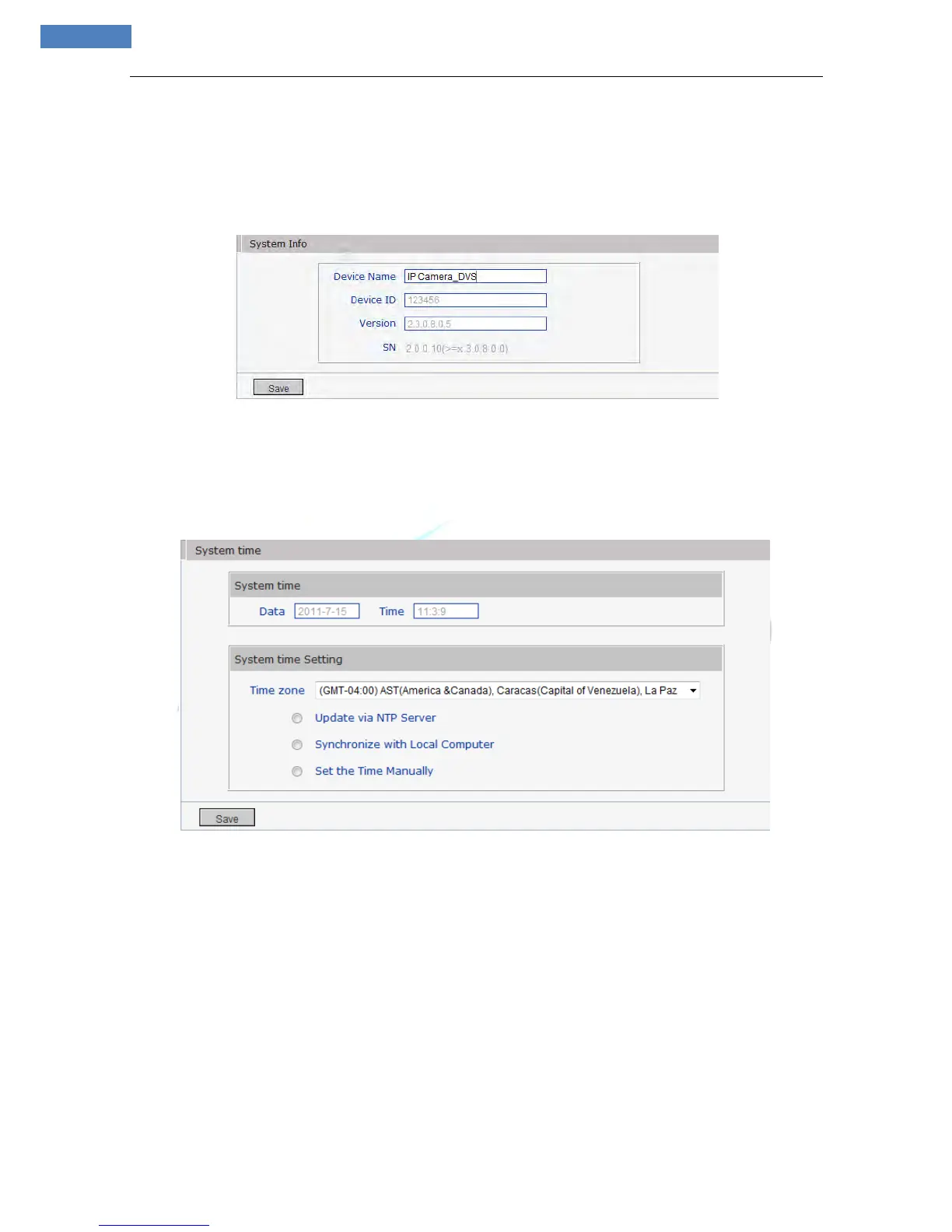
See Figure 41 for the interface of “System Info”:
Figure 41
[System Info]: Display device name, standard, device ID, version, you can define the device name.
5.2.7.2 System Time
See Figure 42 for the interface of “System Time”:
Figure 42
[System time setting]: You can choose the proper time zone.
Update via NTP Server: After starting the function, switch on NTP switch and select time zone, save it to
turn to [Live view]; the system time that has been automatically corrected by NTP server can be displayed.
Synchronize with Local Computer: After starting the function, the date and time of IP camera will be
synchronized with the PC.
Set the Time Manually: If you select this option, you can modify the time in [System time]
.
5.2.7.3 User Manage
See Figure 43 for the interface of “System Time”:



 To Next Page