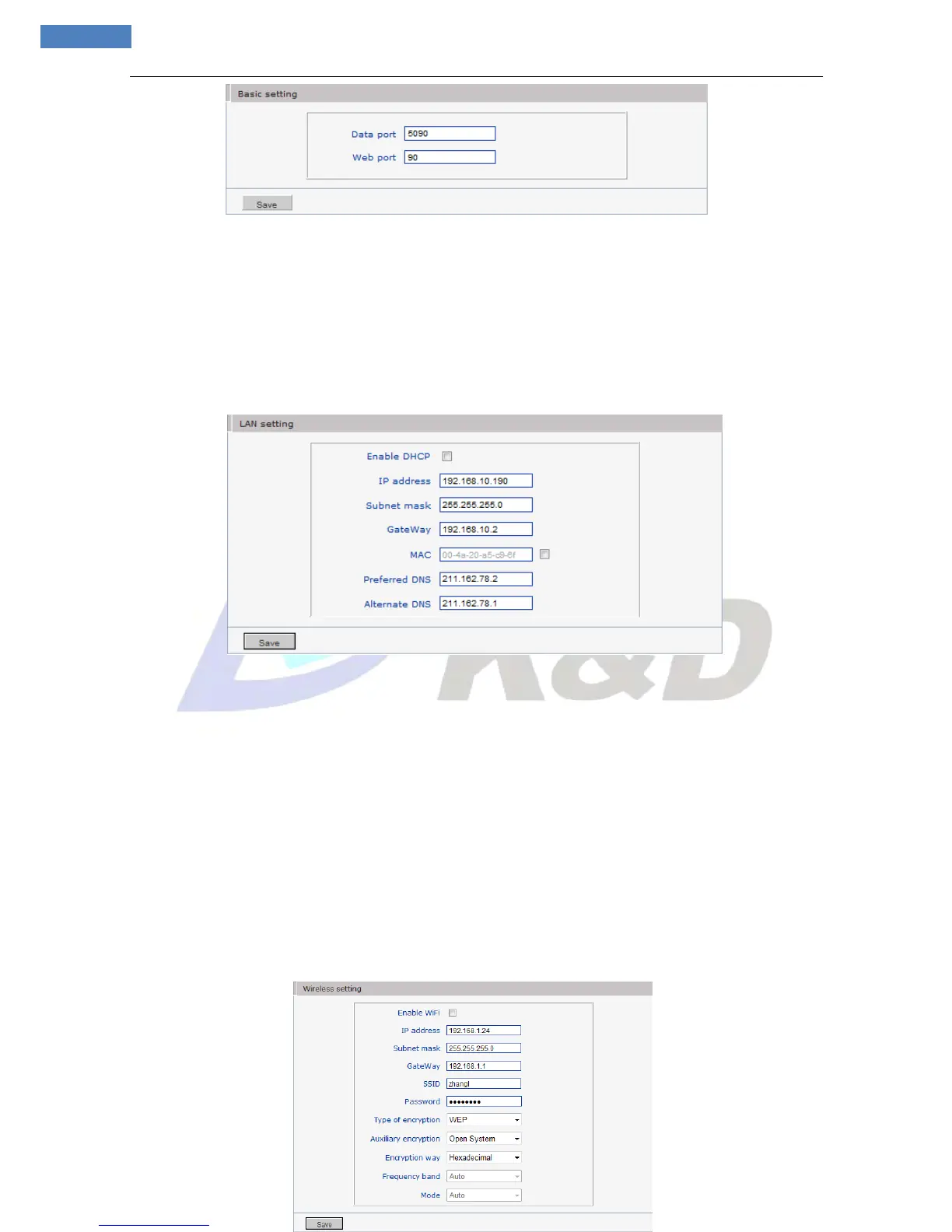
Figure 20
[Data port]: Default value is 5000 (users are recommended not to change it).
[Web port]: Default value is 80 (users are recommended not to change it).
After setting all parameters, click “Save” button, the device will reboot to make the parameters valid.
5.2.3.2 LAN Setting
See Figure 21 for the interface of “LAN setting”:
Figure 21
[DHCP]: If DHCP function of the router is enabled, IP camera will automatically fetch IP address from the
router.
[IP address]: Set the camera’s IP address.
[Subnet mask]: Default value is 255.255.255.0 (users are recommended not to change it).
[Gateway]: Set the gateway IP of IP camera, for example when the device is connected to public network
via a router, the gateway IP is the router IP.
[MAC]: The Physical address of IP camera (users are recommended not to change it).
[DNS]: The default DNS address is the DNS address of Guangdong province, users outside the area please
use DDNS function to set the DNS address as their local DNS address.
Note: After revise and save parameters, the device will restart. If it is applied in LAN, please pay
attention to avoid conflict between its IP address and the IP addresses of other devices or PC in the
LAN.
5.2.3.3 Wireless Setting
See Figure 22 for the interface of “Wireless
setting” (Only for Wireless Camera series)



 To Next Page