Figure 22
Wi-Fi function settings of IP camera:
(1) Enable WIFI
Select this switch will enable Wi-Fi function of IP camera.
(2) IP address
Set the wireless IP address of IP camera, e.g. 192.168.1.160.
(3) Gateway
Set the IP address of current wireless gateway, e.g. 192.168.1.1.
(4) SSID number:
It is the login name of Wi-Fi for identity authentication; it must be the same as the SSID number of the
wireless router (e.g. TP-LINK_5ABB68).
(5) Password
It is the login name of Wi-Fi for identity authentication; it must be the same as the key of the wireless
gateway (router/AP).
(6) Master authentication encryption type
Three encryption types are WEP, WPA and WPA2. Its selection must be the same as the security setting of
wireless gateway (router/AP).
(7) Auxiliary encryption mode
WEP security type: developing system, sharing key and auto-selection
WPA, WPA2 security type: TKIP and AES
It must be the same as the security option setting of wireless gateway (router/AP).
After setting completes, save all parameters. Then disconnect the network cable, IP camera can be visited
via wireless IP, such as 192.168.1.24
5.2.3.4 PPPOE Setting
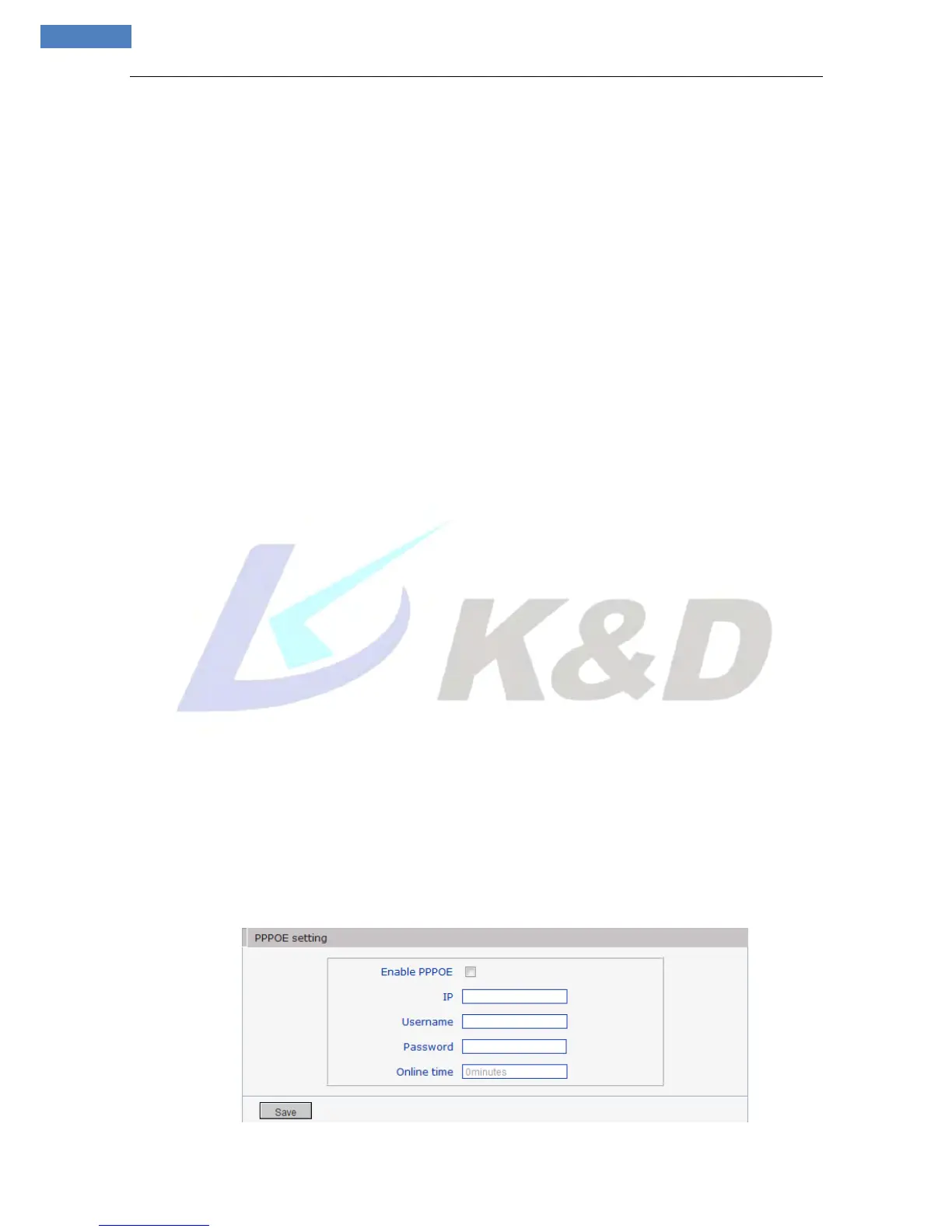
See Figure 23 for the interface of “PPPOE setting”:



 To Next Page