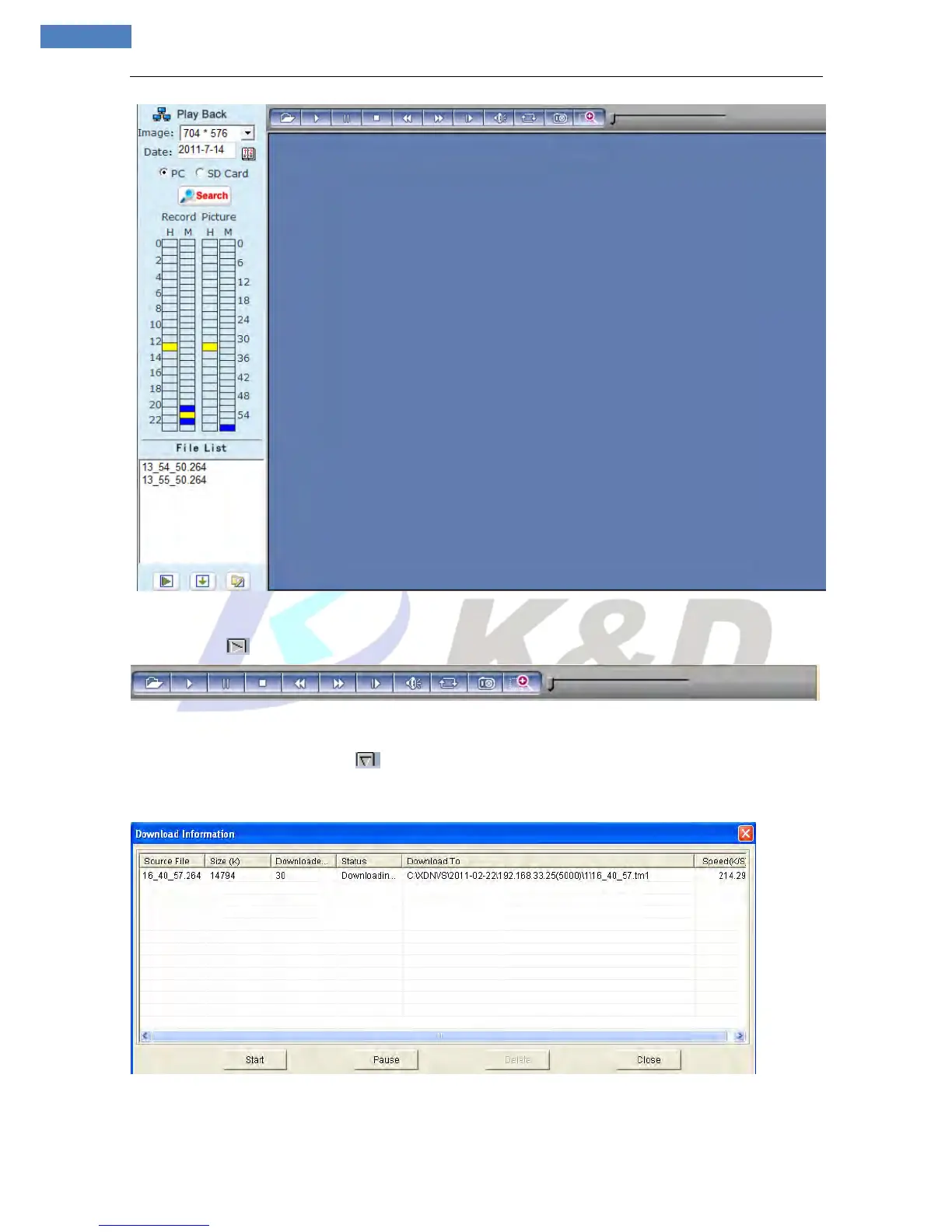
Figure 10
[Play]: Choose the recorded image or snapped picture in file list, right click the file or picture or click
“play” button to play. The contents will be displayed in the right window; users can view the playing
information and control the process (see Figure 11):
[Download]: Select the recorded files or snapped pictures searched from SD card in the
File list, click “download” button to download the files to PC.
[Download information]: Users can view the information downloaded after clicking “Download” (see
Figure 12):
Figure 12
Figure 12
Click [Pause] to pause download manually,click [Start] to continue to download the unfinished files,click
[Delete] to delete the downloaded files,click [Close] to close the download information interface.



 To Next Page