SmartVision & SmartVision LITE – User Guide (Rev. 2.7) – Version 1943.4105 10
Switch ONOFF your SmartVision
Press and hold the "On Off" button (on the top of the device) to start your
SmartVision. Release the button as soon as the device vibrates.
Please note: if the device does not start, please check if the battery has been
properly installed, if not, please repeat the installation procedure. During startup of
SmartVision, a series of beeps is played to inform you that the product is loading.
Thank you for waiting until the end of the beeps before using your product.
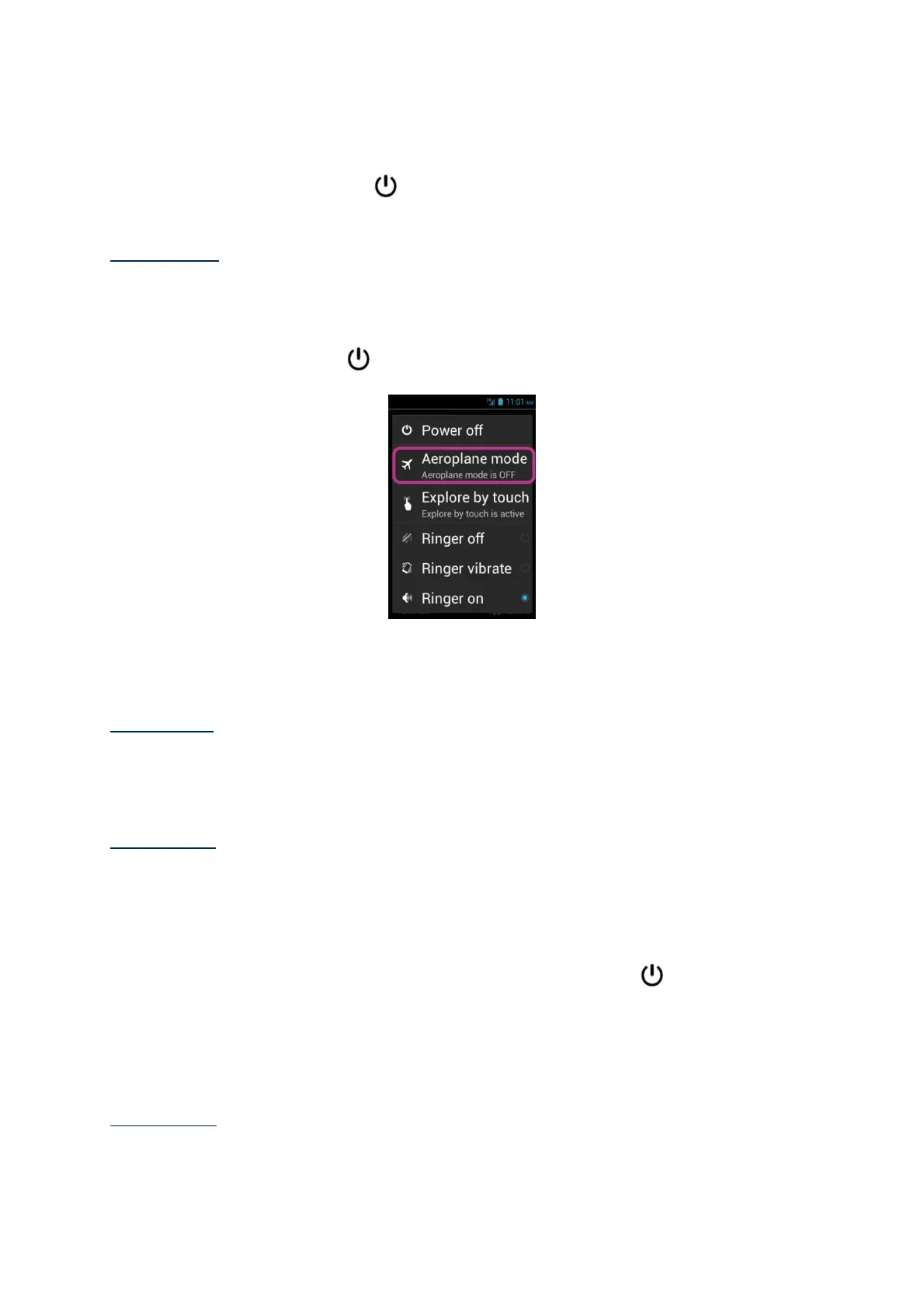
Press and hold the "On Off" button to switch off your SmartVision.
A screen called “Main menu” appears. Click on "Power off" and confirm. You will
feel a slight vibration as the device goes off.
Please note: The "Main Menu" screen also provides shortcuts to other direct options:
Aeroplane mode, Explore by touch, Screen off mode and configuration of the ringer.
To learn more about these different modes, refer to chapter "Settings" and
"Accessibility Mode".
Please note: The "Screen off" mode is only available when "explore by touch" is
enabled. This mode allows you to turn the screen of the SmartVision into black
during use in order to save the battery and protect your privacy data.
Screen off mode
When your SmartVision is on, a short key press of the "On Off" button will bring it
to standby mode (screen off), or back to running mode (screen on).
In standby mode, SmartVision’s screen is off but its features remain enabled. You
can still receive incoming calls, messages, emails and navigation instructions.
Please note: as a default setting, the handset automatically switches to screen off
mode after two minutes of inactivity in order to save the battery.



 To Next Page