SmartVision & SmartVision LITE – User Guide (Rev. 2.7) – Version 1943.4105 93
Video Player
The "Video Player"
application is used to view videos stored within the phone
internal memory or a micro SD card n your SmartVision. The micro SD is a
removable memory card used for storing information, it extends the overall storage
capacity of your smartphone.
Use the navigation keys to select a video from the list, then press "OK" to start the
video.
Vocal User Guide
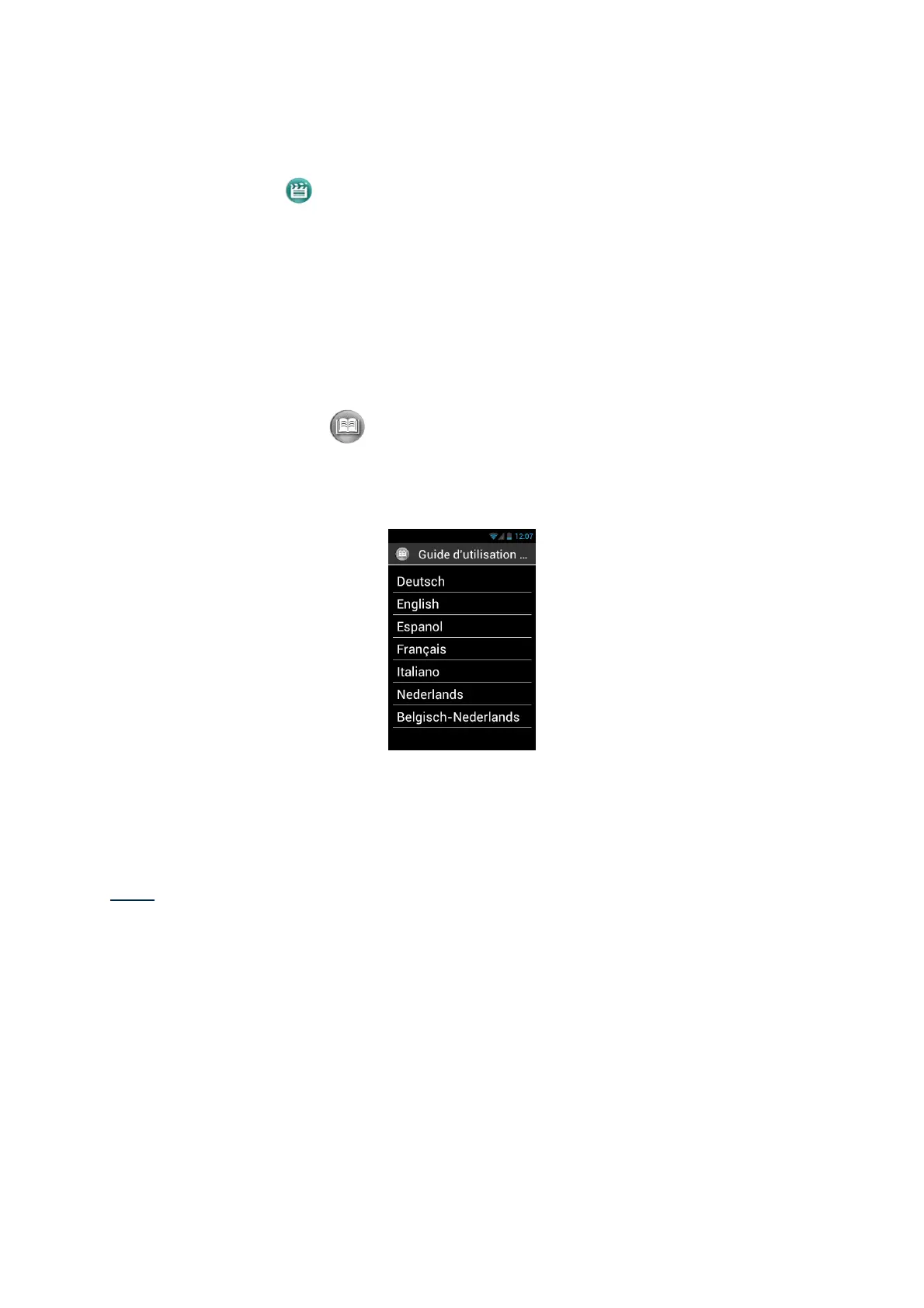
The "Voice User Guide" allows you to download user manual SmartVision in
MP3 format on your product.
Use the navigation arrows to select the language in which you want to download the
user manual (Warning, this operation requires Wi-Fi or 3G internet connection in).
A confirmation window appears. Select "OK" to start downloading. Once the
download is complete, you are automatically redirected to the "Album" section in the
Music application. Select the album in your language, then the chapter you want to
hear.
Note: SmartVision offers you to download the audio user manual related to your
software version. Please re-download the User Manual after a system update.



 To Next Page