SmartVision & SmartVision LITE – User Guide (Rev. 2.7) – Version 1943.4105 33
Home screen
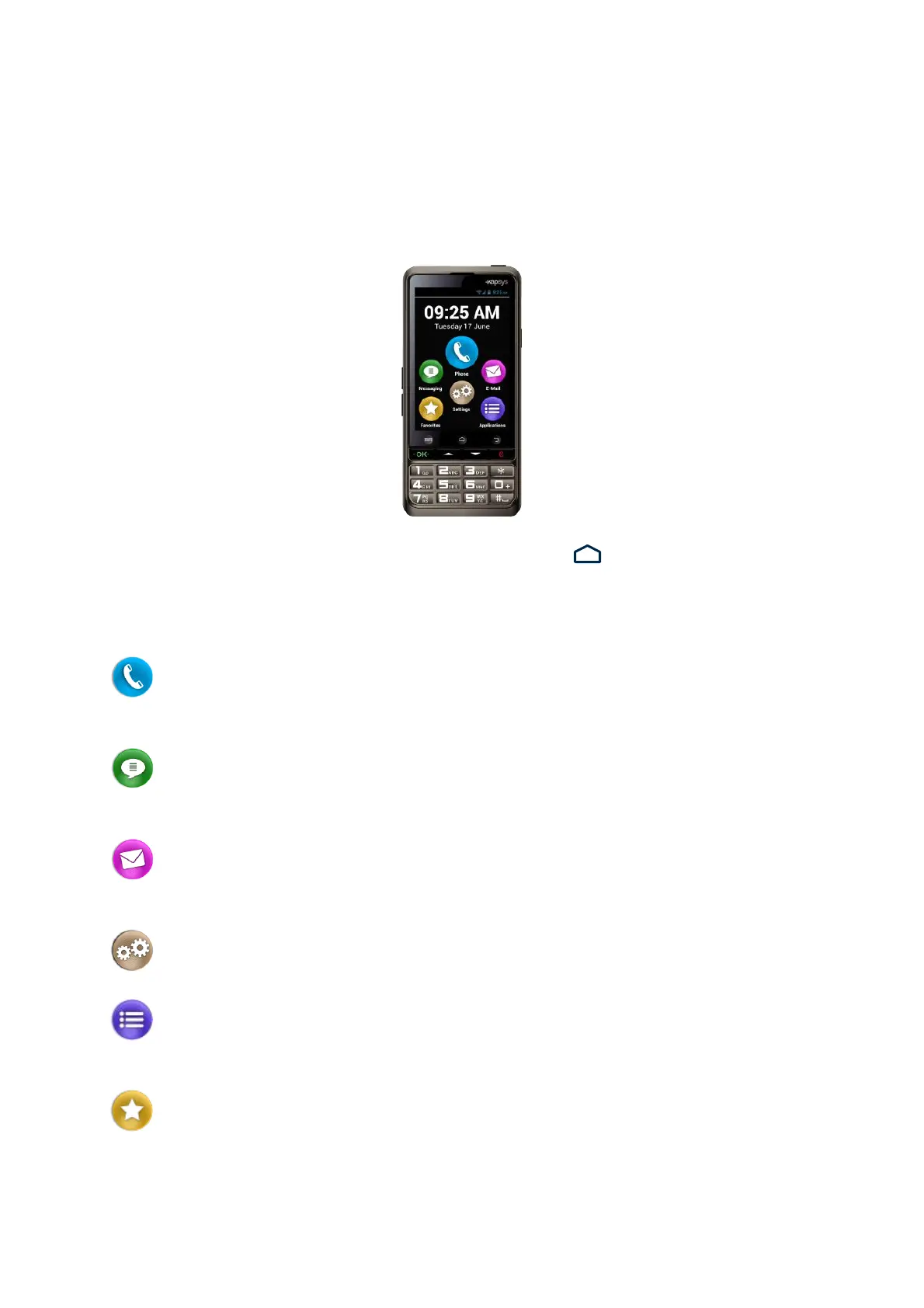
The home screen operates like a start menu from which you can start any application
you need.
To go back to the home screen, press the “Home” key , the middle button below
the display or use the Android keypad shortcut “Long press on Down key”.
The Home screen presents SmartVision’s six basic functions.
"Phone" is an application for making calls, recording missed calls and
accessing your voicemail.
"Messaging" is an application for sending, reading SMS/ MMS (short
message with multimedia attachments such as images, photos or videos, etc…).
"E-Mail" is an application for sending and receiving emails, you will need to
have an email account correctly set up.
"Settings", this application lets you modify the settings on your phone.
"Applications", this application shows you a list from which you can access
all the applications available on your SmartVision.
"Favorites", this application stores all your preferred or most frequently used
applications (SOS, Calculator, or Magnifier, for example) under this special directory.



 To Next Page