SmartVision & SmartVision LITE – User Guide (Rev. 2.7) – Version 1943.4105 94
Voice recorder
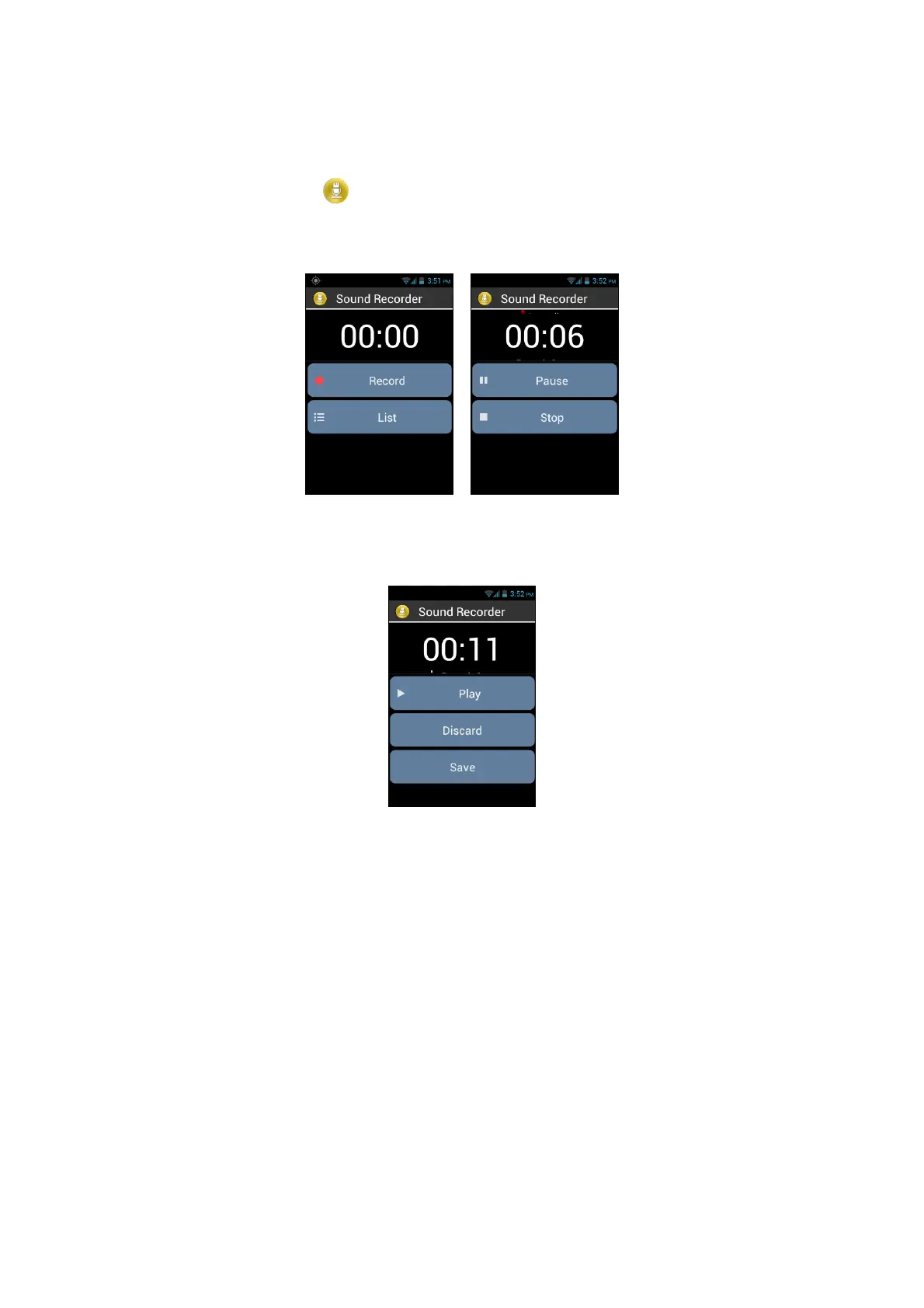
The "Voice Recorder"
application is used to record voice memos. Select
"Record" to start recording the memo, click on "Pause" to hold and on "Stop" to end
the recording.
You can listen to a recorded memo by selecting the "Play" option. You may also
"Discard" or "Save" it.
Lastly, you can play back any of the voice memos recorded, from the home screen
after clicking on the "List" option. You can also edit a voice memo from this list by
long press the item you want to change. Then select from the window "Rename the
record" or "Delete Record".



 To Next Page