SmartVision & SmartVision LITE – User Guide (Rev. 2.7) – Version 1943.4105 26
Controlling the screens through voice commands
The voice control feature enables audio description of all texts displayed on your
SmartVision freeing you from using the physical or non physical keypad.
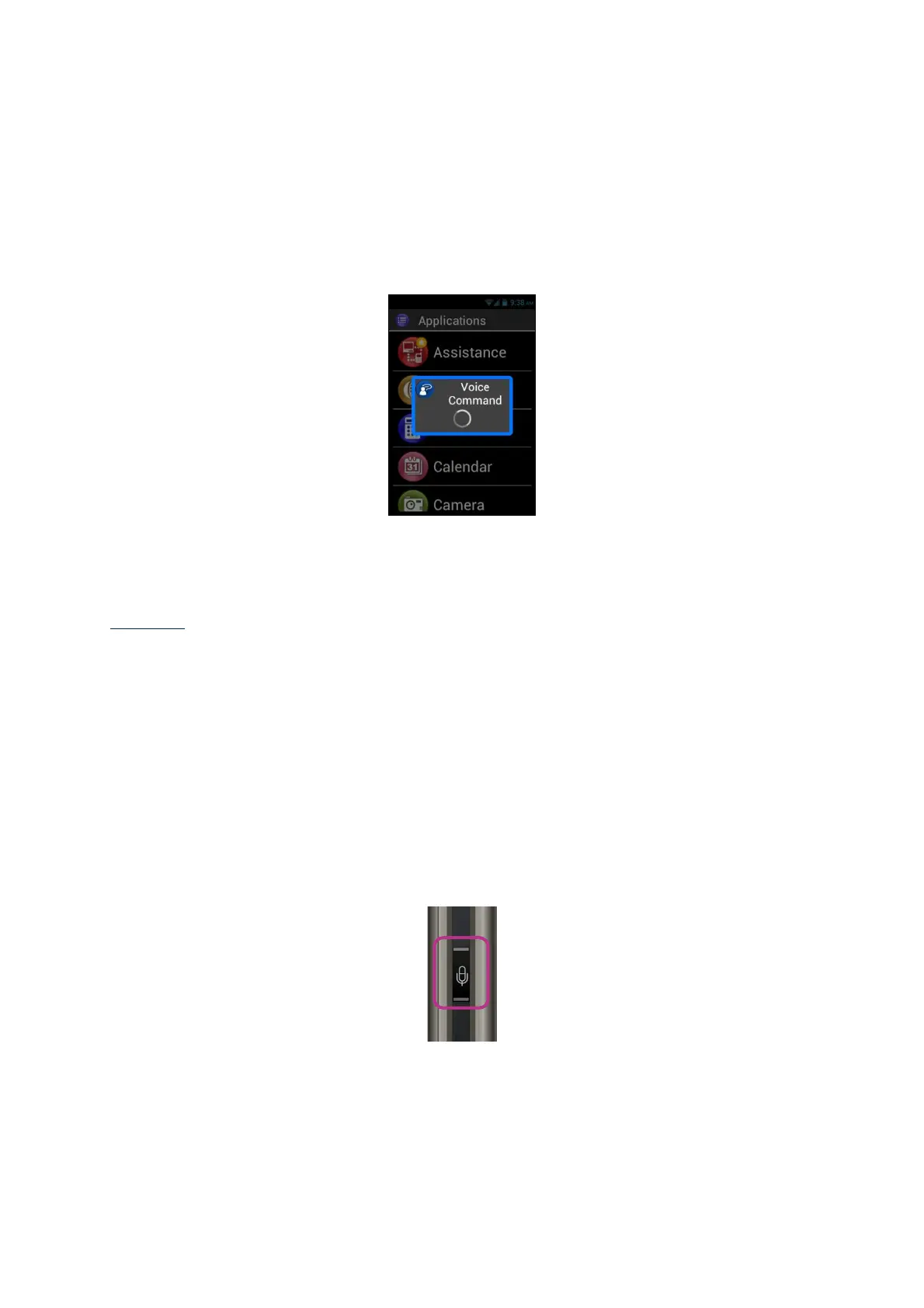
1. Press and release the voice control key (short key press), a signal tone is
heard and a "Voice Command" window opens.
2. At the end of the beep, pronounce clearly the displayed text to activate screen
reading, for example, an application name, an item in a list.
Warning: Screen reading of items that are not displayed on the screen is not
possible.
Voice command
A voice command is an audio instruction given by the user using their own voice. The
purpose is to obtain audio information from your SmartVision, enable or disable a
functionality, or perform more complex operations on the unit.
Voice commands are managed through key words which have been predefined and
incorporated into the product. You can use these commands at anytime and under
any circumstances.
1. Press and release the voice control key (short key press), a beep sounds.



 To Next Page