SmartVision & SmartVision LITE – User Guide (Rev. 2.7) – Version 1943.4105 5
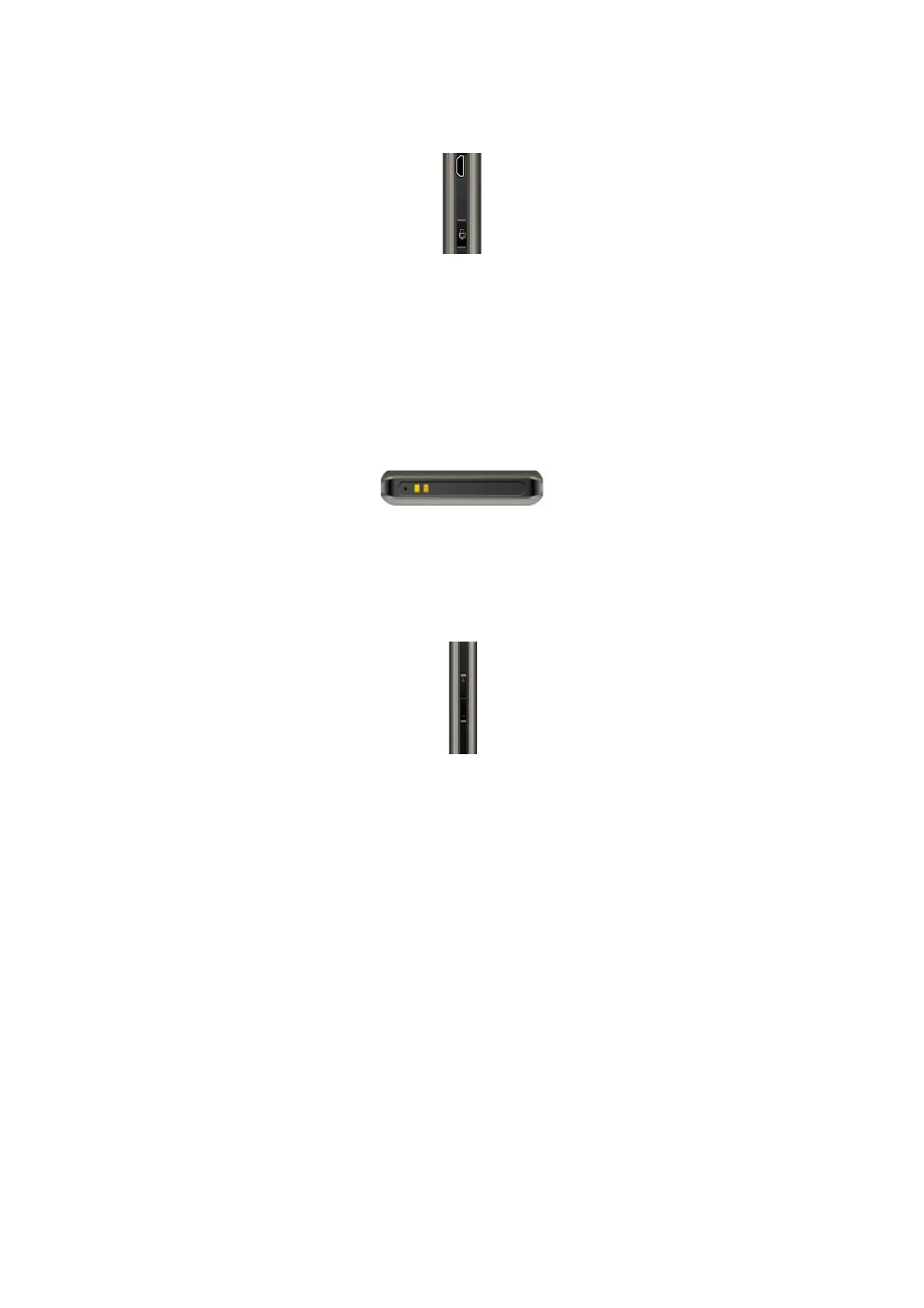
Right side
The voice control key is located on the right side of your SmartVision. Press briefly
this key to send a voice command and press and hold if you want to write a message
through dictation.
The mini-USB port on top of the handset provides for connection to a PC or to a
mains charger using the cable included in the box.
Bottom
Connection terminals at the bottom of the handset are used to connect to a docking
station
(1)
to charge the battery, and a microphone.
Left side
The two keys located on the left side of the handset are used to increase (volume up
key) or decrease (volume down key) the sound volume.



 To Next Page