SmartVision & SmartVision LITE – User Guide (Rev. 2.7) – Version 1943.4105 69
Starting the navigation application
From the home screen, click on "Applications" , then on "Kapten" .
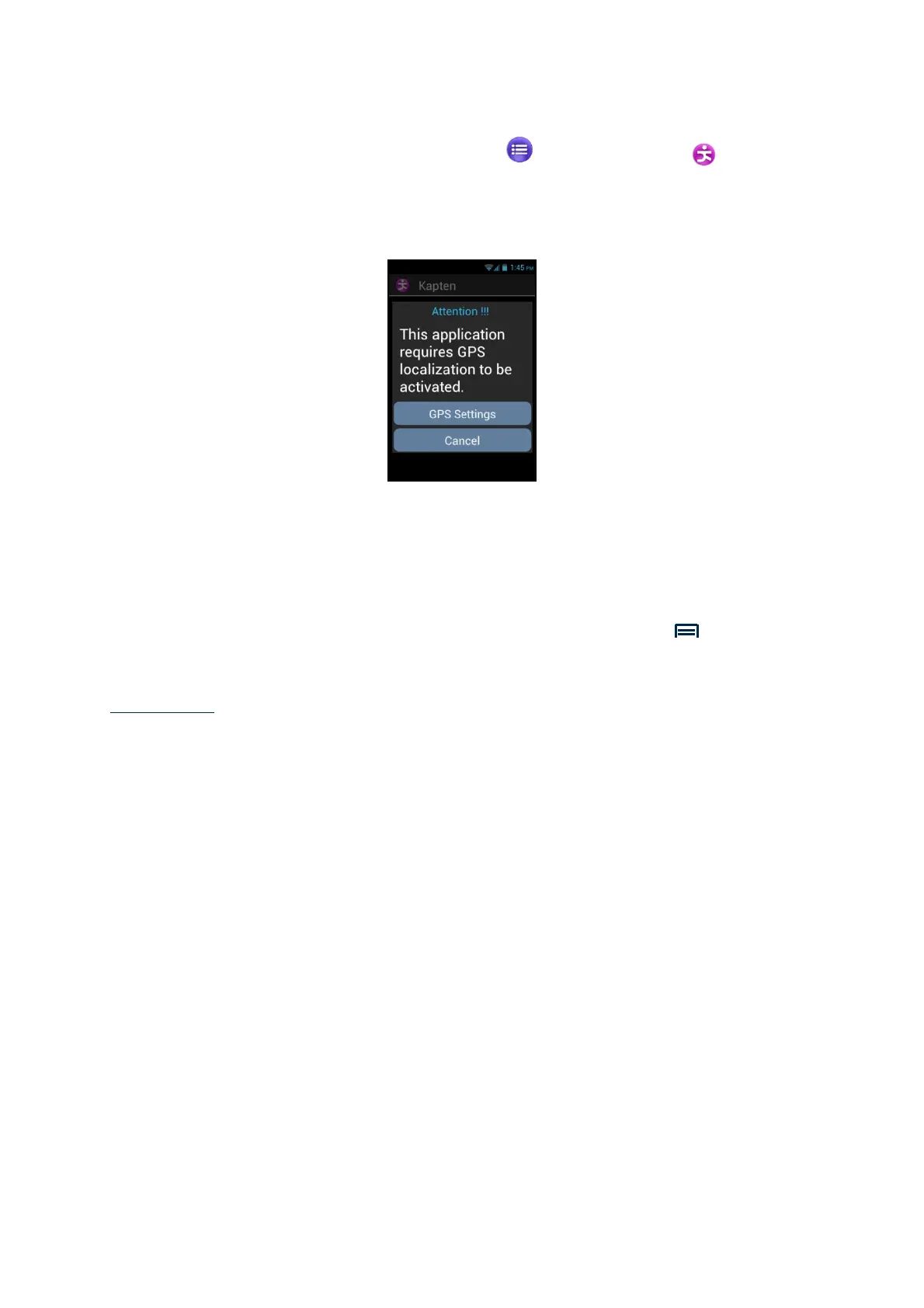
The Kapten application is not operational until the GPS feature is activated. If the
GPS is not active, you will be requested to activate it upon starting the application.
The Kapten application is started, loading map data, then the application main
screen appears.
If you use it for the first time, the application will request your default country. Select
the desired country from the list. You can change the default country subsequently
from the Kapten application's settings by pressing the "Menu" button, then
clicking on "Parameters", then "System" and "Default Country".
Please note: loading the application may take time depending on the size of the map
installed on your unit.



 To Next Page