SmartVision & SmartVision LITE – User Guide (Rev. 2.7) – Version 1943.4105 71
Navigate to a "New Address"
This setting is used to specify a postal address as the destination.
Two options are available to define the postal address as the destination.
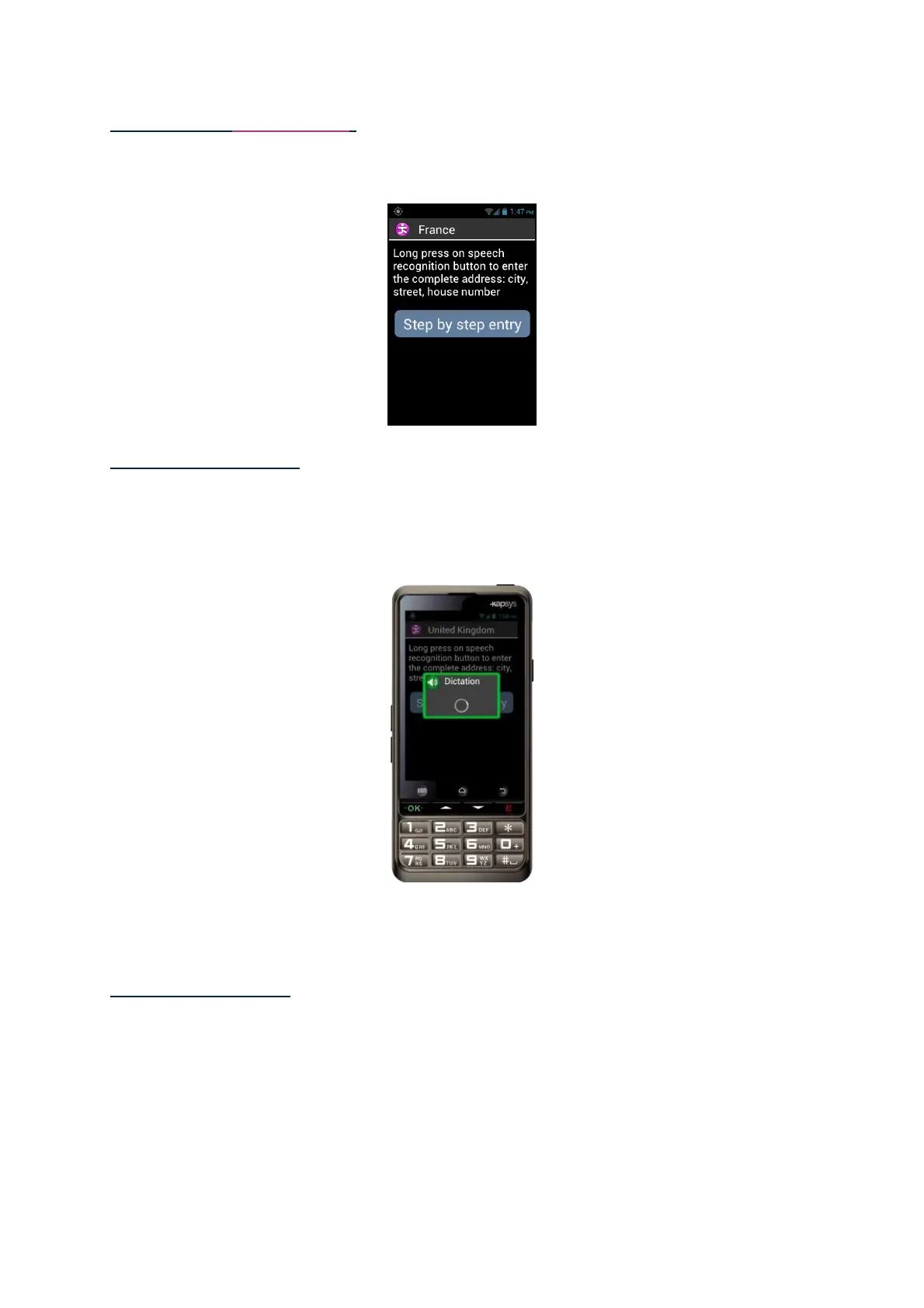
"Standard" input mode: enables you to enter this address in a single step using the
voice recognition feature, in the following sequence: Town/city name, street name,
and then street number.
To enable this mode, from the address input screen, press and hold the voice control
key to enter the address and release the key after it is entered.
Kapten will then suggest likely candidates matching your request, select one and a
navigation session will start for that particular destination.
"Step by step" Input: in this mode, you must enter the various details of your
destination address in successive stages, i.e. town/city name, then street name and
street number.
Select "Step by Step Entry" to access this input method and proceed step by step.



 To Next Page