SmartVision & SmartVision LITE – User Guide (Rev. 2.7) – Version 1943.4105 76
"K-TAG" Menu
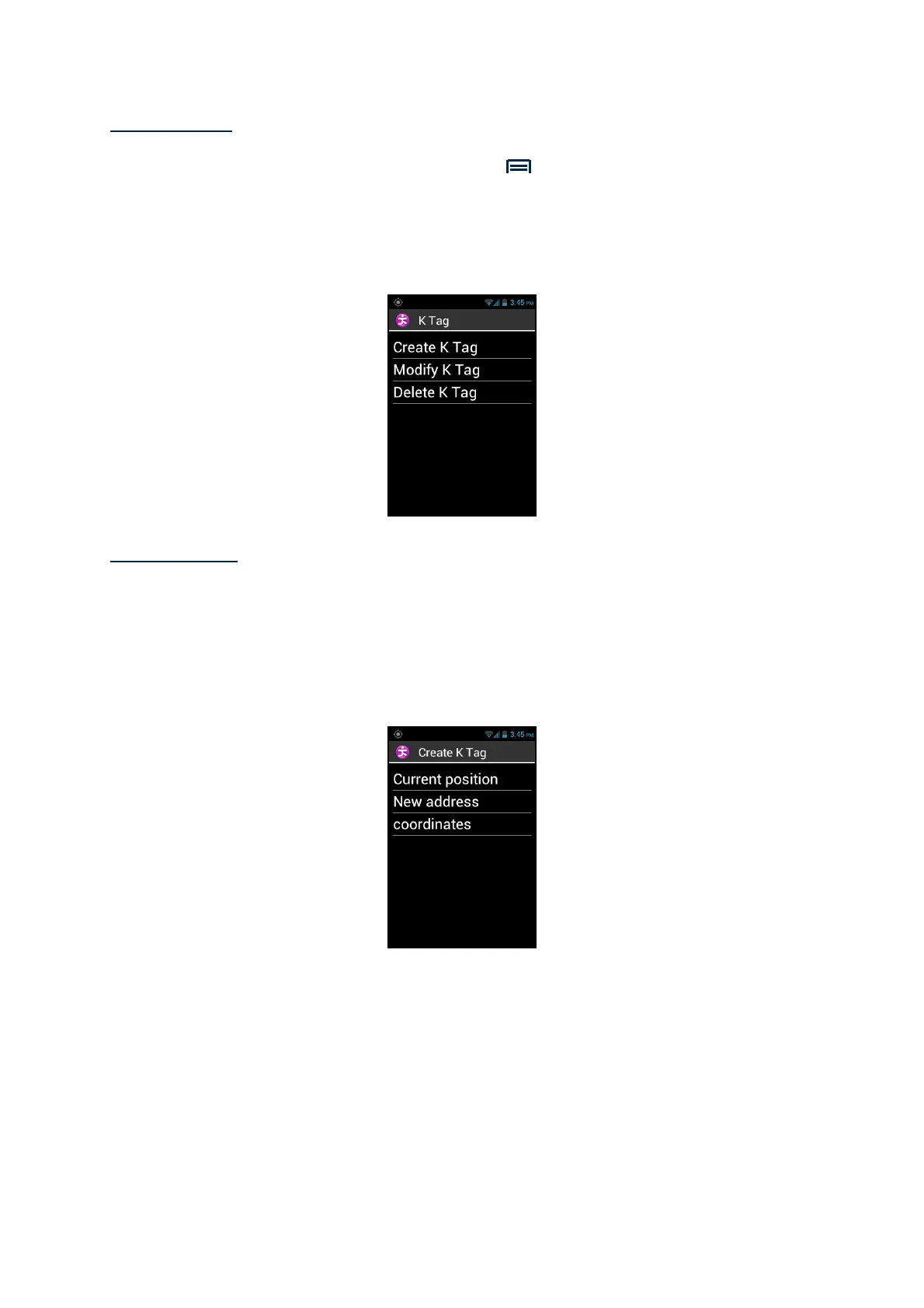
From the Kapten application, press the "Menu" button, and click on "K-Tag". The
following options are available:
- "Create K-Tag".
- "Modify K-Tag".
- "Delete K-Tag".
Create a K-Tag
To create a K-Tag, select one of the options below:
- "Current Position": create a new K-Tag using your current position.
- "New address": create a new K-Tag by entering an address.
- "Coordinates": create a new K-Tag by specifying the latitude and longitude
coordinates.
1. When you have defined a geographical position for your K-Tag, you can
assign a voice memo in order to find it more easily. Please select the option
"Enter voice memo for your KTAG", then speak after the beep.



 To Next Page