MICRO REMOTE
ACCESSING THE CONTROL
PANEL
1. Turn off power to the
receiver.
2. Plug in the GATE to the
receiver.
3. Turn on the power to the
receiver. The power LED
on the GATE will turn on
at this point
4. Use your device and look
for the available WiFi
networks. A network
under the name of
“NORTHERN3A426”
should be available at
this point. Connect to
the network, the
password is 3A4266A1.
5. Once the connection is
established, open a web
browser on your device.
Kar-Tech recommends
using the Firefox
browser.
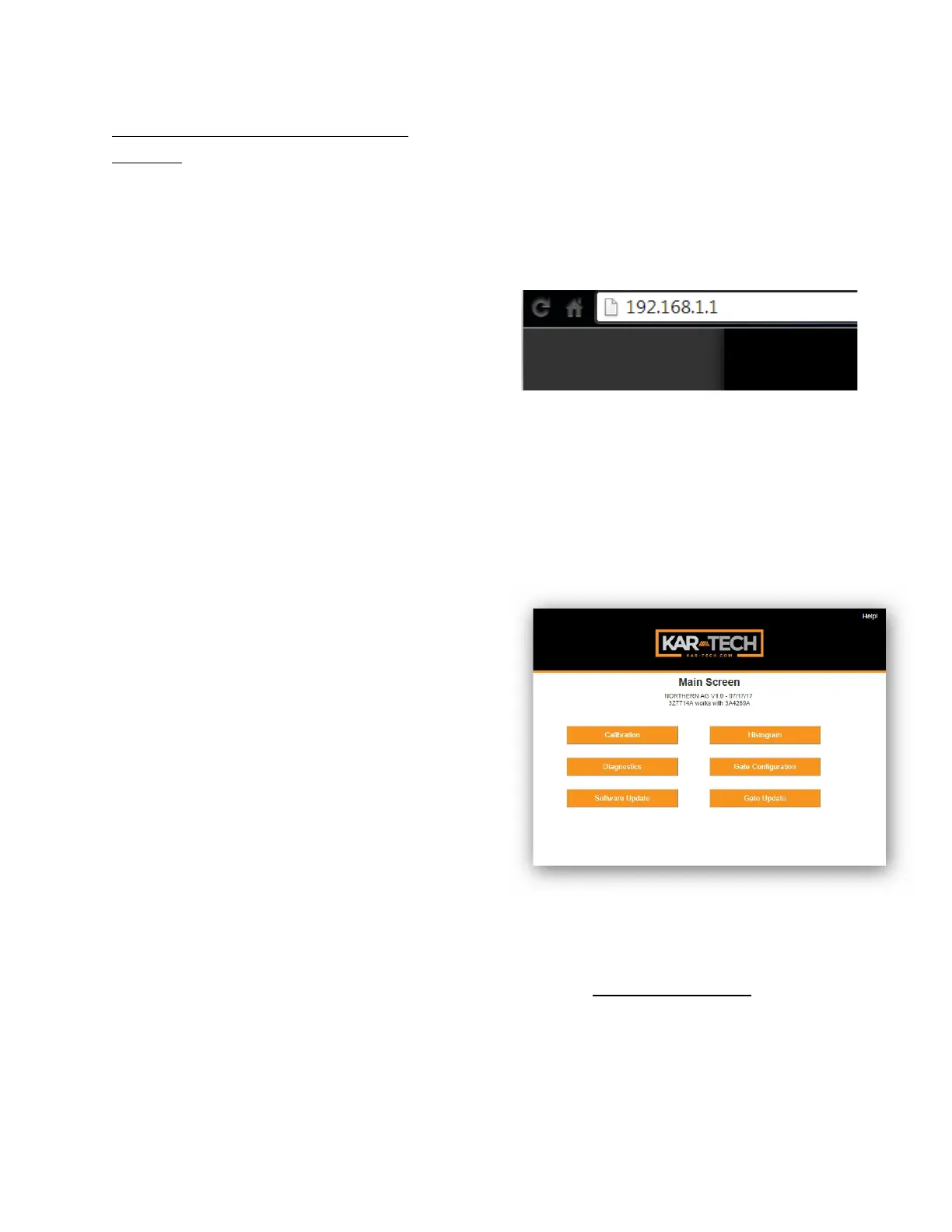
6. Enter the address
http://192.168.1.1 in
the address bar
Address Bar
7. The following options are
available from the main
screen.
Main Screen
DIAGNOSTICS
Tap the Diagnostic button to
see the diagnostic screens,
which shows the present state



 To Next Page