MICRO REMOTE
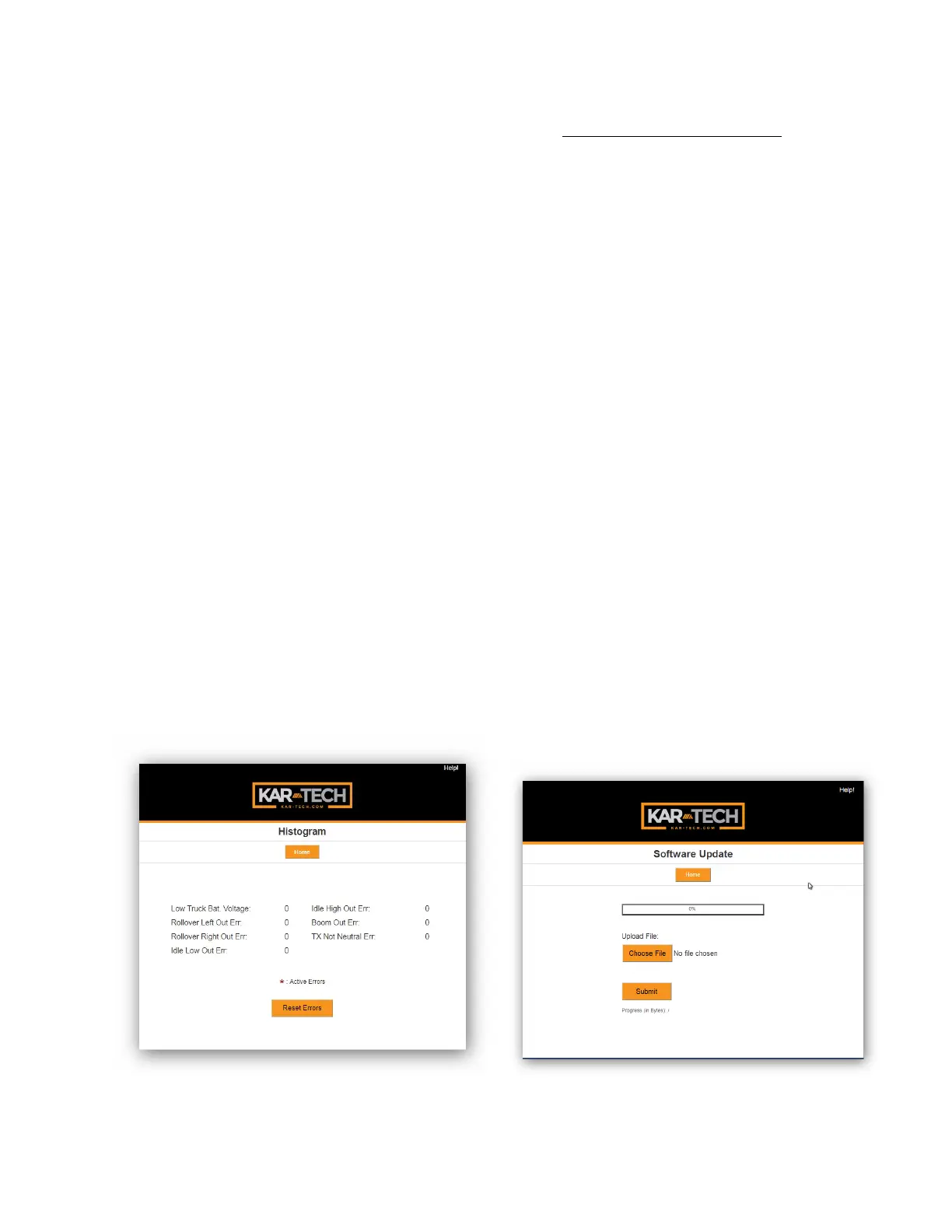
specific error code has been
active.
This feature can be used to
troubleshoot machine wiring
and other problems. Tapping
the Reset button resets the
error code counts. The
password to reset error codes
is 1262. Tap the Home button
to return to the main menu.
Note: the GATE is not a
precision measurement
instrument. There may be
delays.
Histogram Page
SOFTWARE UPDATE
Use the Choose File button
to select new software on
your device with which to
program the receiver. Kar-
Tech will have provided
software in the .kar format.
Once the file is selected, press
the SUBMIT button to upload
the file.
Note: This feature does not
work on Apple mobile or
tablet products.
Note: Do not turn the receiver
or the GATE off during the
upload process.
Software Update
Page



 To Next Page