MICRO REMOTE
to be sent to KAR-TECH for
RESET.
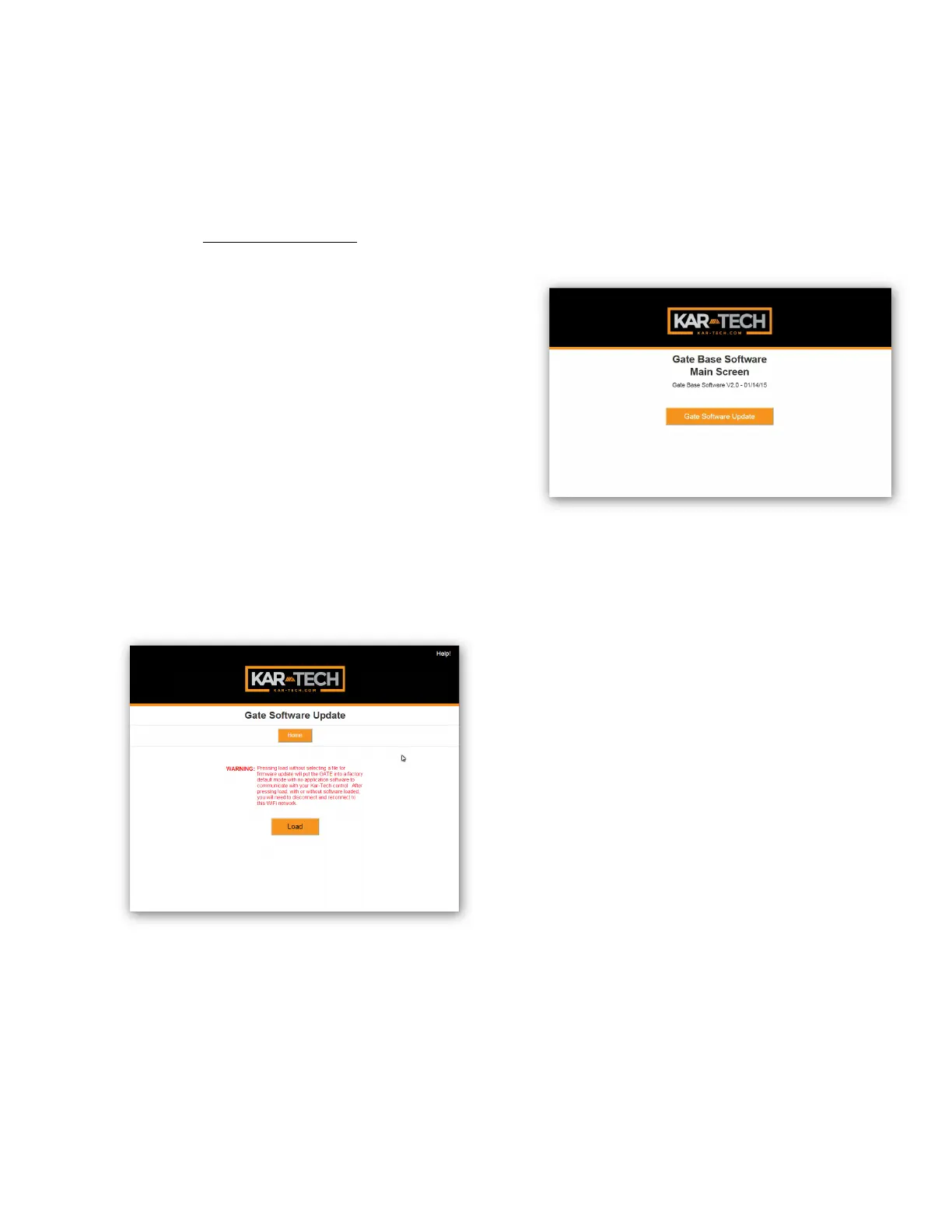
GATE UPDATE
This page was designed to
upload software that changes
the product that the GATE
interface works with.
Once the LOAD button is
pressed the application on the
GATE will be deleted.
Gate Update Page
1. Select LOAD
2. Disconnect then
reconnect to
“NORTHERN3A426”
network
3. Press HOME button
4. Screen below should be
shown:
5. Press Gate Software
Update
6. Using Browse select
proper .gat file
7. Press Submit
8. File will upload and say
Success! When complete
9. Disconnect then
reconnect to
“NORTHERN3A426”
network
10. Press HOME button
11. Update complete
Note: the GATE is not a



 To Next Page