English 5.906-468.0 Rev. 00 (02/09) 9
The user can use the operator menu to query the basic settings of
the appliance.
Î Turn on the appliance using the key switch. The basic display
"battery" appears immediately.
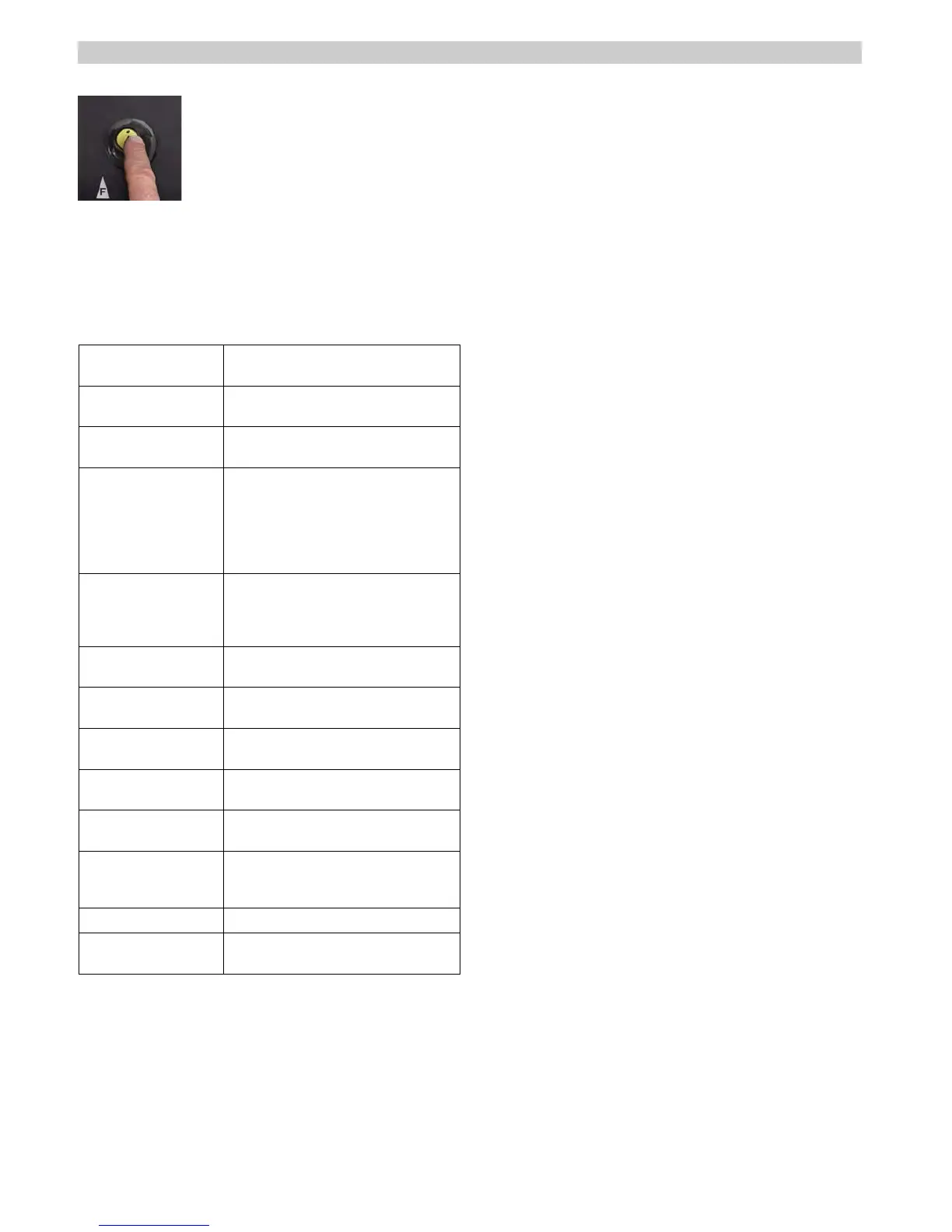
Î The following information can be retrieved and partially
changed by using the info button:
4.4 Display controls
4.4.1 Open the operator menu
Display on the moni-
tor
Explanations
Batterie: Basic display for the current battery
charge. 8 fields = 100%
Water Basic display for the set water volume
1 - 10 fields.
CleanSpdFwd=60% Displays the set cleaning speed in for-
ward drive in % of the max. value.
If the option "Clean Speed edit“ is set
"ON" in the setup menu, this setting
can be changed by pressing the info
button in and turning it.
CleanSpdRev=60% Displays the set cleaning speed during
reverse drive in % of the max. value.
Changes to the setting are made as
with CleanSpdFwd.
FACT=Power Displays the set brush speed (FACT
system).
WDB-Function=OFF Displays the set WDB function (wall-
ceiling-floor nozzle).
RMDosierung=2,5% Displays the set dosing equipment for
detergent (DOSE).
Betr.st. 1h23m Displays the current operating hours in
hours (h) and minutes (m).
Geschw.:_ _km/h Displays the current drive speed in km/
h.
Bürste Displays the current brush contact
pressure. This is only displayed while
the brush motors are running.
Alfred Kärcher Displays the appliance manufacturer.
B80W 3.03 Displays the versions of the integrated
software.


 To Next Page