English 35
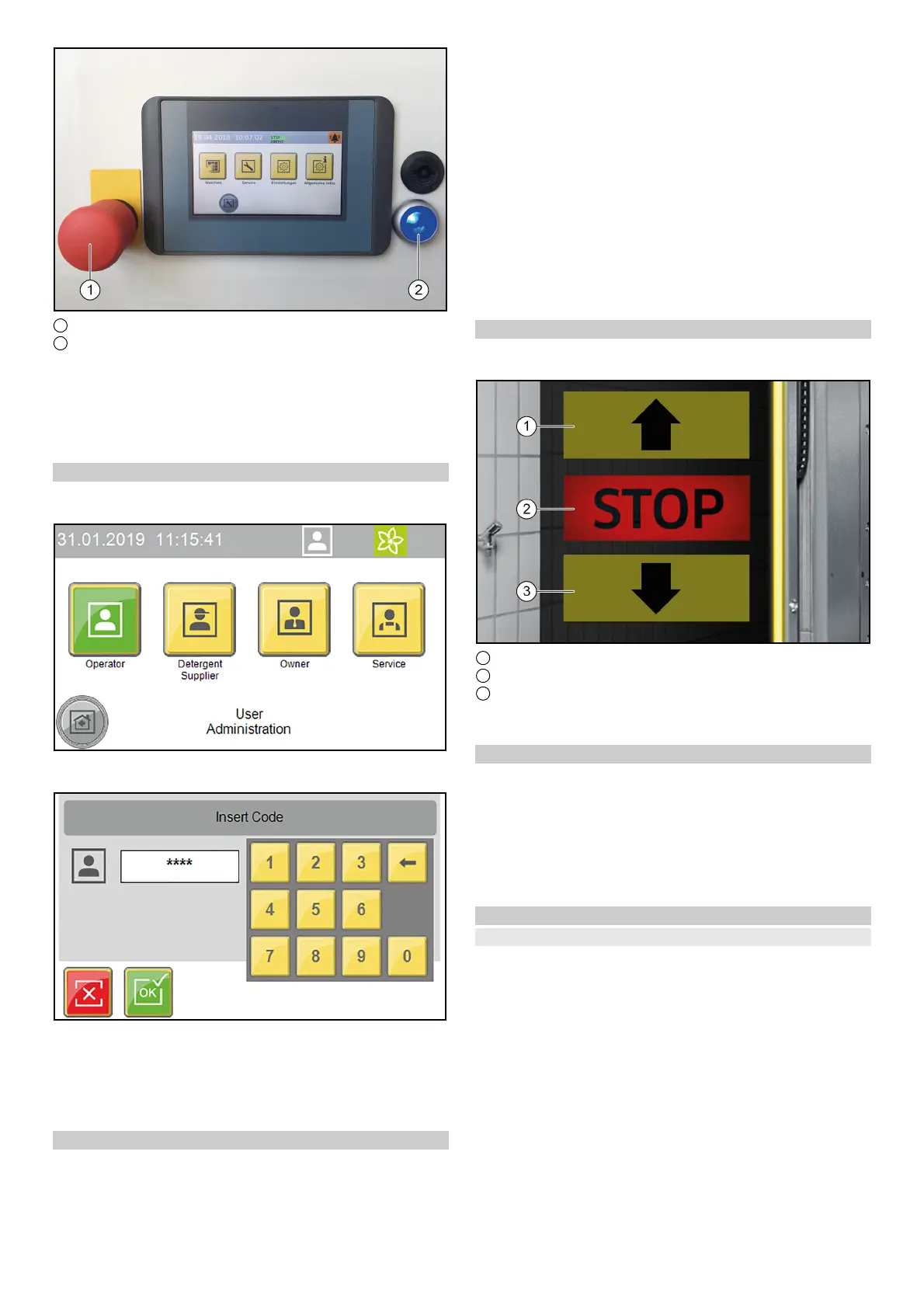
1 Emergency stop button
2 Control voltage/initial position button
1. Unlock the emergency off button by pulling it.
2. Press the blue control voltage/initial position button on the
control panel.
In the initial position, the upper green "Forwards" lamp on the
positioning light lights up. The system is now ready for opera-
tion, the vehicle to be washed can now be driven in.
Log in the user on the display
1. Select Settings/User Administration in the main menu.
The available users are displayed.
2. Select the desired user.
The dialogue for entering the code opens.
3. Enter and confirm the code.
The symbol for the currently logged-in user is displayed in the
top line.
Note
The user level switches automatically back to the normal User
level after 30 minutes of inactivity.
Preparing the vehicle
ATTENTION
Damage to the system and the vehicle
To prevent damage to the vehicle, take care to ensure that the fol-
lowing measures are taken before starting the system.
1. Close all windows, doors and sunroofs.
2. Push in the antennas, fold them in towards the rear or remove
them.
3. Fold in any large or wide projecting mirrors.
4. Check the vehicle for any loose vehicle parts and remove
these, e.g.:
Trim strips
Spoiler
Bumpers
Door handles
Exhaust pipes
Wind deflectors
Tarpaulin ropes
Rubber seals
Externally mounted sun visors
Luggage racks
Driving in the vehicle
The positioning light assists the customer in positioning the vehi-
cle correctly.
1 Drive forwards
2 Stop, position OK
3 Drive in reverse
1. Position the vehicle straight ahead and centrally between the
guide rails.
After positioning
1. Shut down the engine.
2. Engage one gear.
3. With an automatic transmission, select "P".
4. Apply the handbrake.
5. Check that all instructions from Preparing the vehicle have
been followed.
6. Exit the vehicle (all persons).
7. Start the washing programme depending on the start type.
Starting the program
At the wash card/code reader
Note
Operation with a wash card/code reader is described in the sep-
arate operating instructions for the wash card/code reader.



 To Next Page
 Loading...