Turning On Your Impulse Pack
The impulse pack has a single button to turn it on and off. When the LED status indicator displays a color,
the impulse pack is on. If no color is displayed, the impulse pack is off.
To turn on the impulse pack, press and hold the power button for 3 seconds. The LED status indicator will
indicate that the impulse pack is on.
NOTE: If you press and hold the button for 5 seconds when turning on the impulse pack, it will enter
bonding mode. For more information, see
Configuring Your Impulse Pack
.
Turning Off Your Impulse Pack
When you are finished with your workout, press and hold the power button for 3 seconds to turn the
impulse pack off. The impulse pack will turn off the LED status indicator to indicate that it is off.
The impulse pack will automatically turn off after 10 minutes if it is not connected to your iPad.
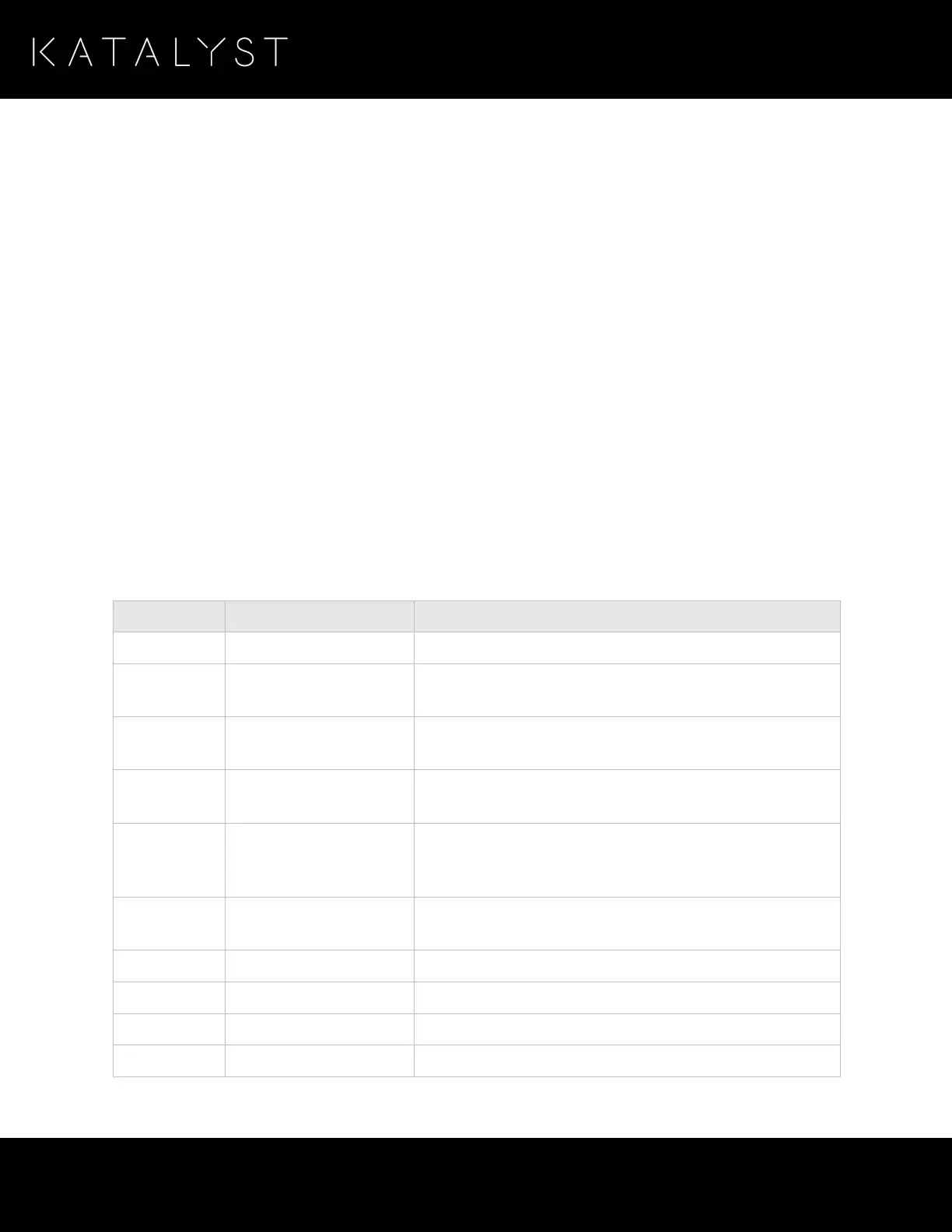
Impulse Pack LED Status Indicator
The impulse pack communicates with you through the LED status indicator, letting you know its current
status. The following table lists the impulse pack states and the LED color and action associated with the
state.
The impulse pack is powered off and is not charging.
The impulse pack is on and in pairing mode. For more
information, see
Pairing Your Impulse Pack
.
The impulse pack is on and in bonding mode. For more
information, see
Configuring Your Impulse Pack
.
The impulse pack is on and connected to your iOS device,
and it is ready for you to begin your workout.
Training –
Not
Stimulating
The impulse pack is on and in training mode, but it is
currently not delivering impulses.
The impulse pack is on and in training mode, and delivers
impulses.
The impulse pack is paused.
The impulse pack battery needs to be charged.
The impulse pack is charging.
The impulse pack is fully charged.



 To Next Page