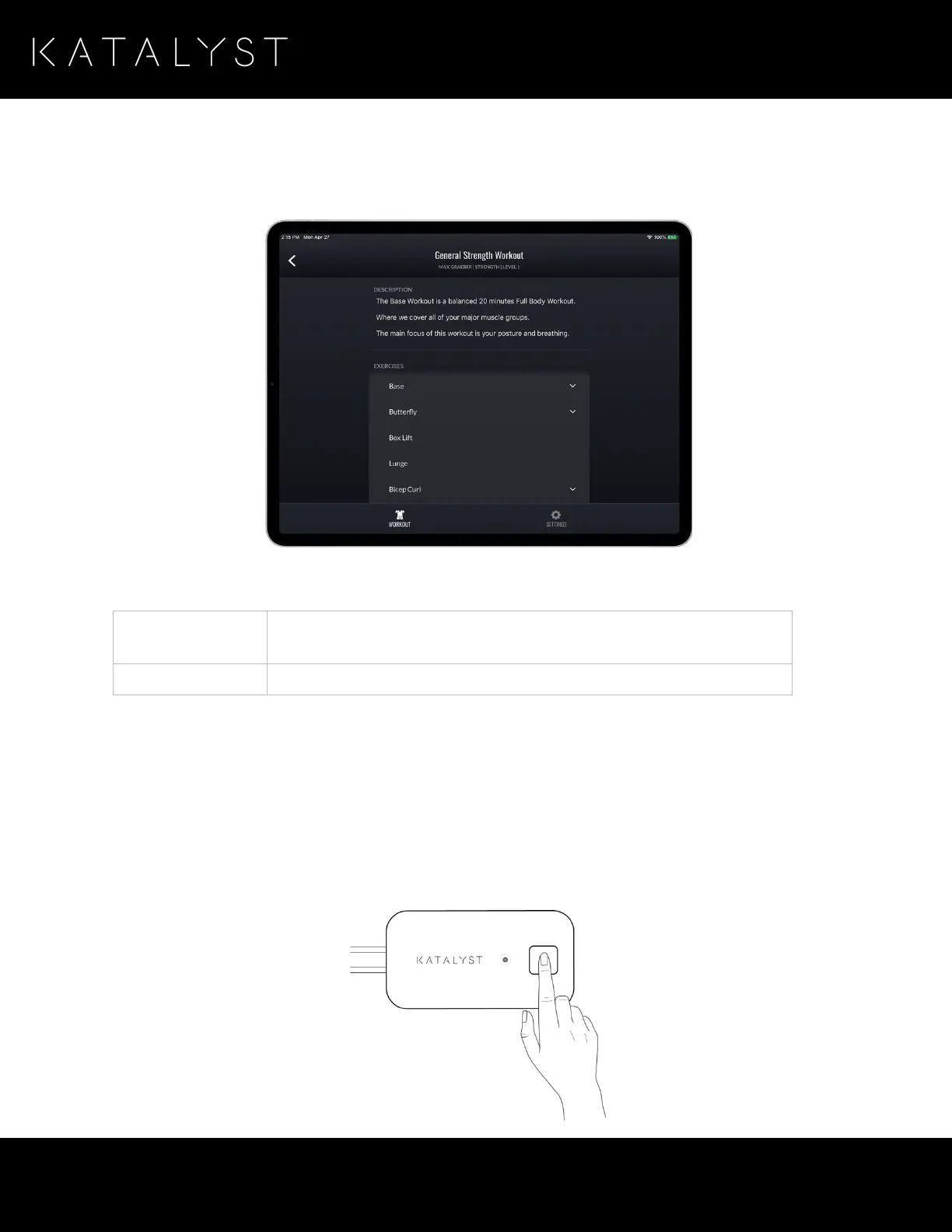
Once you select the desired workout, and a description of the workout is displayed, including a list of the
exercises that are to be performed during the session.
The workout description page provides the following details:
A brief description of the workout goals.
A list of exercises that come with the workout.
When you find the workout that fits your training needs, press the
Begin Workout
button on the screen.
Configuring Your Impulse Pack
The impulse pack uses Bluetooth to communicate with the application. Before you can use the impulse pack
in your workout, you must bond it with the iPad. To do this, ensure that your iPad is close to the impulse
pack, with Bluetooth turned on. Press and hold the power button for 5 seconds until the blue light is
flashing rapidly. This indicates that bonding mode is active.



 To Next Page