Charging Your Impulse Pack
The Katalyst App checks the impulse pack battery level before and after a workout and alerts you if it needs
to be charged. Additionally, if the impulse pack battery is low, the LED status indicator displays a slowly
flashing yellow light.
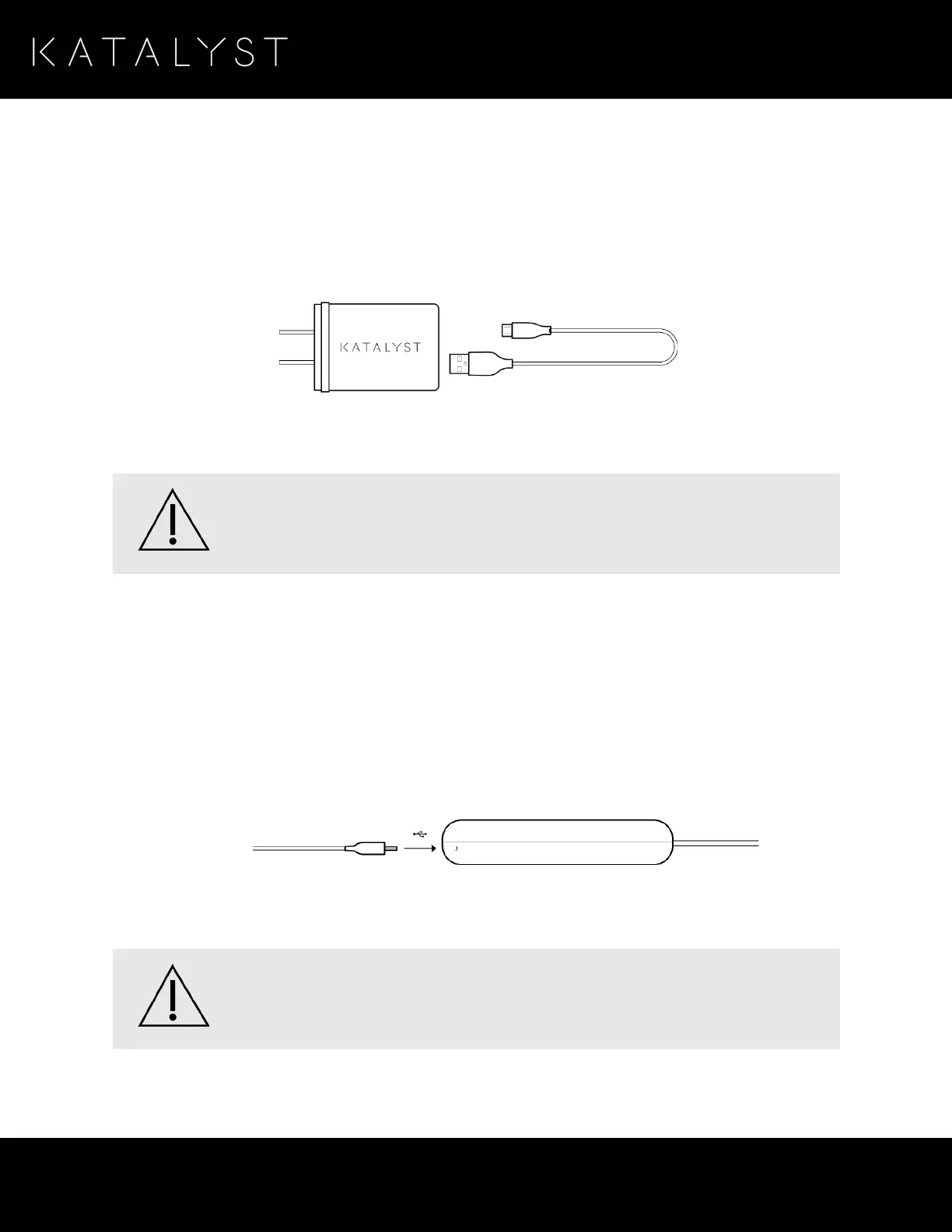
Please note that for optimal charging, Katalyst recommends you use the original charging cable that is
provided with your Katalyst Training System.
If your impulse pack is connected to the charger and the LED status indicator does not indicate
that it is charging, Katalyst recommends unplugging the charger and contacting Katalyst support.
Connecting the Charger
To charge your impulse pack, please do the following:
1. Ensure that the impulse pack is turned off by checking the LED status indicator.
2. Disconnect the impulse pack from the suit, if attached.
3. Connect the charging cable to the micro-USB connector at the bottom of the impulse pack.
The LED status indicator starts flashing white, indicating that your impulse pack is charging. Once fully
charged, the LED status indicator becomes solid white.
NEVER charge or recharge the impulse pack when it is attached to your body.
NEVER charge or recharge the impulse pack from unreliable or problematic sources.



 To Next Page