Always thoroughly inspect the impulse pack. Do not use the impulse pack if any damage is
present. For your safety, please consult Katalyst.
Your iPad will confirm that “Katalyst” is trying to use your Bluetooth to connect the impulse pack to your
suit. Press
Ok
and the application detects your impulse pack.
Congratulations! Your iPad is now bonded with the impulse pack. From now on, whenever you start a
workout and turn on the impulse pack, it will automatically pair with it if the iPad is in range.
Pairing Your Impulse Pack
Before you can begin your workout, you need to turn on the impulse pack and ensure that it is paired with
your iPad. Press and hold the power button on the impulse pack for 3 seconds. The LED status indicator
slowly blinks blue as it pairs with the iPad.
The Katalyst Training System will not work properly until the impulse pack is paired and
connected with your iPad.
Storing Your Impulse Pack
Once you have paired your iPad to the impulse pack, you can store your impulse pack.
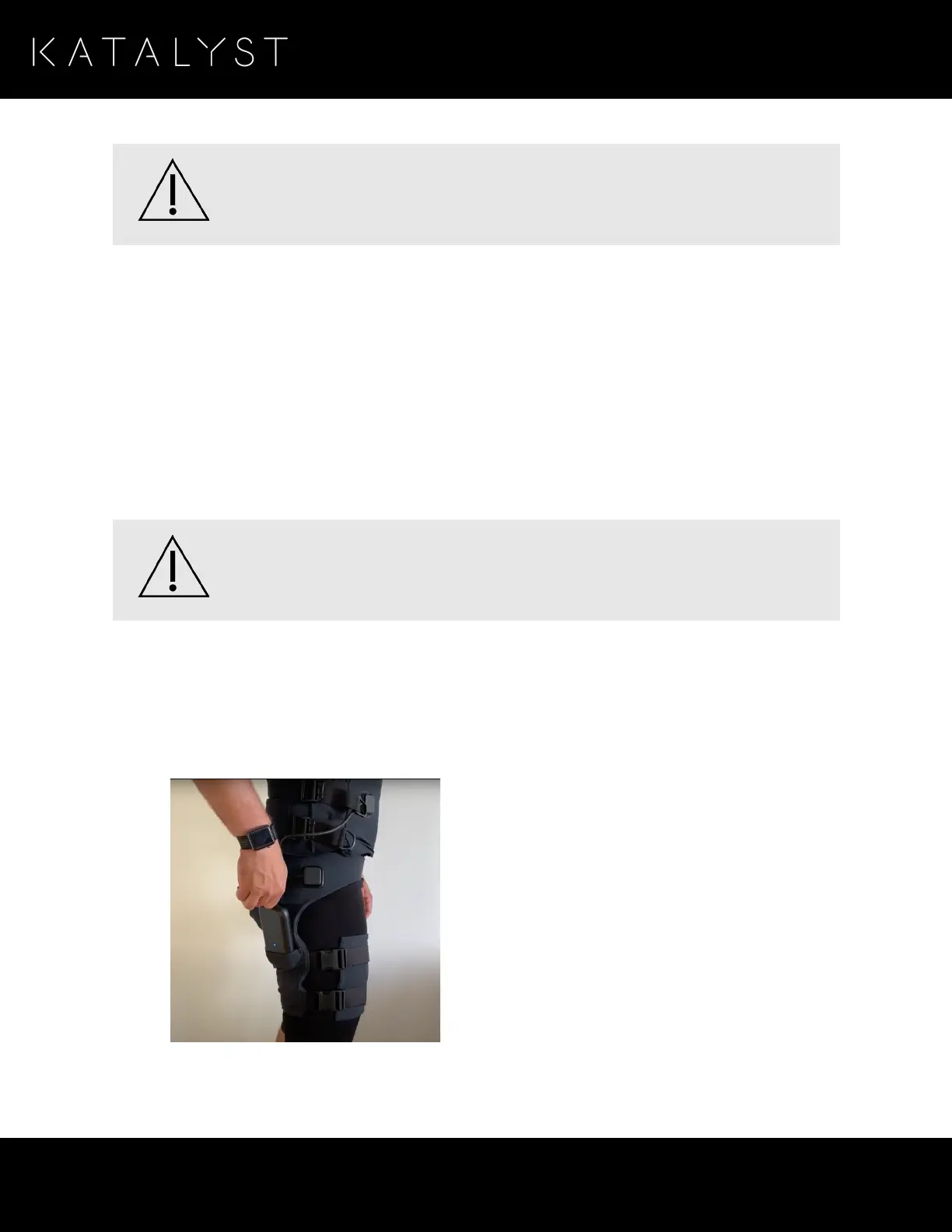
1. Slide your impulse pack into the pocket of your shorts for the duration of your workout.
The impulse pack is now safely stored, and you are ready to begin your workout.



 To Next Page