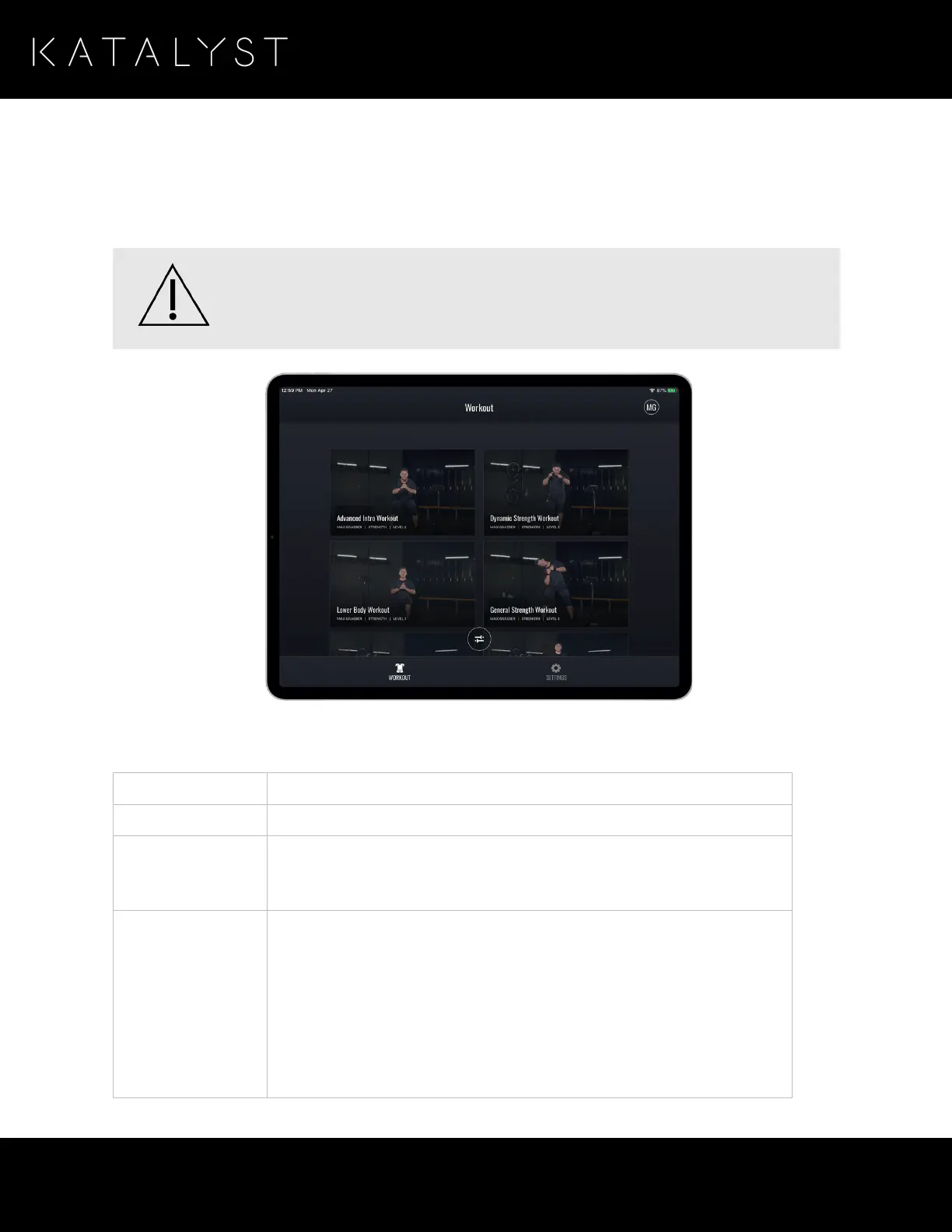
Selecting Your Workout
Open the Katalyst App on your iPad and access the Katalyst Workout Library, which lists all of the workouts
that are available to you.
If this is your first time, Katalyst recommends that you start using low-intensity settings before
progressing to higher intensities to familiarize yourself with the sensation.
The library page provides the following details for each workout:
The name describes the focus of the workout or recovery mode.
The name of the Katalyst instructor who guides you through your session.
The training mode associated with the workout. Examples of training
modes are
Strength
,
Power
,
Cardio
, and
Recovery
. For more information,
see
Training Modes
.
The overall level of difficulty of the individual exercises in the workout:
• Level 1 (Beginner)
• Level 2 (Intermediate)
• Level 3 (Advanced)
• Level 4 (Pro)
• Level 5 (Superhero)



 To Next Page