3 Using the unit
18 FOCUS
3.3 Selecting the cone
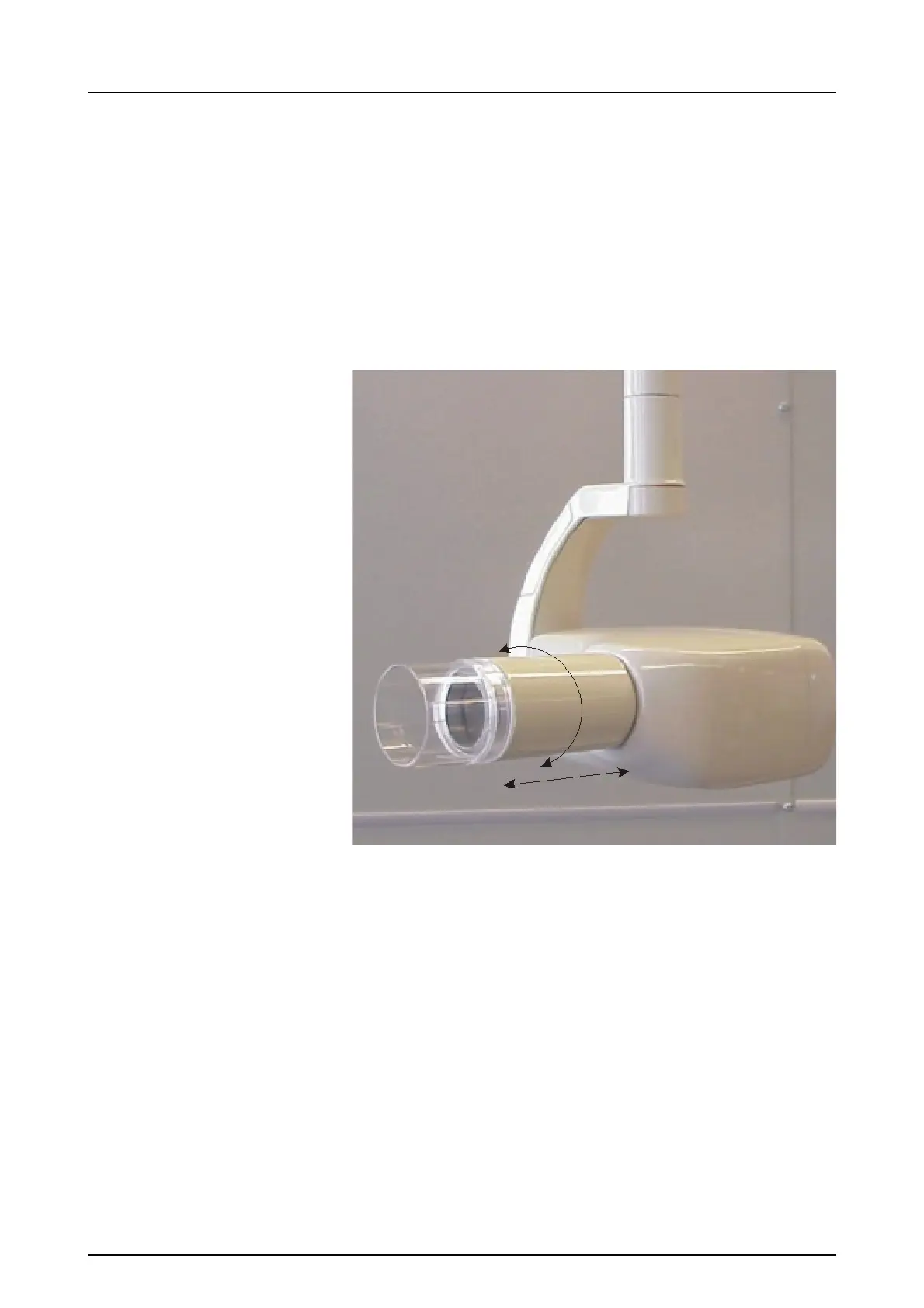
Cone selection includes round or rectangular and short or
long cones.
If a cone with different length from that set in the factory is
needed, go to programming mode and select the desired
cone length as described in the “Program Mode” section of
this manual. Remove the cone by rotating it and pulling it
out. Then push and rotate the new cone in.
NOTICE! Make sure that the values set in the
programming mode correspond to the cone length and
shape.
3.4 Selecting the exposure parameters
1. Press the kV button to toggle between the two choices,
60 kV or 70 kV. The LED will indicate the selection.
2. Press the patient size button to toggle between the two
choices, Adult and Pediatric. The adjacent light will
indicate the selection.
3. Press the D button to select between Film and Digital
mode. The light is ON in Digital mode.













 To Next Page