V4.00
25833_EDEBDA0290-0622-1_EN
10
3.1 Assigning an IP Address to a Device of which the Address is Not in
the Address Range of the Network
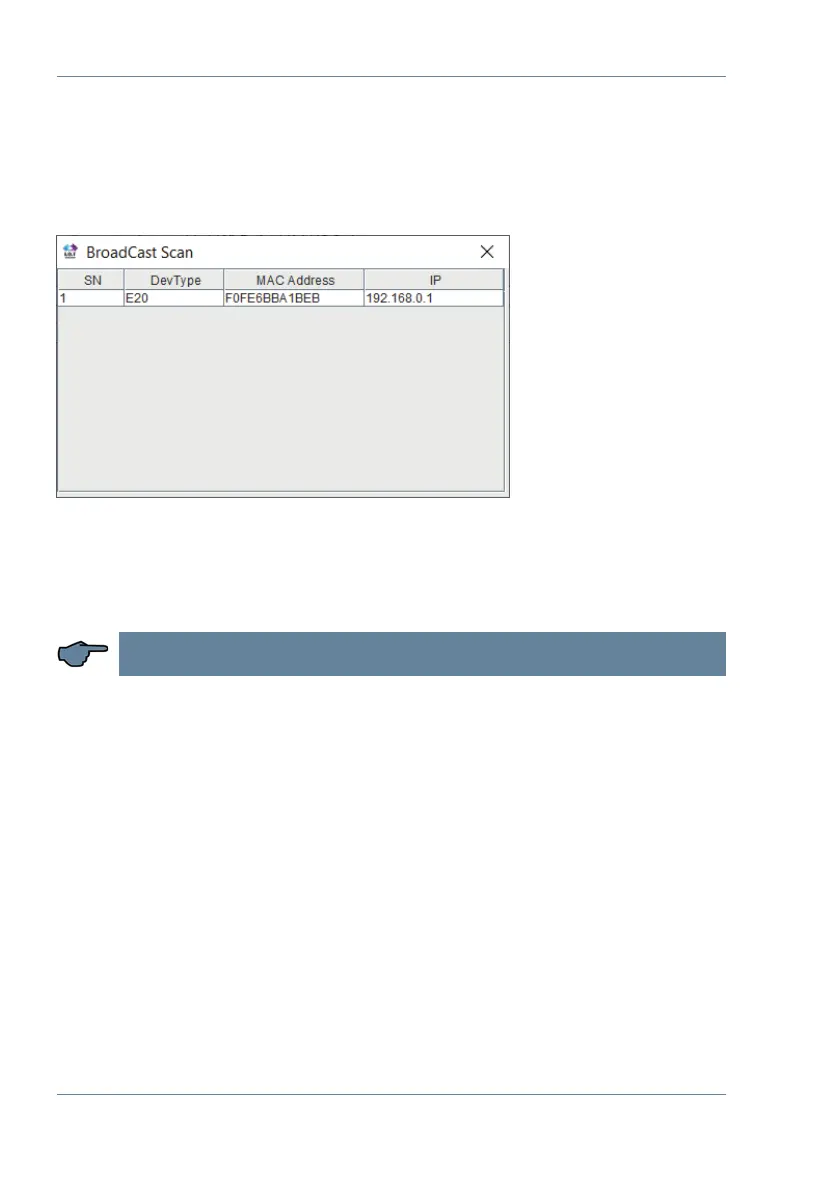
In the main window of the IOT Service Tool, open the ‘BroadCast Scan’ window via Setting
(C) -> BroadCast.
E-port devices that are in the network but do not have a valid network address are listed
here.
Double-click on the row with the device in it to open the ‘Fast Setting’ window:
NOTE
A valid IP address and the subnet mask can be entered here.
Click ‘Conrm’ to apply the settings.
The device should then appear in the list in the main ‘IOT Service’ window.
Software conguration



 To Next Page