42 43
ENEN
KBSOUND
®
STARKBSOUND
®
STAR User ManualUser Manual
it is advisable
do not use
AIRPLAY in
conjuntion
with KBSOUND
KBSOUND
Master
chiquitita
ABBA - Grandes Exitos
0:14 -5:10
0005 KBSOUND BT
chiquitita
ABBA - Grandes Exitos
14.11 BLUETOOTH AUDIO STREAMING (A2DP) RE-CONNECTION
When the device has lost the Bluetooth range the re-connection is automatic
if it is recovered before 60”. If it is out of range for more than 60”, then the
re-connection has to be done manually (see chapter 6).
When an iOS device has been disconnected manually by the user
(see chapter 6.1.1), re-connecting again must be done manually.
Some ANDROID models/versions have an automatic re-connection as part
of their internal operating mode. Sometimes it can be enabled and disabled
in the ANDROID Bluetooth Settings Menu. There are also many “gadgets”
for ANDROID which control these features and different versions/models
can work in different ways.
14.12 MULTI-MASTER CONNECTION RELATED TO BLUETOOTH
AUDIO STREAMING PROFILES (A2DP)
KBSOUND STAR App manages the Bluetooth Low Energy (BLE), AVRCP,
A2DP Bluetooth profiles. AVRCP and A2DP profiles are related
with Bluetooth streaming audio, while BLE profile is related to
remote control operation.
ANDROID devices only permit to be connected with one
MASTER by A2DP (audio). When a second MASTER is going
to be connected by A2DP (audio), automatically disconnect
the first one.
iOS devices can be connected simultaneously with more than
one MASTER by A2DP (audio). However, the KBSOUND STAR
App will receive audio just from one (the first one with which it
was connected). It is advisable to be connected by A2DP
(audio) with just one MASTER at any time, since it is the only
one that can be operated.
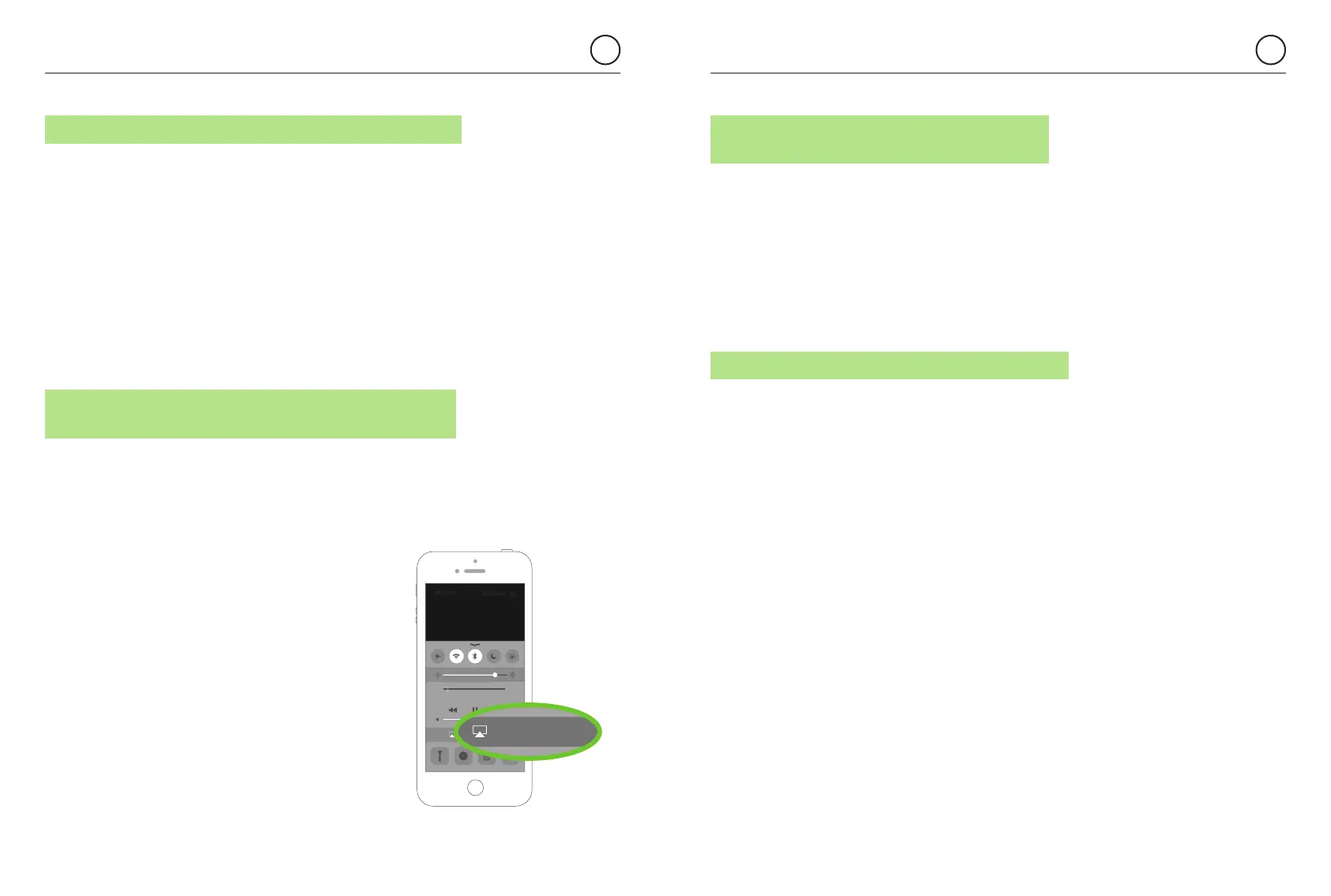
iOS devices can manage the A2DP Bluetooth profile between
several devices using AIRPLAY re-direction.
In these cases close and reopen the App.
14.13 BLUETOOTH AUDIO STREAMING FROM APPS
PLAYING IN BACKGROUND
When Bluetooth streaming audio is selected as an audio source, any App sending
Bluetooth audio streaming can be used as an audio source: Music Player, Spotify,
TuneIn Radio, YouTube, ...
In this way each user can play the music using his favorite player and is not limited
to the KBSOUND STAR App.
Take note that some Apps pause the audio when they are in the background and
only play audio when they are in the foreground (for example YouTube in iOS).
14.14 WHAT TO DO WHEN PASSWORD IS FORGOTTEN
To pair a new Bluetooth device it is necessary to know the KBSOUND STAR
Bluetooth ID and the password (see chapter 3).
Both data can be personalized (see chapter 8). If they have been changed from the
factory default and you lose them, the way to recover this information is to connect
another device that has been previously paired. Then open the Bluetooth ID Screen
(see chapter 7.7) and take note of the ID and password.
If you are using the Remote Control Accessory you can also check the ID and
password (See chapter 12).
If there is no possibility to know the KBSOUND STAR Bluetooth ID and password,
reset the MASTER to factory default (see chapter 10.3) and check the information
on the label on the MASTER.


 To Next Page