24
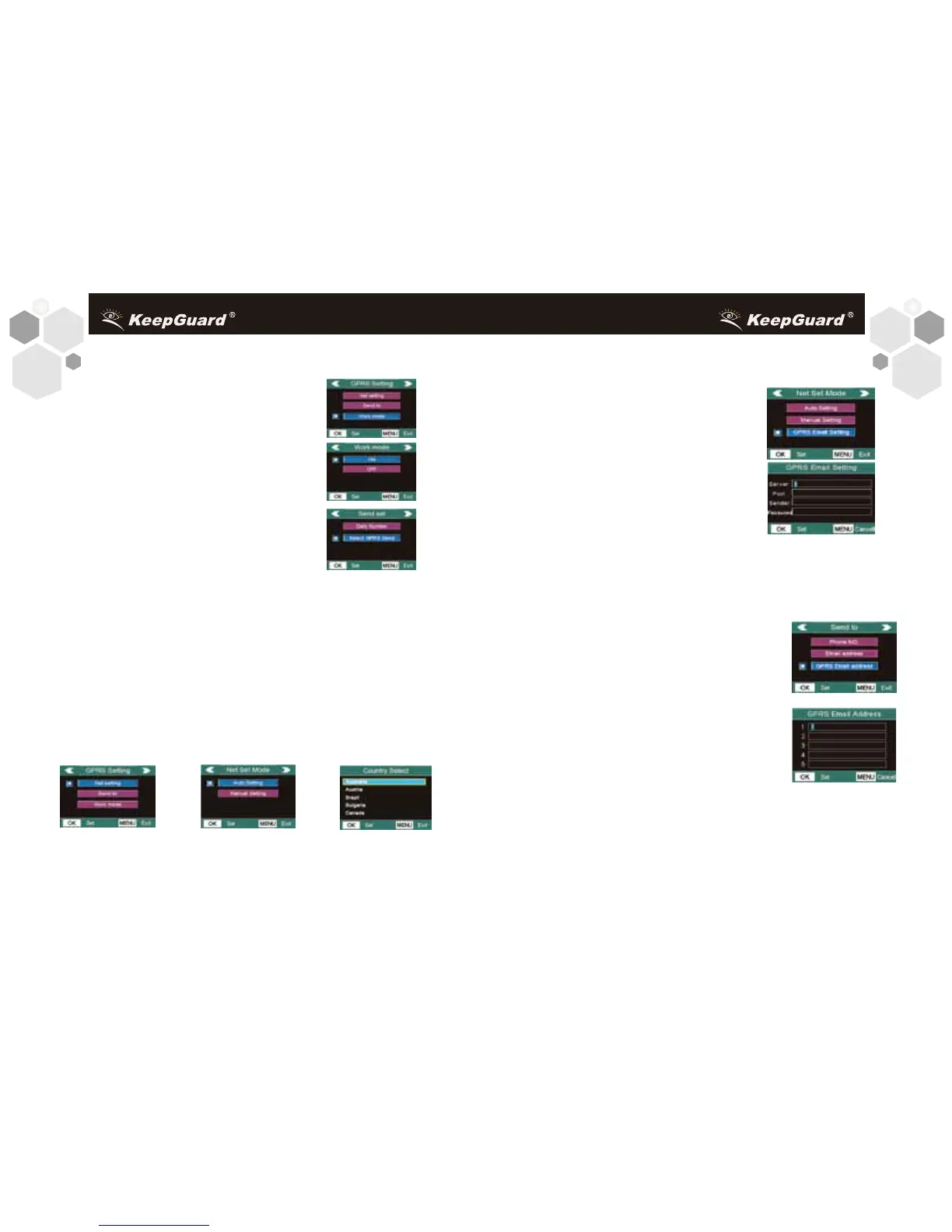
11.Press UP or DOWN to select GPRS Email Setting.
12.Press OK to enter into submenu.There are four inputs,
press or * to switch between digits, letters
and punctuations.Press number buttons to
key in the digits.Press “←” to delete.
Below is the details about these parameters.
[GPRS Email Setting]
ServerSending email server name.
For example:smtp.126.com;
PortSending email server port.
For example: 25;
Sender: Sending email account. For example:abc@126.com
Password: Sending email password. For example: 123456
13.Press OK to save the cureent setting and return to the Net Set
Mode menu.
GPRS Email Address(Email Inbox) Setting.
14.Press Right or LEFT to return to the GPRS
Setting Menu.
15.Press UP or DOWN to select Send to,press
OK to enter into submenu.
16.Press UP or DOWN to select GPRS Email
address.Press OK enter into its input screen.
17.Press OK to save all current setting and
return to info display to complete the Quick Start
GPRS Setting.
Attention:
If email via GPRS is chosen, please be sure to
• Confirm the Net Setting such as URLAPNIPPORT;
• Confirm the SMTP parameters,such as SeverPortSender
Password;
• Fill in at least one email address in the GPRS Emial Address
column.
1.Press RIGHT key or LEFT key until reach the GPRS Setting
menu item.
2.Press UP or Down to select Work Mode,
press OK to enter into submenu.
3.Press UP or Down to select ON.
4.Press OK to save this setting and reach
the Send set item. Press UP or DOWN until
reach Select GPRS Send,then press OK to
enter into its submenu.
5.Press UP or DOWN to select between ON
and OFF. Press OK to save this setting.(Press MENU to cancel
setting and to return to previous menu. )
6.Press RIGHT or LEFT two times to return the GPRS Setting
Menu.Press UP to highlight the Net setting.Press OK to enter into
the Net Set Mode item.
7.Press UP or DOWN to select Auto Setting.Press OK into the
Country Select item.Press UP or DOWN to seclect related country
and press OK enter into the Provider Select item (If the operator’s
information is not included in the camera, you must select manual
setting and set the parameters for the URL, APN, IP and Port
according to the settings the service provider makes available).
8.Press UP or DOWN to select related provider.
9.Press OK to save this setting.
10.Press RIGHT or LEFT to return to the Net Set Mode menu.
GPRS Email Setting
25



 To Next Page