3332
Mounting
After you′ve set up the camera′s parameters to your personal preferences at
home or in your truck, you′re ready to take it outside and slide the power
switch to″ON″. When setting up the KeepGuard Cam for scouting game or
other outdoor applications, you must be sure to mount it in place correctly
and securely. We recommend mounting the KeepGuard Cam on a sturdy
tree with a diameter of about 6 in. (15cm). To get the optimal picture quality,
the tree should be about 16-17 ft. (5 meters) away from the place to be
monitored, with the camera placed at a height of 5-6.5 ft. (1.5~2 m). Also,
keep in mind that you will get the best results at night when the subject is
within the ideal lash range, no farther than 45′(14m) and no closer than 10′
(3m) from the camera.
There are two ways to mount the KeepGuard Cam: using the provided
adjustable web belt, or the tripod socket.
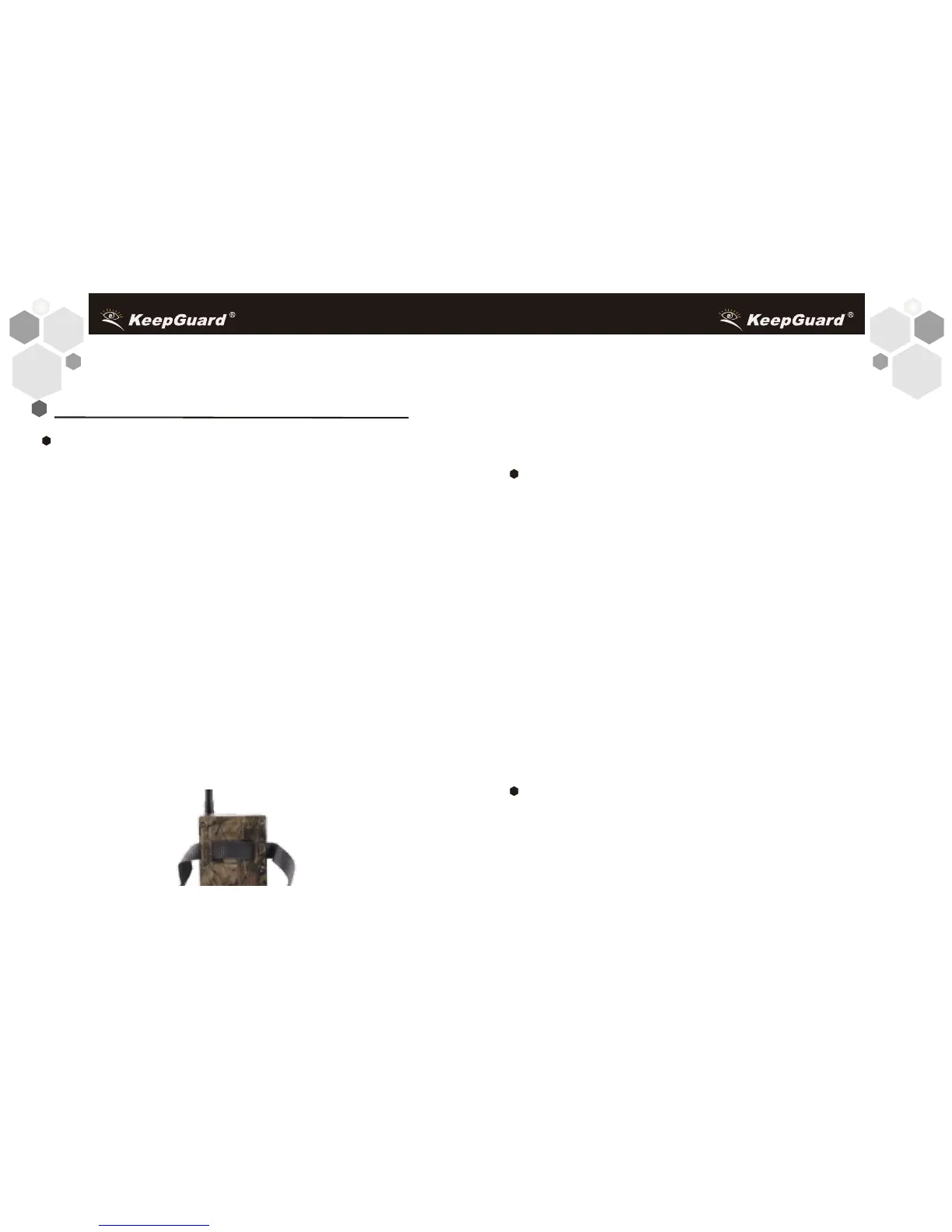
Using the adjustable web belt: Fig. 5 illustrates using the web belt on the
KeepGuard Cam. Push one end of the belt through the two brackets on the
back of the KeepGuard Cam. Thread one plastic buckle part onto each end
of the belt. Fasten the belt securely around the tree trunk by clicking the
buckle ends together after tightening the belt so there is no slack left.
Fig.5: Attaching the Belt
Using the tripod socket : The camera is equipped with a socket at the bottom
end to enable mounting on a tripod or other mounting accessories with a
standard 1/4-20 thread.
Sensing Angle and Distance Test
To test whether the KeepGuard Cam can effectively monitor the area you
choose, this test is recommended to check the sensing angle and monitoring
distance of the KeepGuard Cam. To perform the test:
• Switch the KeepGuard Cam to the SETUP mode.
• Make movements in front of the camera at several positions within the area
where you expect the game or subjects to be. Try diferent distances and
angles from the camera.
• If the motion indicator LED light blinks, it indicates that position can be
sensed. If it does not blink, that position is outside of the sensing area.
The results of your testing will help you find the best placement when mounting
and aiming the KeepGuard Cam. The height away from the ground for placing
the device should vary with the animal size appropriately. In general, 3 to 6 feet
is preferred.You can avoid potential false triggers due to temperature and
motion disturbances in front of the camera by not aiming it at a heat source or
nearby tree branches or brush (especially on windy days).
Switching ON the Camera
Once you switch to the ON mode, the motion indicator LED (red) will blink for
about 10 seconds. This gives you time to close and lock the front cover of the
KeepGuard Cam and then walk away. During this time, the motion indicator
LED will blink red continuously. After it stops blinking, the PIR is active, and
MOUNTING AND POSITIONING the KeepGuard CAM


 To Next Page