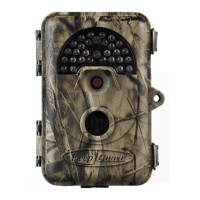
•The default file system format of the KeepGuard Cam is FAT16,
which most computers can read. If you format an SD card for the
KeepGuard Cam in your computer, you should choose the file
system format FAT16. Normally FAT16 is recommended unless
you have another image viewer that uses FAT12 or FAT32 format.
DOWNLOADING THE PHOTOS/VIDEOS
To download your photos/videos to a PC or Mac, first make sure
the KeepGuard Cam power switch is in the OFF position. Connect
the supplied cable to the camera′s USB port, then directly to a main
USB port on your computer-do not use front panel/keyboard USB
ports or unpowered ″hubs″The KeepGuard Cam will be
recognized as a standard″USB Mass Storage″device (this may
take several seconds the first time you connect it). If you would
rather leave your camera in the woods and just pull its SD card out,
an SD card reader works the same way as described in this section
once the card is inserted and the reader is connected to your
computer.
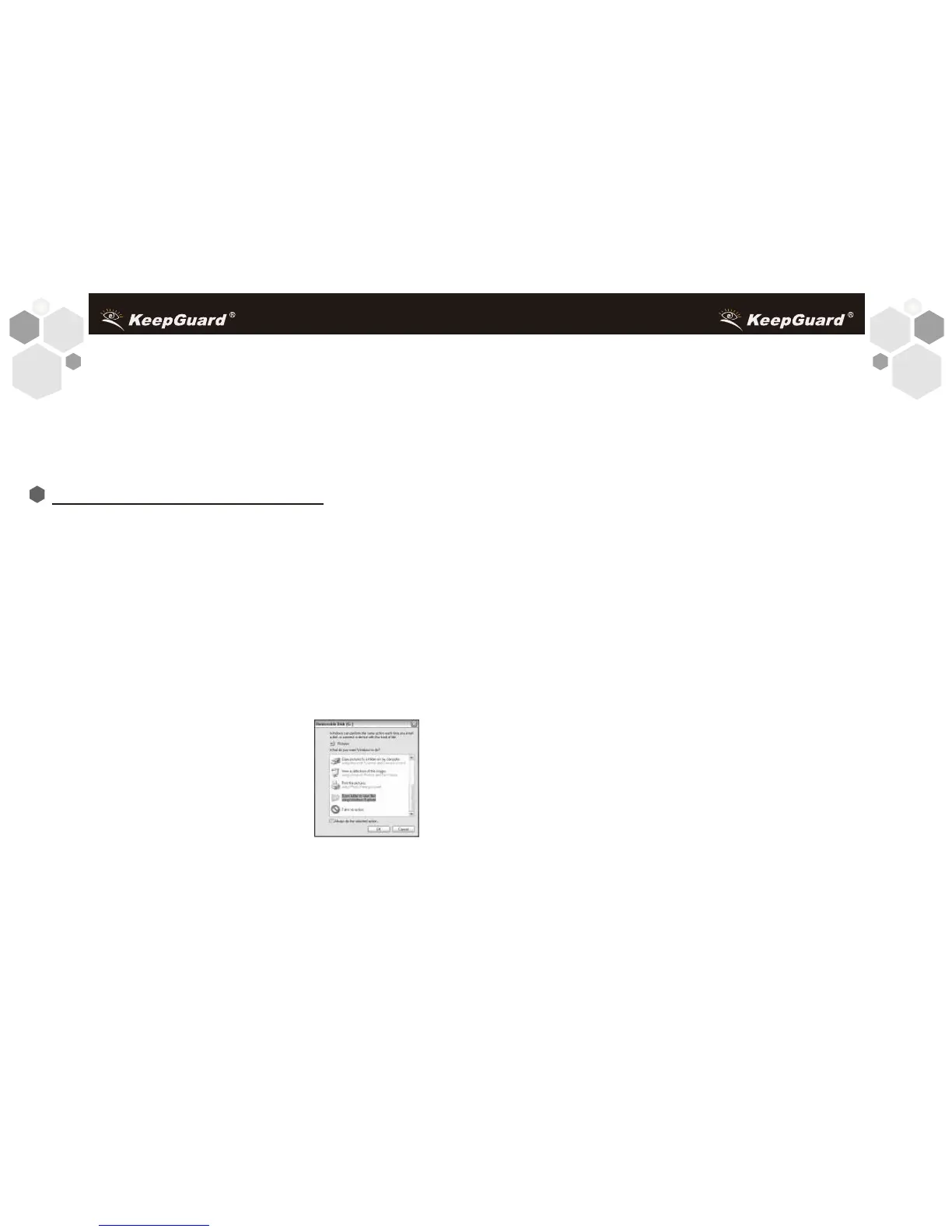
With Windows XP or later, you can then
simply use the options in the pop-up
window to copy, view, or print your
photos (right).
On all Windows OS, the KeepGuard Cam
will also be listed as a″Removable Disk″if
you open the″My Computer″window (on Macs, an icon will appear
on your desktop). The KeepGuard Cam′s photo files are named
3938
″PICT0001.JPG″ etc,and are located in the ″DCIM\100EK113″
folder on this″Removable Disk″.Video file names will end
with″.ASF″.You may copy the photos/videos to your hard drive as
you would any file-just copy/paste or drag the file names or icons to
your drive or desktop.
After the photos are copied to your hard drive, you can disconnect
the KeepGuard Cam. (On Mac computers, drag the"disk"that
appeared on your desktop when the camera was connected into
your Trash to"eject"it before disconnecting.) The .jpg standard files
from the KeepGuard Cam may be viewed and edited with any
photo software you choose to use. The .asf video files may be
viewed with Windows Media Player (version 7 or later) as well as
other video playback programs that may have been supplied with
your computer, or are available online.
*".ASF"video files may require additional software for viewing
on a Mac.
Battery life is shorter than expected
1. Battery life will vary with operating temperature and the number
of images taken over time. Typically, the KeepGuard Cam will be
able to capture several thousand images before the batteries die.
2. Check to make sure you have used new alkaline or lithium
batteries. KeepGuard recommends using 8 Energizer Lithium AA
Troubleshooting / FAQ


 To Next Page