ArcValidator
Operating manual - EN
3.2 Transferring verification data to computer
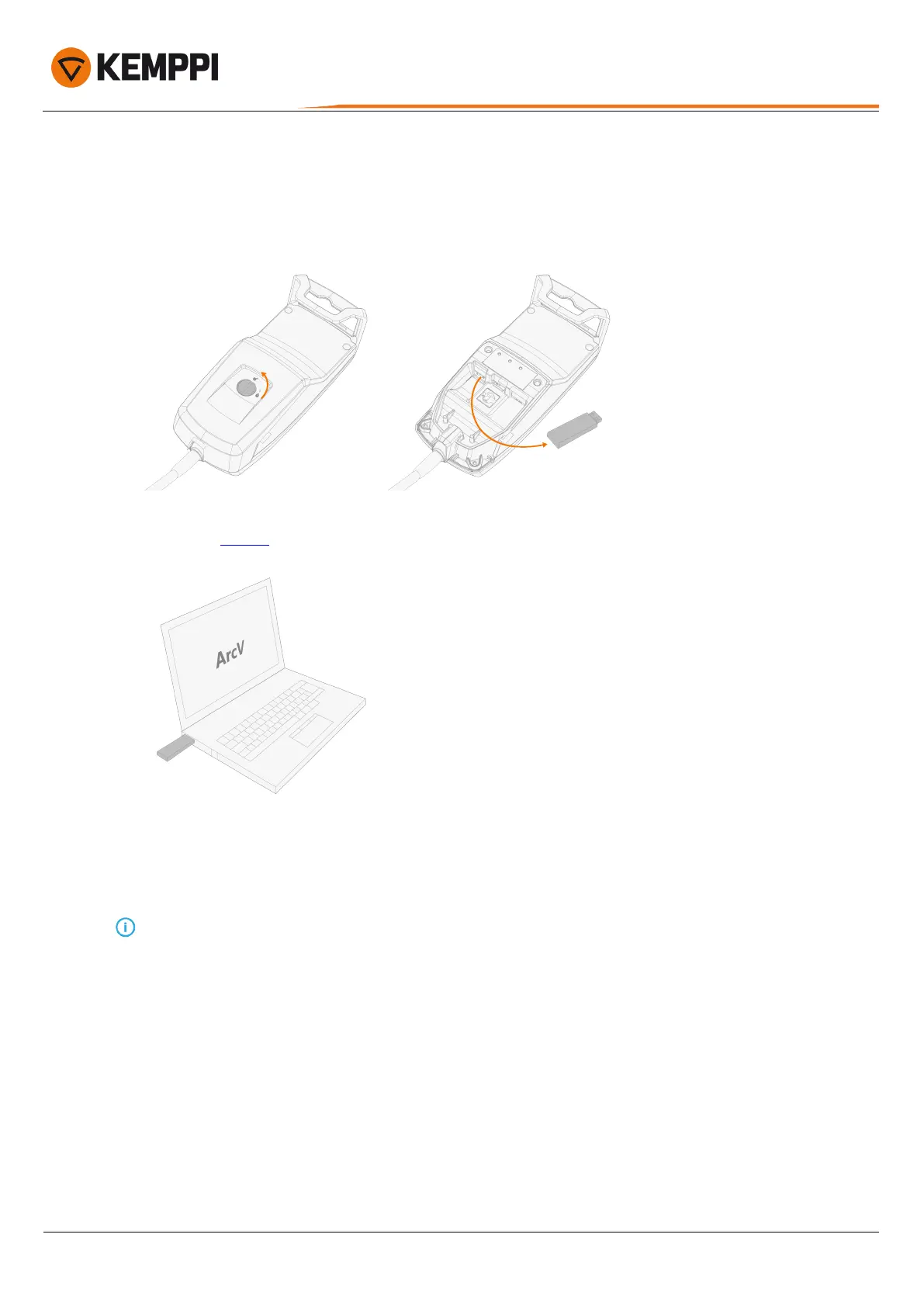
To transfer the verification data gathered during verification to the computer:
1. Remove the ArcValidator DataStick from the RC device.
2. Connect DataStick to the computer's USB port. (When you do this for the first time, the ArcValidator computer soft-
ware must be installed.)
3. When ready, the application imports the verification files from the DataStick.
4. Keep the stick connected until the import has finished.
New verification files are added to the list that opens.
The verification data files are transferred to the computer and removed from the DataStick (and ArcValidator RC).
© Kemppi
24
AVPCRC / 2224








 To Next Page