ArcValidator
Operating manual - EN
2.2 Connections
Use only the verification cables delivered with the ArcValidator equipment.
When verifying MIG/MAG equipment, also the wire feeder must be connected and turned on.
To prepare the welding equipment for verification, refer to the welding equipment's operating instructions in con-
junction with the following steps.
Connections for manual verification
1. Connect the ArcValidator cables to the welding equipment's welding cable (+/-) connectors.
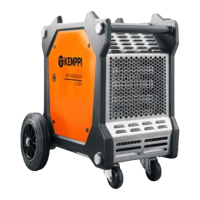
2. Connect the ArcValidator RC device to the ArcValidator L 650 load bank.
The DataStick must be installed in the ArcValidator RC for the ArcValidator to work. The DataStick is located on the
rear of the ArcValidator RC device, under the back cover.
© Kemppi
10
AVPCRC / 2224






 To Next Page